88 Matrix ETERNITY NE System Manual
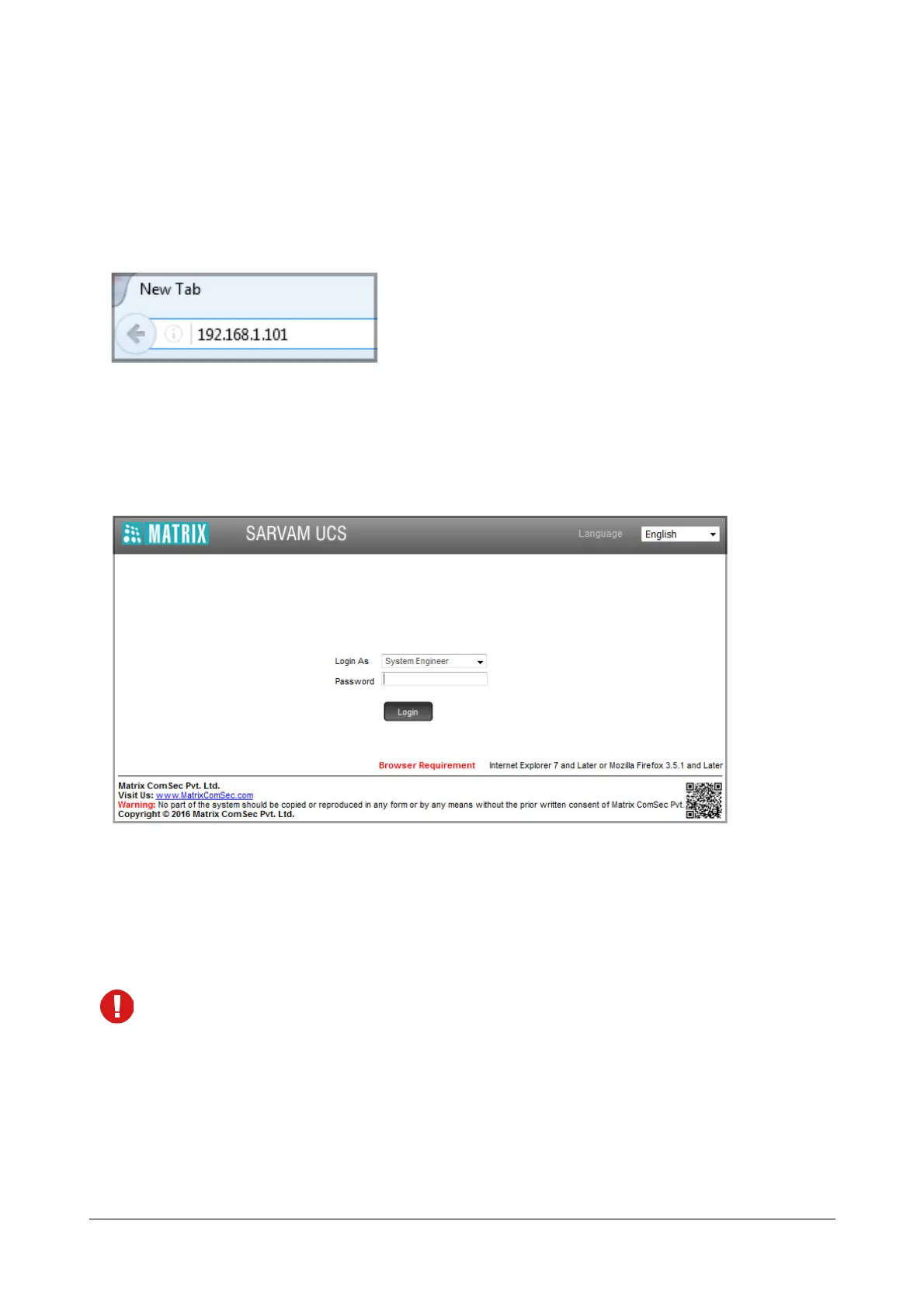
To log into the SE Mode,
• Open the browser (Internet Explorer/Mozilla Firefox) on the PC (Standalone or LAN PC) to which the
ETERNITY NENX is connected.
• Enter the IP address of the Ethernet Port of ETERNITY NENX in the address bar of the browser. Default IP
Address is 192.168.1.101.
• You will be redirected to the HTTPS protocol for secure access.
• Click the https://192.168.1.101link.
• The Login page will open.
•In Login as select System Engineer.
•In Password, enter the default SE password, 1234.
• Click Login.
Before you start configuring the system, if you wish to view or download the ETERNITY NE Quick Start or
any other related documents, you can click or scan the QR Code present on the login page of Jeeves.



 To Next Page