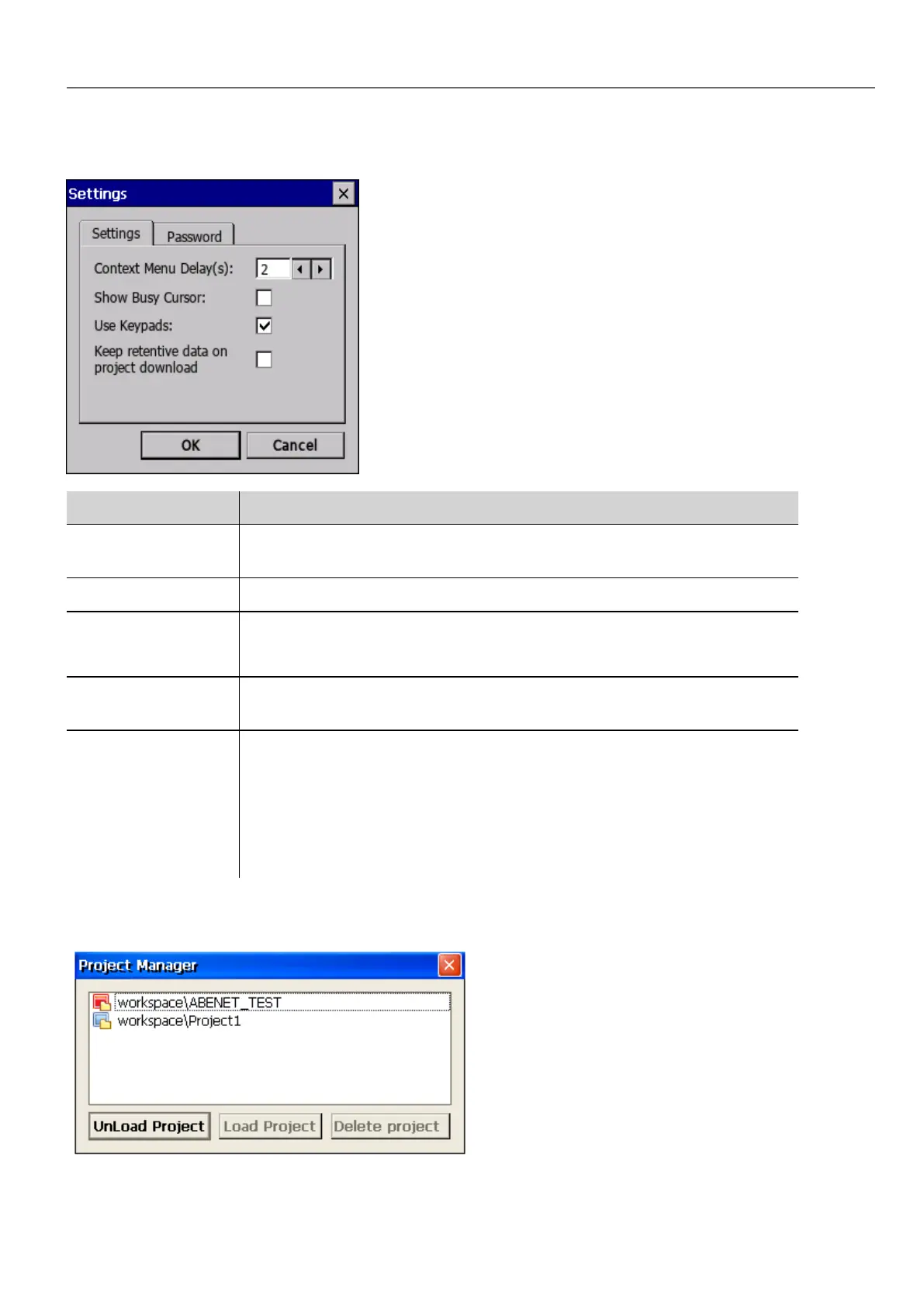
Settings
Main parameters Description
Context Menu Delay
(s)
Context menu activation delay. Range: 1–60 seconds.
Show Busy Cursor Display an hourglass when the system is busy
Use keypads Display keypads when user touches a data entry field.
Set to disable when an external USB keyboard is connected to the device.
Keep retentive data
on project download
Preserve the content of the retentive data at project download or update.
Password Define password protected operations amongst the following:
l Download Project/Runtime
l Upload project
l Board management (BSP Update)
See"Protecting access to HMI devices" on page421 for details.
Project Manager
HMWIN Studio |User Manual| v206 (2017-06-30) | EN| © 2014-2017 Panasonic Electric Works Europe AG
9
2 Runtime



 To Next Page