This tool allows you to:
l unload the current project
l load another project
l delete a project.
When you load a new project, the current project is automatically unloaded. You must unload a project before you can
delete it.
Update
This function loads update packages from an external USB drive. See "Update package" on page70for details.
Backup
You can create a backup copy of the Runtime and of the project.
Logging
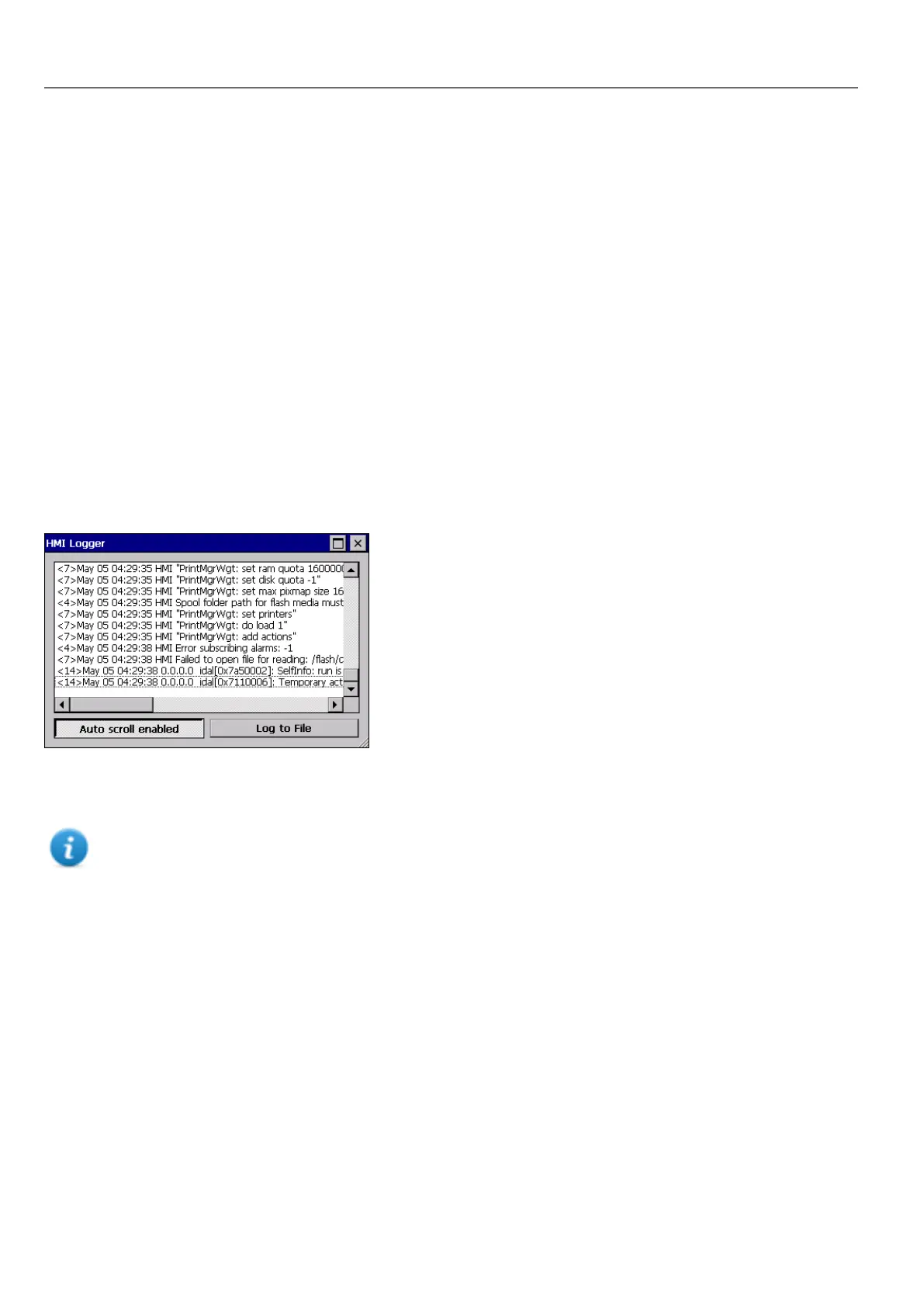
This function displays a log of system operations.
Click Log to file to save data: a logger.txt file is saved to the ...\var\log folder.
This file can be retrieved using an FTP Client and forwarded to technical support.
Note: Once enabled, logging is maintained after power cycles and must be manually disabled.
Show log at boot
This function enables the logger at start up. If the Log to file option has been enabled, log files are saved from startup.
Logout
Logs off the current user.
Show system settings
Allow the HMI settings and the management of system components. See "System Settings" on page379 for details.
HMI Cloud Enabled
Open the HMI Cloud Enabler.
10
HMWIN Studio |User Manual|v206 (2017-06-30) |EN|© 2014-2017 Panasonic Electric Works Europe AG
Context menu options



 To Next Page