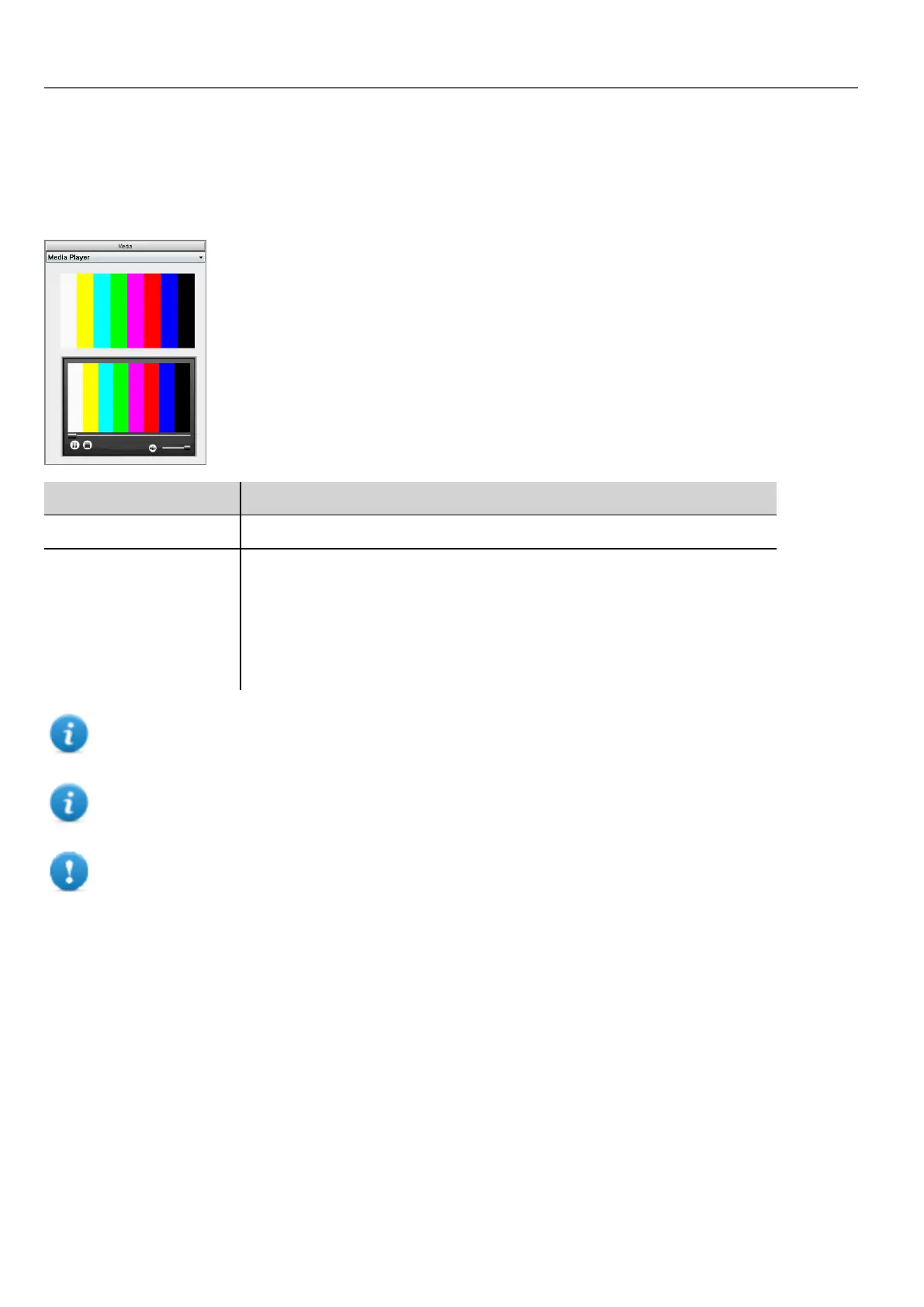
Use these widgets to play videos from a playlist. The video files can be stored on a USB drive, on the Flash card or an SD
Card.
Two widgets are available: one includes a multimedia frame with buttons to play and stop the video, the other is a plain
frame where the video is played without user control.
Parameter Description
Media Player List Creates a playlist
Loop Style Define how the video is played.
l NoLoop: plays all the videos in the playlist, then stops.
l LoopOne: repeats the first video in the playlist.
l LoopAll: repeats the entire playlist.
l Random: plays the videos in a random order.
Note: The Media Player widget only works with some HMI devices (HMI devices based on ARM Cortex-A8-
1Ghz and Win32 platform). It doesn’t work the HMWIN Client.
Note: You can have only one Media Player widget in a page.
Important: Use the same codecs and settings for all the videos of a playlist.
Supported video encoding
Two groups of codecs are supported:
l DSP based video codecs
l Software video codecs
DSP video codecs
These include:
300
HMWIN Studio |User Manual|v206 (2017-06-30) |EN|© 2014-2017 Panasonic Electric Works Europe AG
Media Player widgets



 To Next Page