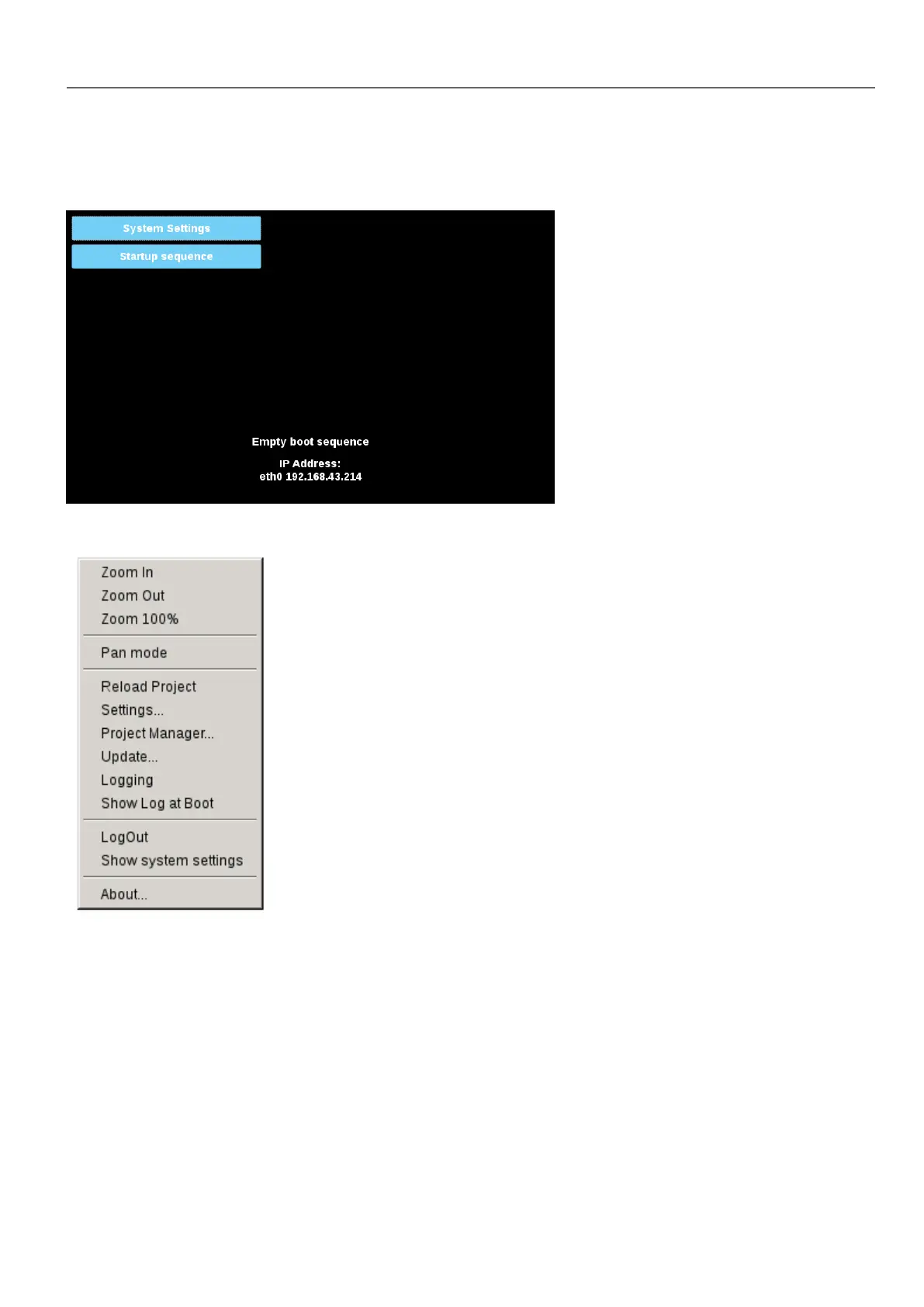
System Setting access from HMI device
When Runtime is not installed, the System Settings is accessible from the Runtime Loader screen,
When Runtime is installed the System Settings is accessible selecting “Show System Settings” option of Context Menu,
Enter System Settings via tap-tap procedure
Tap-tap consists in a sequence of several touch activations by simple means of the finger tapping the touch screen
performed during the power-up phase and started immediately after the HMI is powered on.
HMWIN Studio |User Manual| v206 (2017-06-30) | EN| © 2014-2017 Panasonic Electric Works Europe AG
391
37 System Settings



 To Next Page