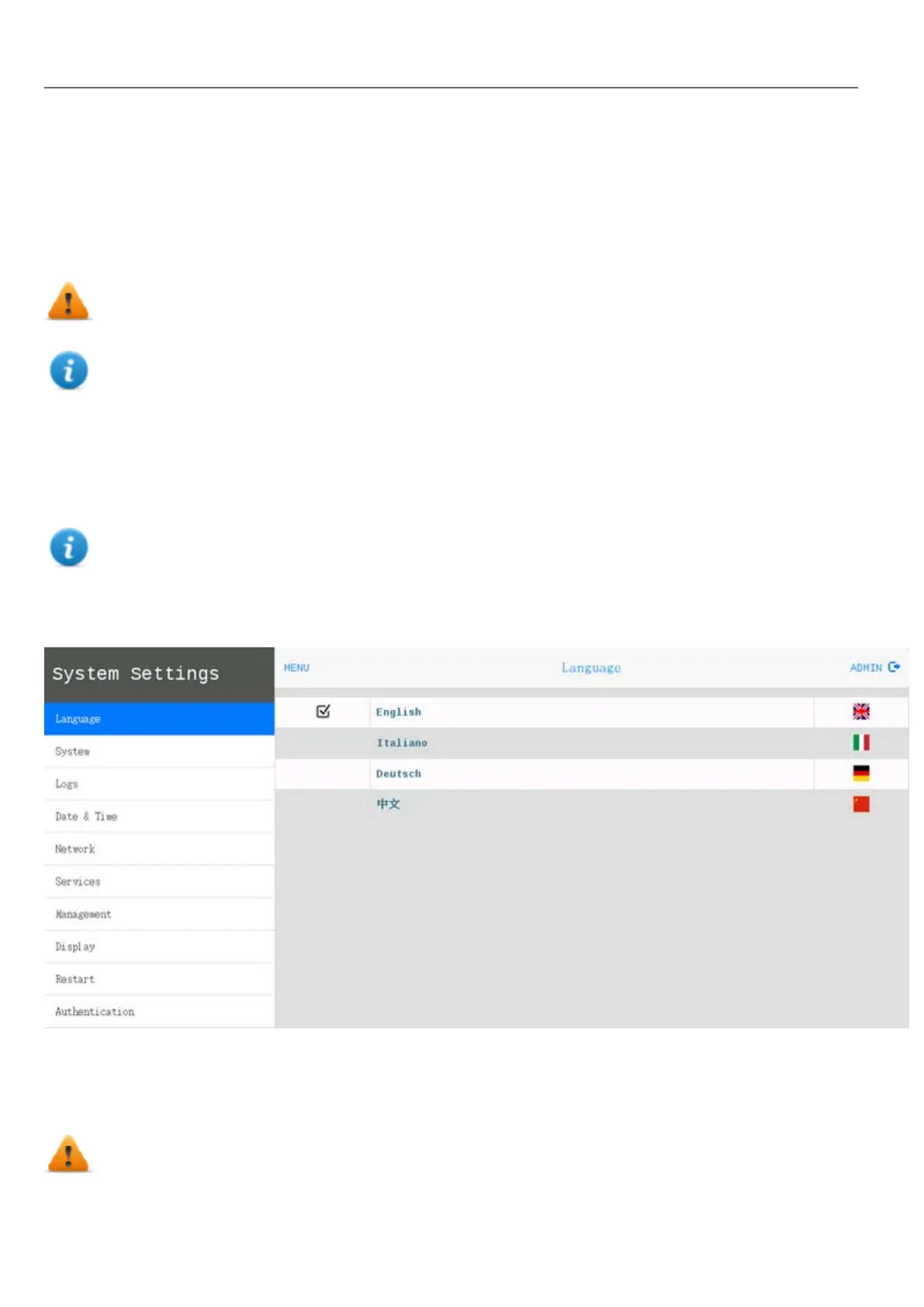
System Settings
The user interface of System Settings is based on HTML pages and can be accessed both locally on the HMI device
screen and remotely using a Web browser.
Administrator username with full access right is "admin" with default password "admin". Generic username is “user” with
default password “user”
WARNING: For security reasons, change the default passwords for both usernames (passwords can
be modified from the “System Settings -> Authentication” command)
Accessing at the system settings from the HMI device do not require to enter a password until the default
"admin" password is not changed.
System Setting access from Web browser
To access System Settings using a Web browser, enter the IP address of the device, in the following format:
https://IP/machine_config
Note: Remote access requires port 443.
Browse through the options available in the menu on the left: the active item is highlighted and related information is
displayed on the right.
Default security protocols proposed by the HTTPS server in the Linux HMI device are:
l SSLv3 256 bits ECDHE-RSA-AES256-SHA
l TLSv1 256 bits ECDHE-RSA-AES256-SHA
WARNING: We discourage usage of CBC cyber suites in the context of SSL3 or TLSv1.0 connections
since potentially affected by some vulnerabilities.
390
HMWIN Studio |User Manual|v206 (2017-06-30) |EN|© 2014-2017 Panasonic Electric Works Europe AG
Linux Devices



 To Next Page