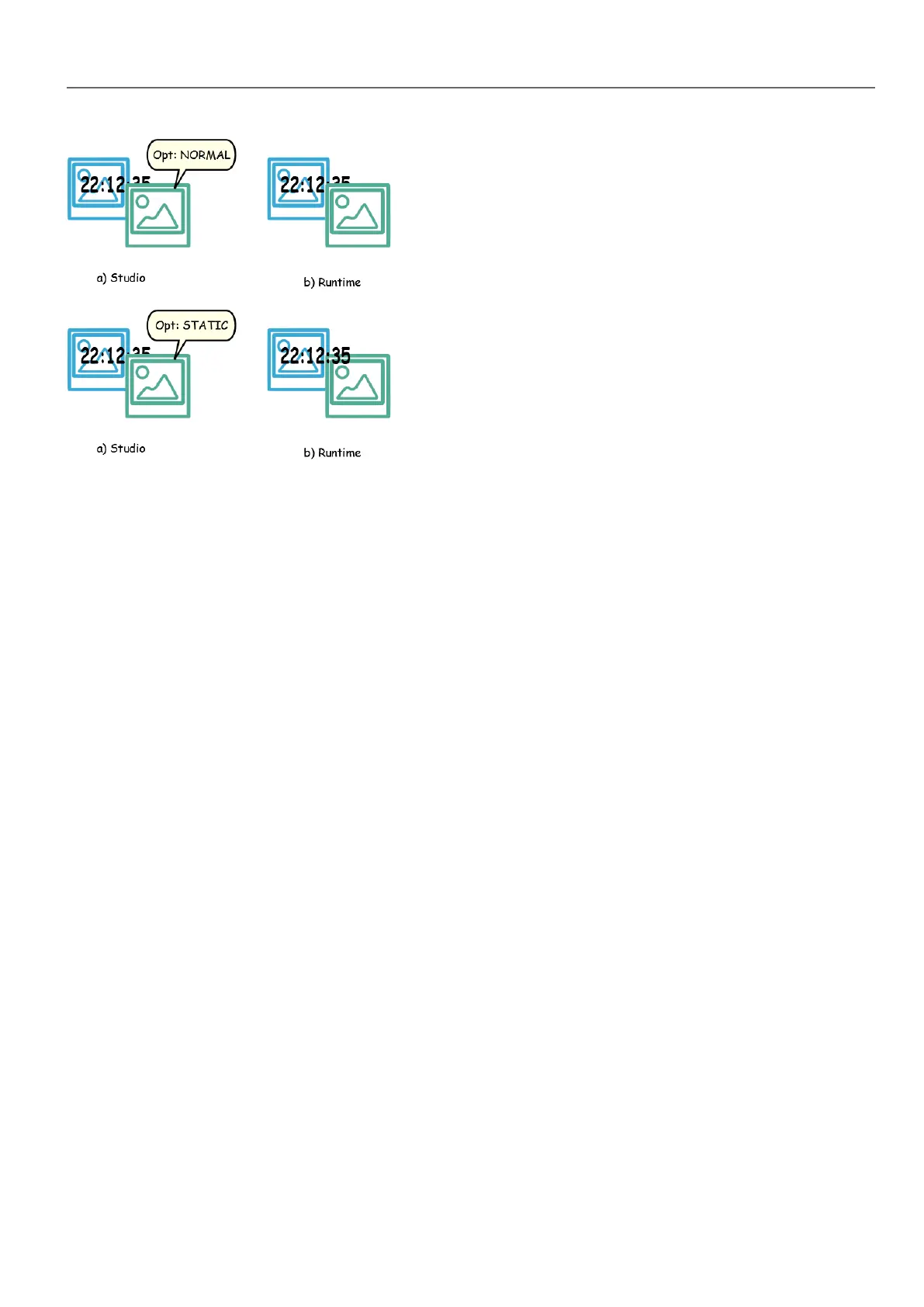
Tips for best performance
1. First of all: avoid placing static widgets over a dynamic widget. The overlapping area is computed considering the
bounding rectangles of the widgets, that is the rectangles delimited by editing handles.
2. Don’t use static optimization if your pages contain almost only dynamic objects. Static optimization would save
many almost identical full size images for each page using up a lot of memory space that could be more effectively
used to improve project performance with other techniques (such as, for example, page caching).
3. Bounding rectangles can include transparent areas, minimize transparent areas (for example splitting the image in
multiple images) since they can be a waste of resources even when optimized.
4. Optimize image size. The image will be rendered at the size of the image widget containing the image. For best
performances the widget needs to be the same size of the image.
5. Avoid using Scale to fit for image widgets, since this forces a rescaling at run time for dynamic images and “hides”
the actual image size during editing.
6. Use Size to fit to make the widget to the real size of his contents.
7. If overlapping cannot be avoided make sure to place the static widgets in the back, that is behind the dynamic
widget.
8. Choose the image file format based on the HMI device you are connecting to.
HMWIN Studio |User Manual| v206 (2017-06-30) | EN| © 2014-2017 Panasonic Electric Works Europe AG
427
42 Tips and tricks to improve performance



 To Next Page