9. Avoid using too many widgets in a single page. Often widgets are placed outside the visible area or their
transparency is controlled by a tag. Since widgets are loaded even if they are not visible, having too many widgets in
a page can significantly slow down the page change time.
10. Split a page with many widgets into multiple pages with less widgets.
11. For popping up new graphic elements in a page, prefer dialog pages with controlled positioning to transparent
widgets.
12. Check the opt folder to see if static optimization is working as expected, the widgets z-order might need to be
adjusted.
13. Numeric fields are often used to run JavaScript code on OnDataUpdate event even if the widget doesn’t need to be
visible on the page. In this case place the widget outside the page visible area instead of making it invisible, altering
font color or visibility property. In the latter case you might end up with many left over wedges.
14. Use a HotSpot button if you need a touch area to react to user inputs.
15. If you reuse a widget from the gallery or you create your own, remember to set the correct optimization properties.
For example button widgets are dynamic widgets, if you use a button widget just for its frame it won’t be optimized
since the button widget is dynamic. If you just need the frame you should use the Up image.
16. With many pages having many dynamic widgets and using a common template:
1. set template static optimization to true,
2. set page static optimization to false, since the background is already provided by the template.
In this scenario the background image can be reused by many different pages thus saving memory space.
17. Do not use dynamic widgets, such as buttons, only for graphic purposes, when the button function is not needed,
use image widgets instead to obtain the same graphical effect.
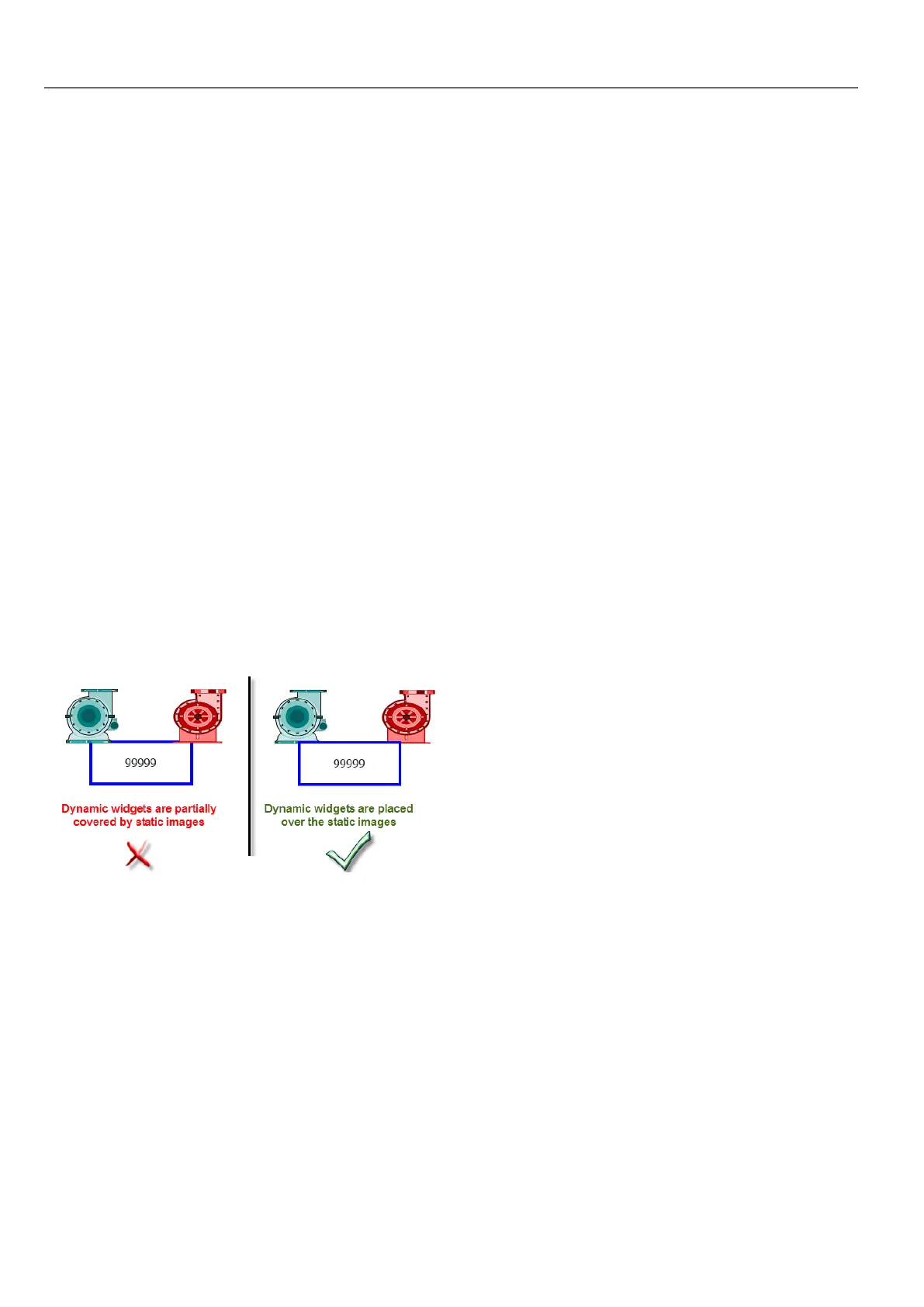
Here is an example of a correct and an incorrect use of static optimization.
Supported image formats
HMWIN Studio supports several raster formats like BMP, PNG, JPEG, TIFF and the vector format SVG. Here a list of pros
and cons:
428
HMWIN Studio |User Manual|v206 (2017-06-30) |EN|© 2014-2017 Panasonic Electric Works Europe AG
Static Optimization



 To Next Page