XLR Audio In
Use the balanced XLR inputs to plug in external analog audio from professional equipment such
as audio mixers, PA systems or external microphones.
The XLR connectors supply phantom power so you can use microphones that aren’t self
powered. To enable phantom power select 'inputs' audio in the touchscreen audio menu, and
'mic low' or ‘mic high’. Scroll the menu to reveal the ‘phantom power’ setting and select ‘on’.
Todisable phantom power, select ‘off’.
Phantom power is active when ‘audio input/inputs’and 'mic low' or 'mic high' are selected.
Front Panel and Turret
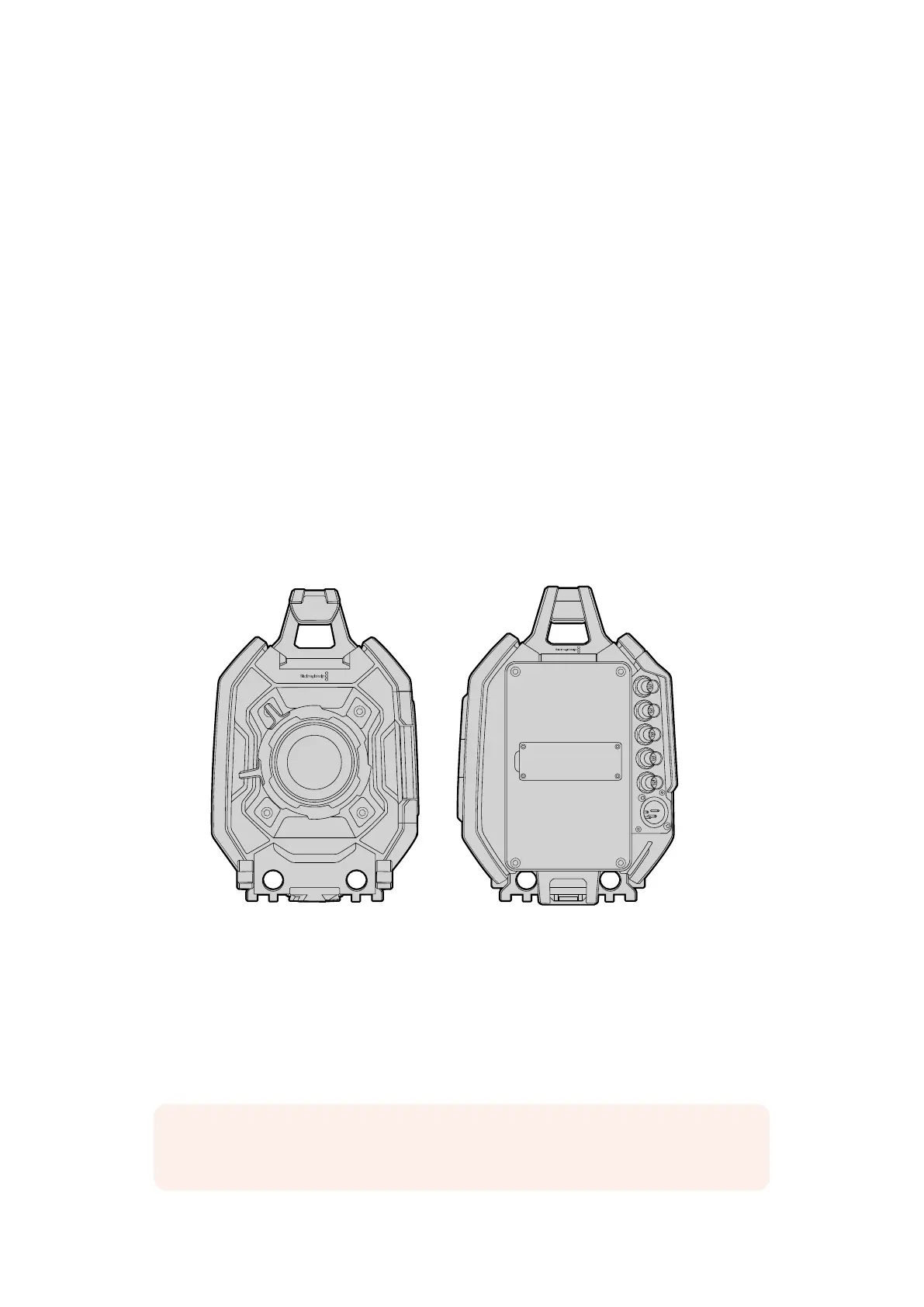
Your Blackmagic URSA’s front panel contains the turret and lens mount.
Depending on your model, you can use a variety of lens types. For example, Blackmagic URSA
EF gives you the ability to mount any compatible EF stills lens commonly used on DSLRs, or
manual EF prime lenses for the highest quality images. Blackmagic URSA PL lets you mount
professional PL mount lenses designed for absolute precision.
However, you are not locked into one mount as you can easily upgrade the mount by replacing
the turret on your Blackmagic URSA’s front panel. This also gives you the added benefit of
updating the sensor as we release new versions in the future so you don’t have to purchase an
entirely new camera. For more information, refer to the section titled ‘upgrading the sensor turret’.
Front and Rear View
Rear Panel
The rear panel lets you attach a Blackmagic V-mount battery plate, or any third party V-mount
or gold mount battery plate. This means you have the flexibility to modify your own plate to
attach to your Blackmagic URSA, or you can simply purchase the custom plate designed for
URSA from your nearest Blackmagic Design reseller.
REC
ZOOM
DISP
PGM
1
CFAST
IRIS
FOCUS
REC
IRIS
FOCUS PEAK DISP MENU SLATE
2
IRIS
SDI OUT
L R
SDI IN
REF IN
TIMECODE IN
TIMECODE OUT
12V
CH1
SOLO
CH1
MUTE
CH2
MUTE
CH2
SOLO
FOCUS PEAK DISP MENU SLATE
PUSH PUSHPUSH
0
-6
-12
-18
-24
-30
-36
-42
-48
REC
ZOOM
DISP
PGM
1
CFAST
IRIS
FOCUS
REC
IRIS
FOCUS PEAK DISP MENU SLATE
2
IRIS
SDI OUT
L R
SDI IN
REF IN
TIMECODE IN
TIMECODE OUT
12V
CH1
SOLO
CH1
MUTE
CH2
MUTE
CH2
SOLO
FOCUS PEAK DISP MENU SLATE
PUSH PUSHPUSH
0
-6
-12
-18
-24
-30
-36
-42
-48
NOTE For more information on mounting batteries, refer to the ‘mounting batteries’
section of this manual.
2424Blackmagic URSA Overviewand Connectors












 To Next Page