EasyManua.ls Logo

Blackmagicdesign URSA - Cfast卡在记录前的准备事项; 在Blackmagic URSA上格式 化Cfast卡

Blackmagicdesign URSA
594 pages
Print Icon
To Next Page IconTo Next Page
To Previous Page IconTo Previous Page
Loading...
备注:存储卡虽议使用但已厂商停产
Lexar
Professional
128GB
3400x
Lexar
Professional
256GB
3400x
关于
URSA
摄影机支持使用
CFast
,请 访
Blackmagic
Design
持中心
www.blackmagicdesign.com/support
CFast
在记录前的准备事
可以到
Blackmagic
URSA
触摸屏的
Dashboard
使 用“
Format
Card
”(
或者
Mac
Windows
格式化
CFast
为获得最佳性能我们建议您使用
URSA
格式
化您的
CFast
2.0
卡。
HFS+
也被称为
Mac
OS
扩展格式因为它支“日志功能所以被广为推荐万一您
CFast
存储
损坏具有志功能的存储质中的数据更易恢
Mac
OS
X
系统原生支持
HFS+
格式。
ExFAT
Mac
OS
X
Windows
统都支持的格式因此无需另外购买软件。
exFAT
持日
功能。
Blackmagic
URSA
格式化
CFast
使用
Dashboard
的“
Format
Card
功能来格式化
CFast
下:
1
使用
URSA
可按下控面板标有
DISP
”字 ,直
调出
Dashboard
。点
MENU
”(
Dashboard
主菜单。
2
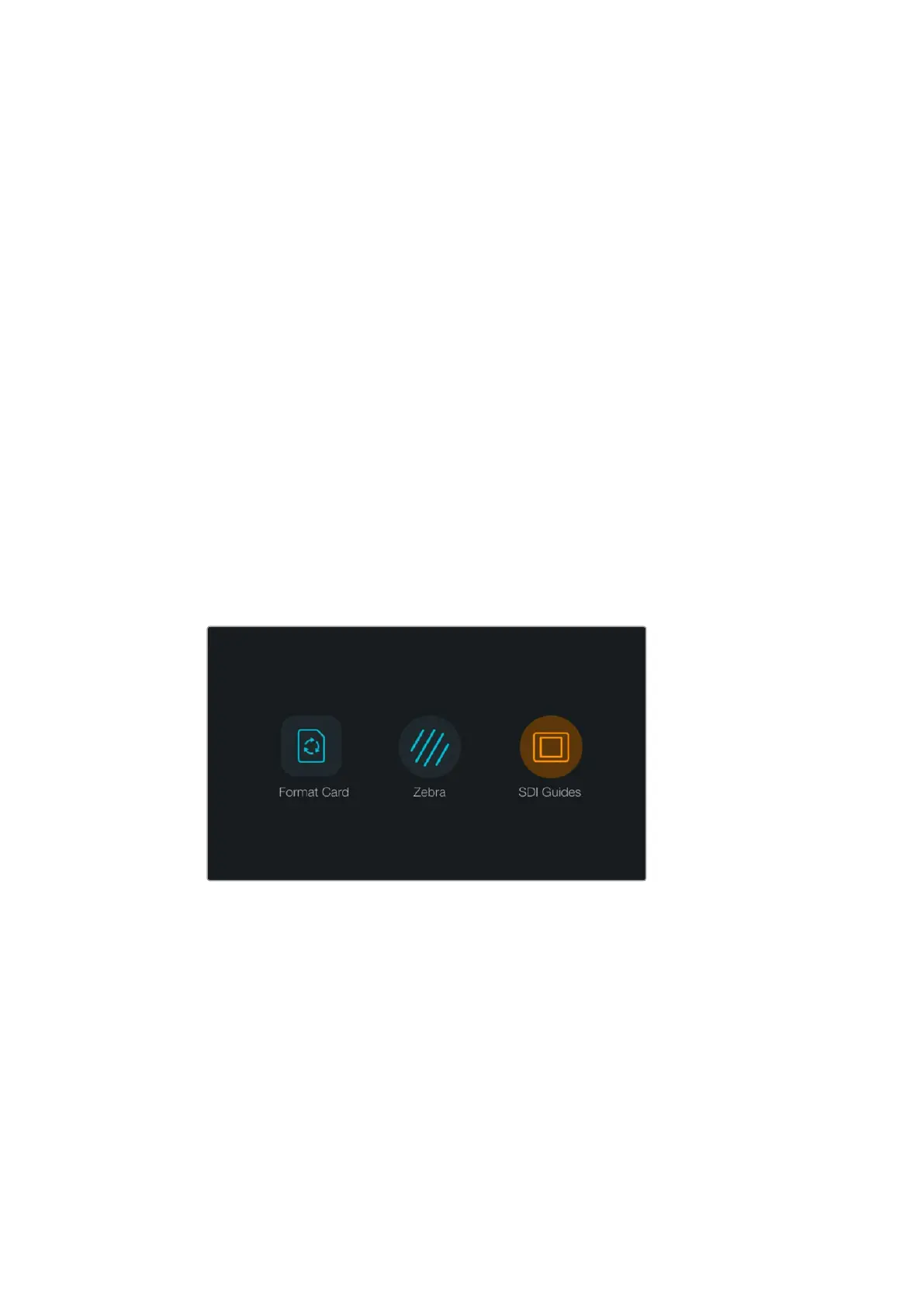
按“
Format
Card
”(
Blackmagic
URSA
Dashboard
按“
Format
Card
图标来格
CFast
卡。
3
点按想使用的
CFast
,然
Continue
”(
Cancel
(取来选择一个卡槽。
4
点按
HFS+
exFAT
来选格式。
5
幕会弹出提示信息再次确认您选择的式。点按
Yes
,
format
my
card
”开 ,或
Cancel
”取
6
栏可显示格式化进程格式化成后出现
Complete
”(
7
按“
Done
”(
8
下“
DISP
”按 退
Dashboard
主菜单。
382CFast

Table of Contents

Other manuals for Blackmagicdesign URSA

Related product manuals