CAPINTEC, INC. CAPTUS
®
4000e
6-10 ISOTOPES July 16
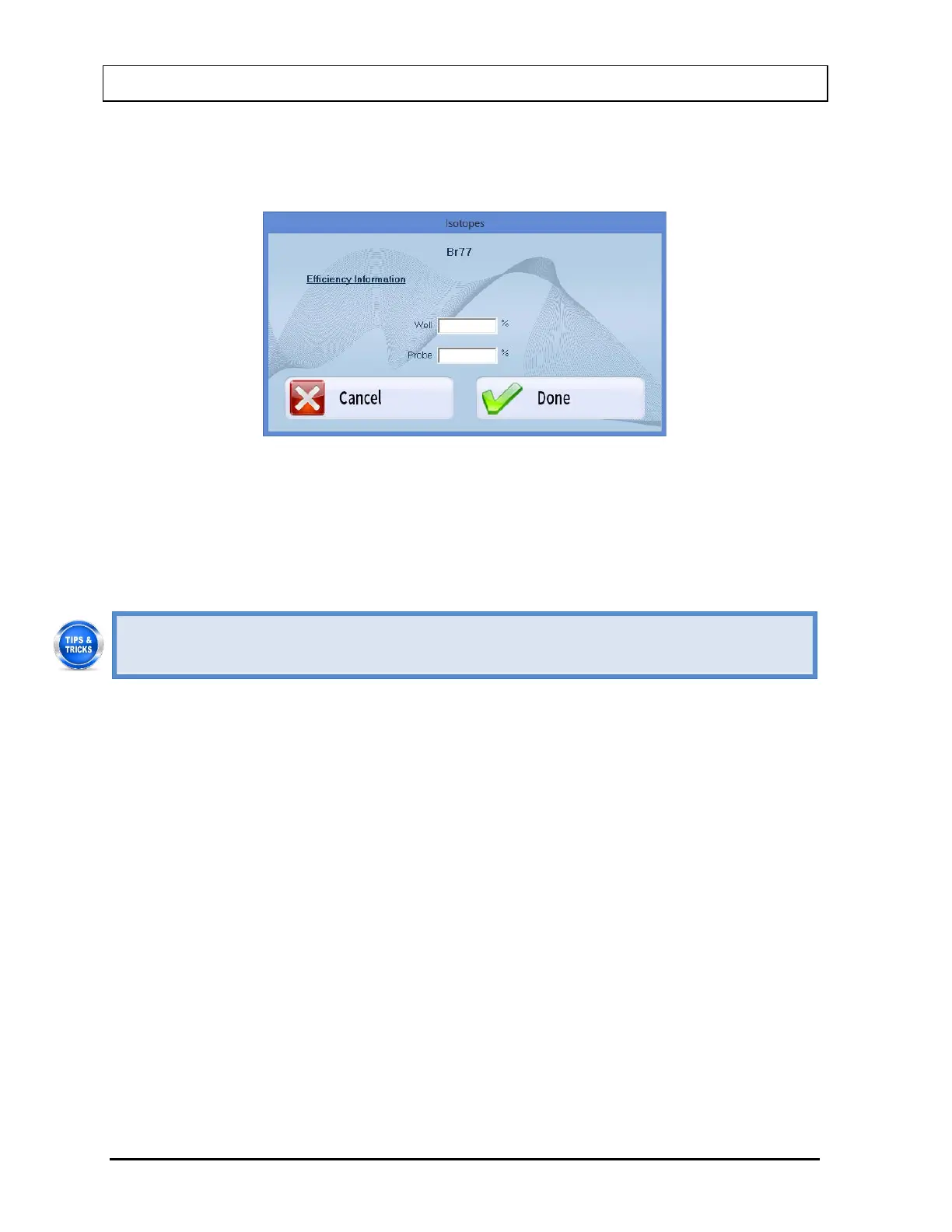
3. Select the Enter Efficiency button or press Alt+E. The window shown in Figure 6-14 will
appear displaying the selected isotope’s name at the top. Efficiency values for Well and
Probe may or may not already exist.
Figure 6-14
4. Click in the appropriate text box or use the Tab key to move around. Input the new
efficiency value for Well or Probe or both as needed.
5. Select the Done button or press Alt+D to save changes or select the Cancel button or
press Alt+C to cancel the changes and return to Figure 6-1 Isotopes Main Screen.
• To locate an isotope, use the scroll bar, Page Down, Page Up, and arrow keys or
press the first letter of the isotope to bring it into view.



 To Next Page