CAPINTEC, INC. CAPTUS
®
4000e
November 16 WIPE TESTS 8-9
locations entered with Type as “Work Area”. Selecting Group 2 will show all locations that
have been added to Group 2. Selecting All will show all the existing wipe locations in all
groups.
2. Click inside the Wipe Locations box to make it active.
3. To select a wipe location for editing, use the and arrow keys or Page Up and Page
Down keys to move up or down in the wipe location list. If the list is long, the scroll bar is
also available. To reach a particular location, press the first letter of the location name.
Press the arrow key if necessary, to go further down.
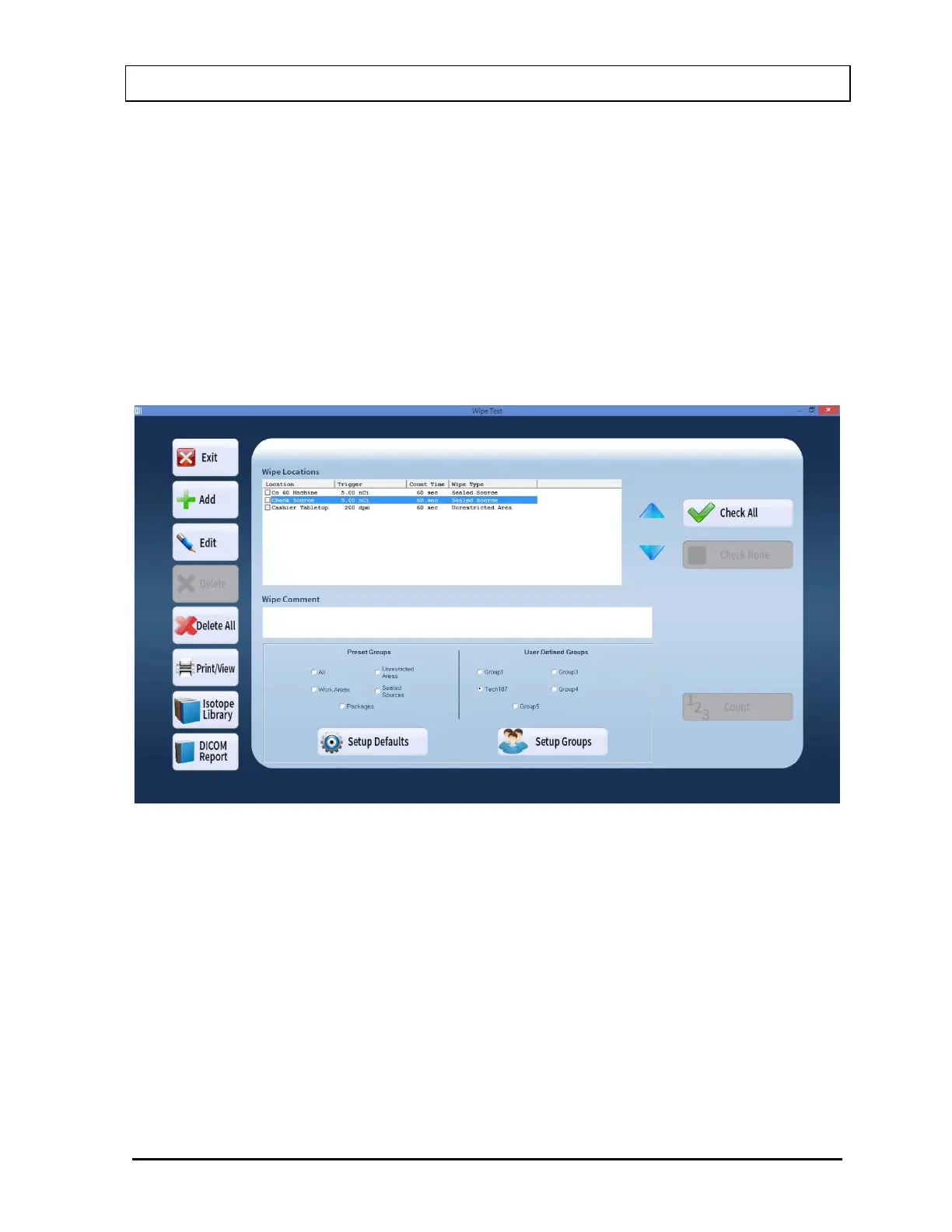
In Figure 8-8 below, the “Tech187” group is selected and only the wipe tests belonging to
that group appear. To see all wipe locations, select All in the Preset Groups frame.
Figure 8-8
4. Select the Edit button. Figure 8-9 Edit Wipe Location Screen will appear.



 To Next Page