CAPINTEC, INC. CAPTUS
®
4000e
November 16 WIPE TESTS 8-11
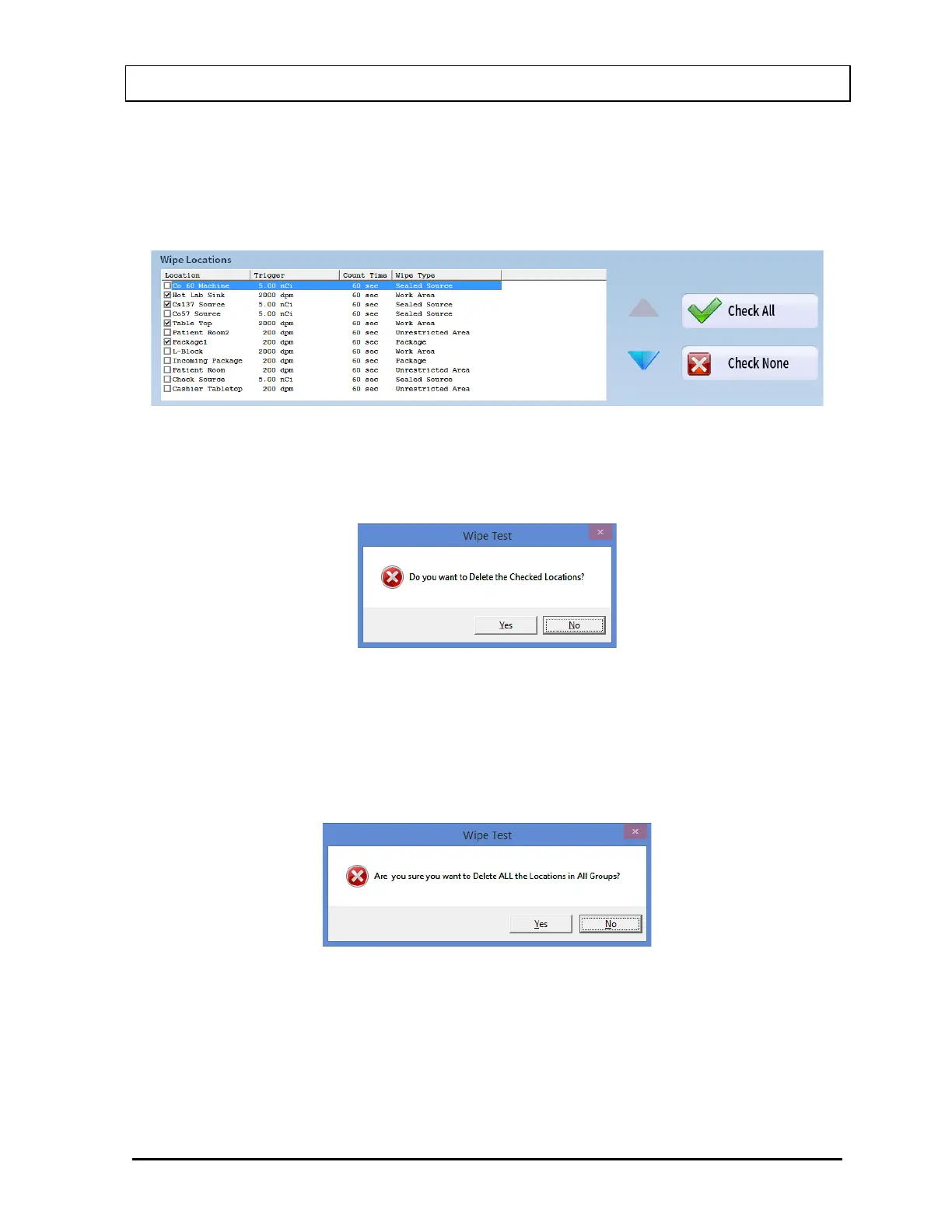
location, click in the check box again or double-click anywhere in the grid while the
desired location is highlighted and the check will be removed from the check box.
Note: The status of a check box can be toggled by quickly double-clicking the desired
item.
Figure 8-10
5. Select the Delete button. The message window shown in Figure 8-11 will appear
prompting to confirm the deletion.
Figure 8-11
6. Select the Yes button or press the Y key to confirm the deletion. Otherwise, select the No
button or press the N key.
7. To delete all the Wipe Locations at once, select the Delete All button. The message
window shown in Figure 8-12 will appear prompting to confirm the deletion.
Figure 8-12
8. Select the Yes button or press the Y key to confirm the deletion. Otherwise, select the No
button or press the N key.



 To Next Page