CAPINTEC, INC. CAPTUS
®
4000e
9-24 ABSORBED DOSE ALERT August 15
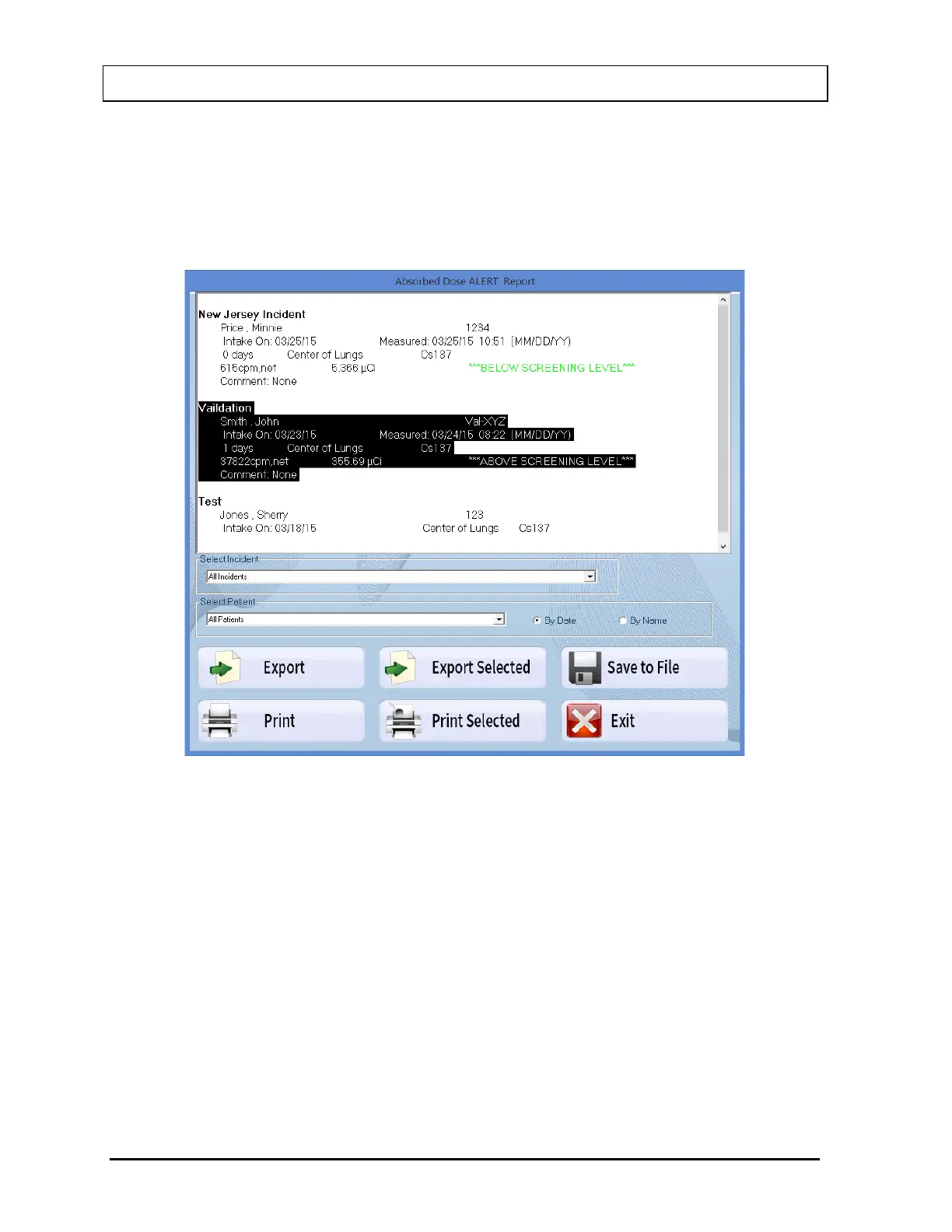
If the Intake was greater than the entered Screening Level, the message “ABOVE
SCREENING LEVEL” will be displayed.
If the Intake was lower than the entered Screening Level, the message “BELOW
SCREENING LEVEL” will be displayed.
Figure 9-32
2. The drop-down list box in the Select Incident frame contains a list of all incidents in
the database. Select an incident from the drop-down list to display a summary report
for the selected incident.
3. Select the Print button to print the summary that is displayed.
4. The pointer can be used to select one or more contiguous records. When records
have been selected, the Print Selected button will be enabled.
5. Select the Print Selected button to print the highlighted selection.
6. A detailed report of the measurements for a single patient can be obtained by
selecting a patient from the drop-down list in the Select Patient frame. Selected
patients are listed by Date (most recent first) or by Name. A sample report is shown
below.



 To Next Page