CAPINTEC, INC. CAPTUS
®
4000e
November 16 LAB TESTS 10-17
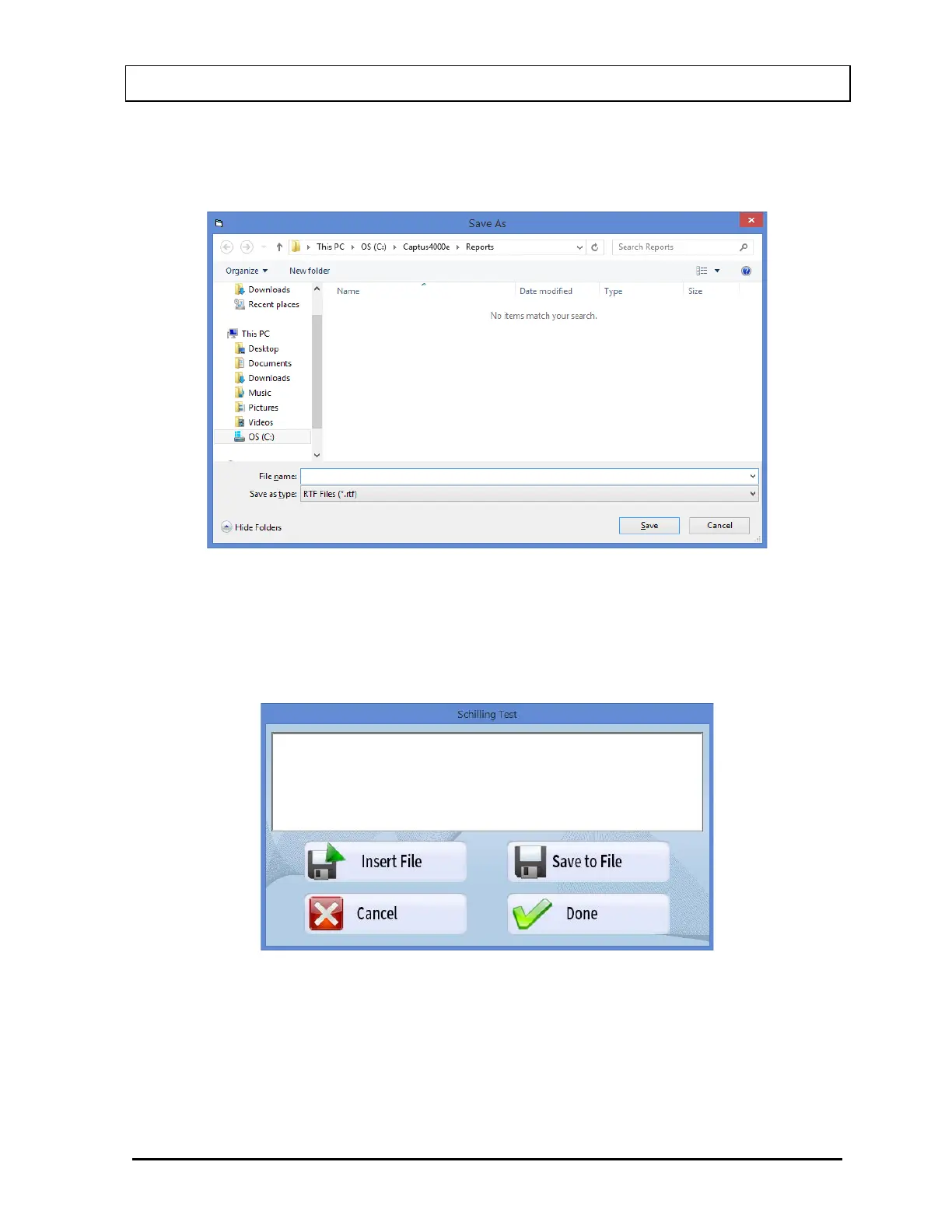
3. To save the report on the screen, select the Save to File button or press Alt+S. The
Save As box appears as shown in Figure 10-25. Reports are saved as an RTF file in
C:\Captus4000e\Reports\ folder by default.
Figure 10-25
4. To print the displayed report, select the Print button or press Alt+P.
5. To add comments to the report, select the Enter Comment button or press Alt+C.
The screen appears as shown in Figure 10-26.
Figure 10-26
Type in the comments or click the Insert File button or press Alt+I to copy comments
from a text file (Notepad or .txt files only).
To save the comments as a text file (.txt file), select the Save to File button or Alt+S.



 To Next Page