CAPINTEC, INC. CAPTUS
®
4000e
November 16 LAB TESTS 10-29
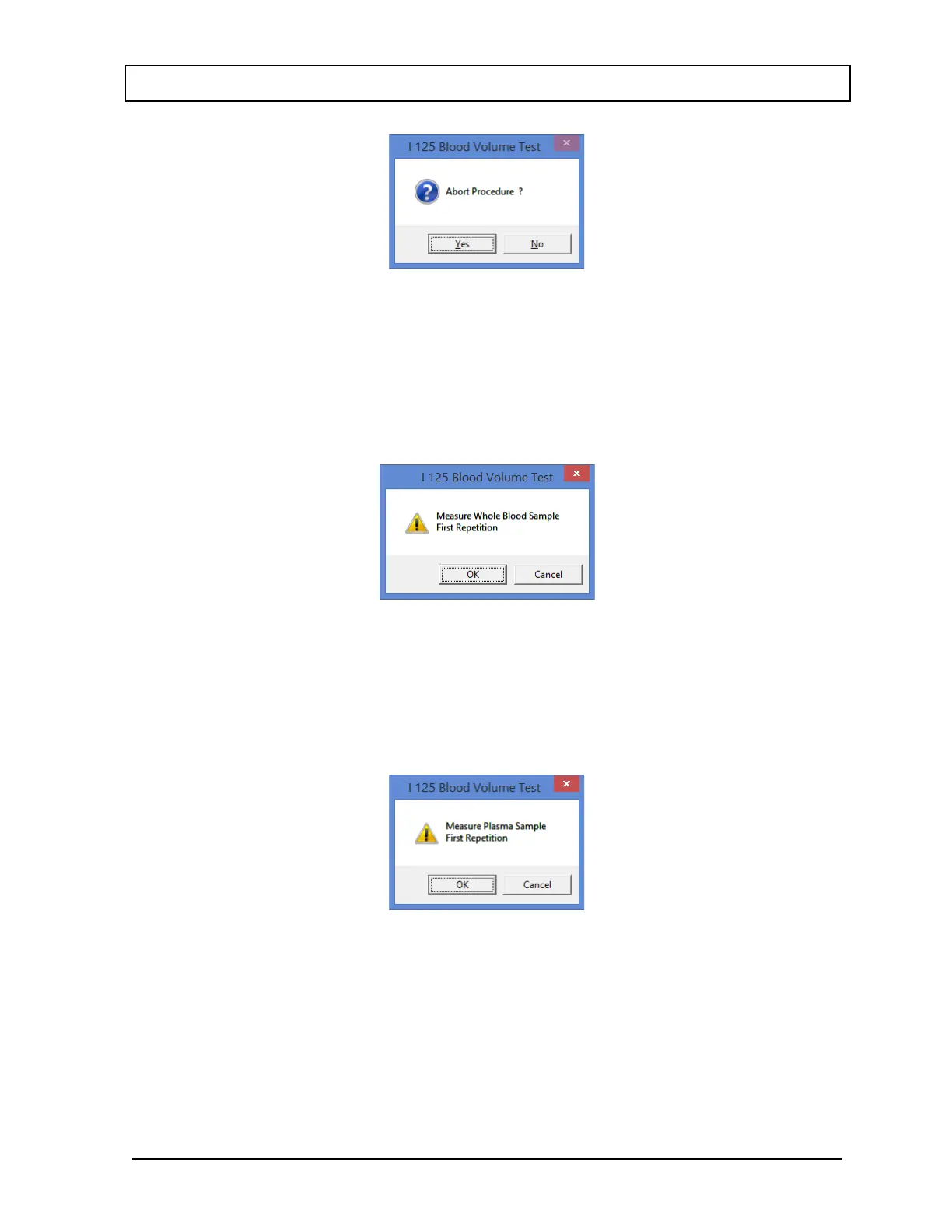
Figure 10-42
To abort the procedure, select the Yes button or press the Y key. Collected data will be
discarded and the screen will return to the I 125 Blood Volume Test measurement
screen. To resume the test, select the No button or press the N key.
6. The next screen appears as shown in Figure 10-43, prompting you to measure the whole
blood sample.
Figure 10-43
To measure the patient sample, place the whole blood sample in the Well and select the
OK button. To quit counting, select the Cancel button and Figure 10-42 will appear.
7. The screen appears as shown in Figure 10-44, prompting measurement of the patient
plasma sample.
Figure 10-44
To measure the plasma sample, place that sample in the Well and select the OK button.
To quit counting, select the Cancel button and Figure 10-43 will appear.
8. Select the Exit button or press Alt+E after the cycle of measurements is completed to
return to the Main I 125 Blood Volume Test Screen. The Patient Status box will show the
calculated results for the test. For a detailed report, refer to Patients Reports on page
10-30.



 To Next Page