CAPINTEC, INC. CAPTUS
®
4000e
10-36 LAB TESTS November 16
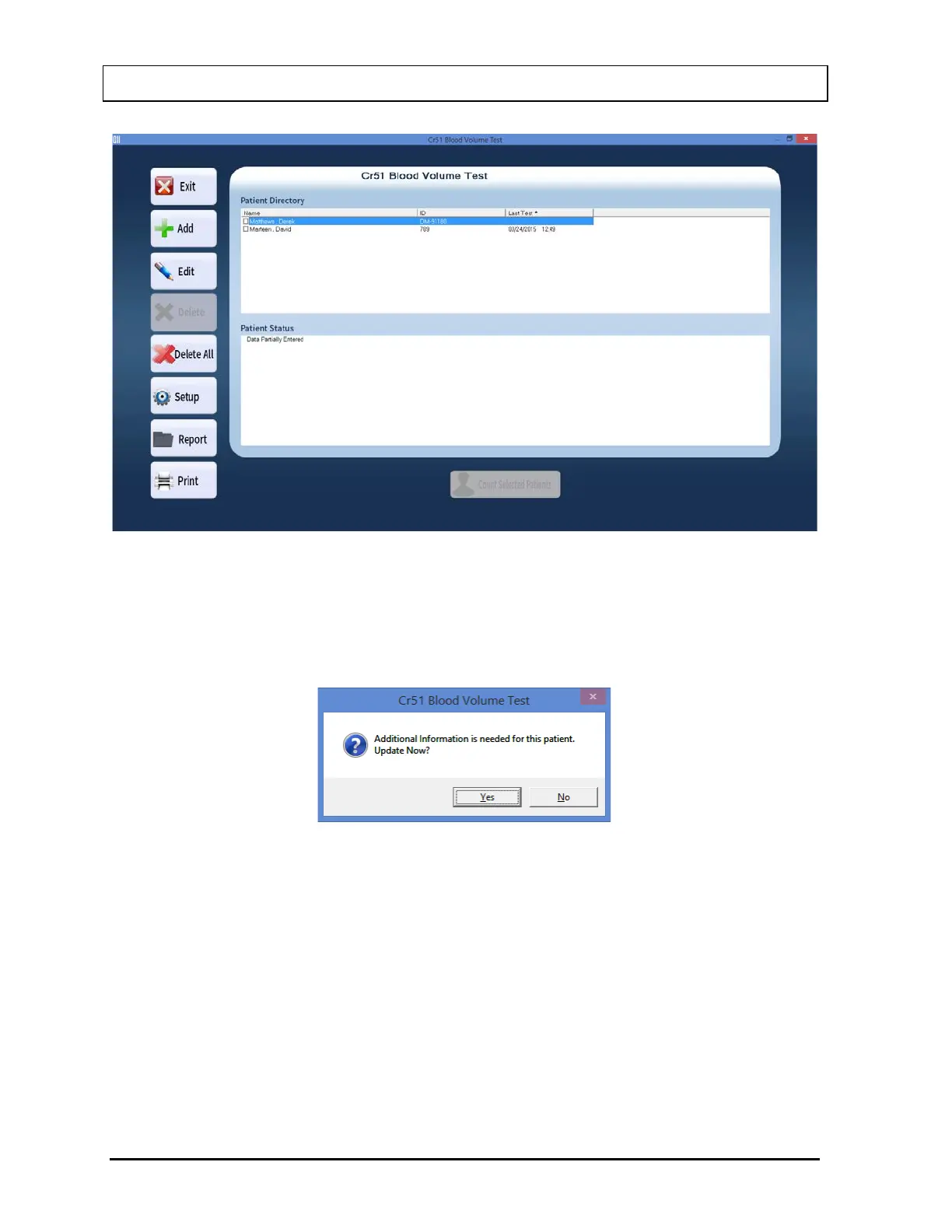
Figure 10-49
Selecting a patient with partially entered data will prompt you with the screen below
(Figure 10-50). Select the Yes button or press the Y key to update the patient information
or select the No button or press the N key to return to Figure 10-45 Cr51 Blood Volume
Test Main Screen.
Figure 10-50
2. Select the Edit button. The screen appears as shown in Figure 10-47.
3. Click in the text box to be edited and type over the existing information.
Note: All fields in bold are required before you can begin the test.
4. Select the Done button to save changes or select the Cancel button to discard the
changes and Figure 10-45 Cr51 Blood Volume Test Main Screen.



 To Next Page