CAPINTEC, INC. CAPTUS
®
4000e
10-54 LAB TESTS November 16
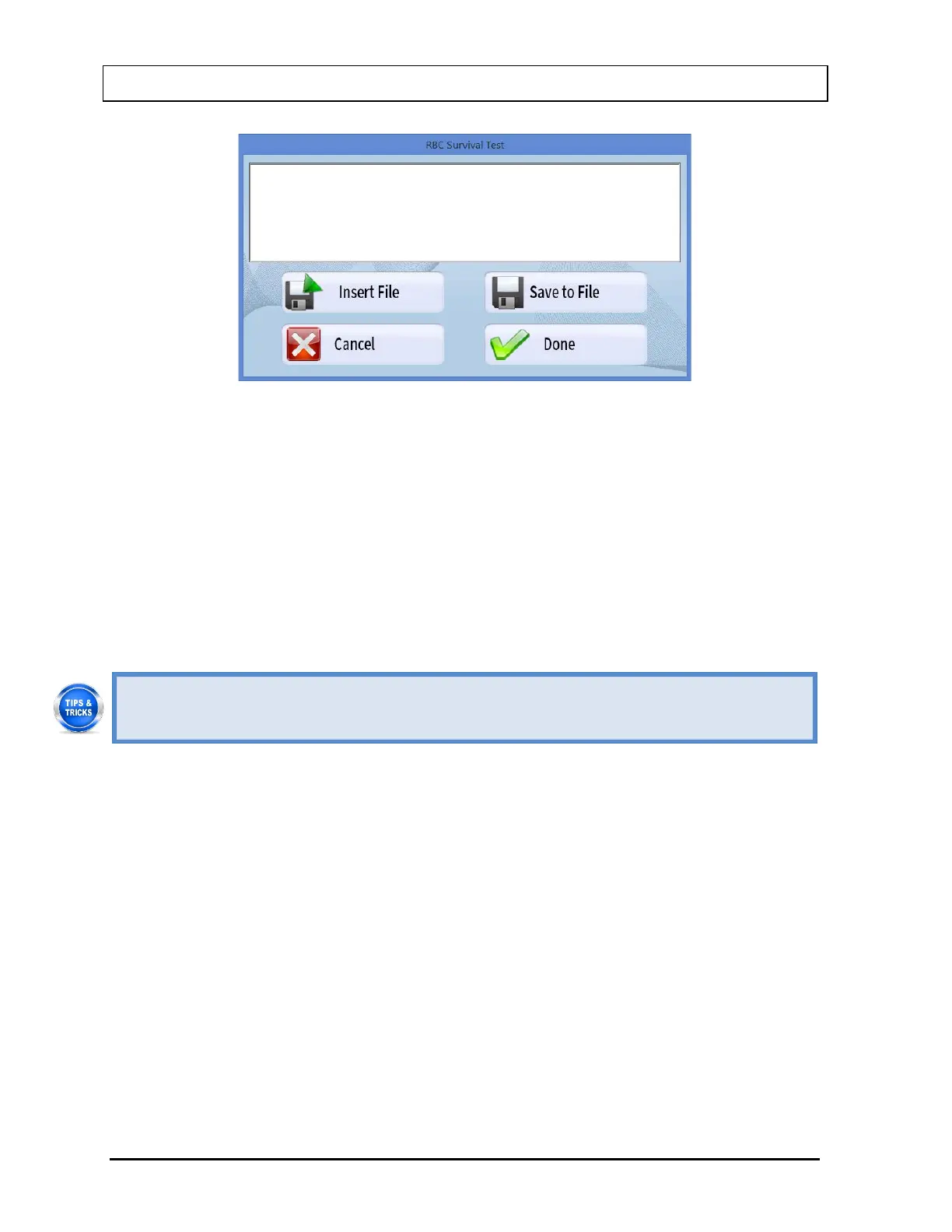
Figure 10-82
Type in the comments or select the Insert File button or press ALT+I to insert
comments from a text file (Notepad or .txt files only).
To save the comments as a .txt file, select the Save to File button or press Alt+S.
To quit adding comments without saving, select the Cancel button or press Alt+C.
To finish adding comments, select the Done button or press Alt+D.
7. To exit to the main RBC Survival Test screen, select the Exit button or press ALT+E.
• To quickly print a patient report, click on the patient in the Patient Directory box and
click on the Print button. This will print all details for each measurement and the



 To Next Page