CAPINTEC, INC. CAPTUS
®
4000e
November 16 LAB TESTS 10-53
Figure 10-80
4. To print the report on the screen, select the Print button or press ALT+P.
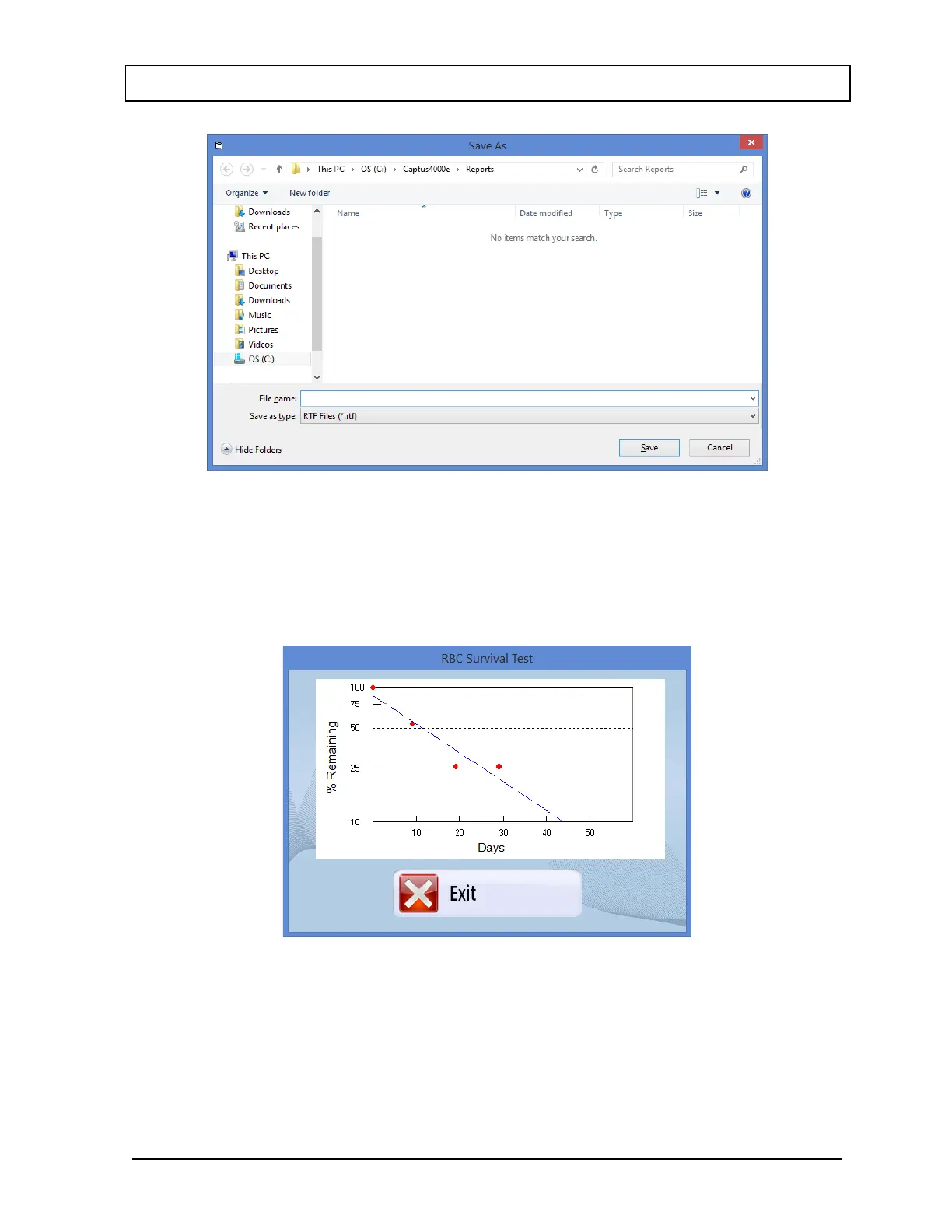
5. To view a graph of percentage RBC Remaining vs. Days passed after the injection
time, select the Display Graph button or press ALT+G. The screen will appear
similar to that shown in Figure 10-81.
Figure 10-81
The results are plotted on a semi-logarithmic scale. A best-fit straight line through the
data points is calculated using a least squares linear regression. Select the Exit
button or press ALT+E to exit to the report screen.
6. To add comments to the report, select the Enter Comment button or press ALT+C.
The screen appears as in Figure 10-82.



 To Next Page