CAPINTEC, INC. CAPTUS
®
4000e
11-8 BIOASSAY August 15
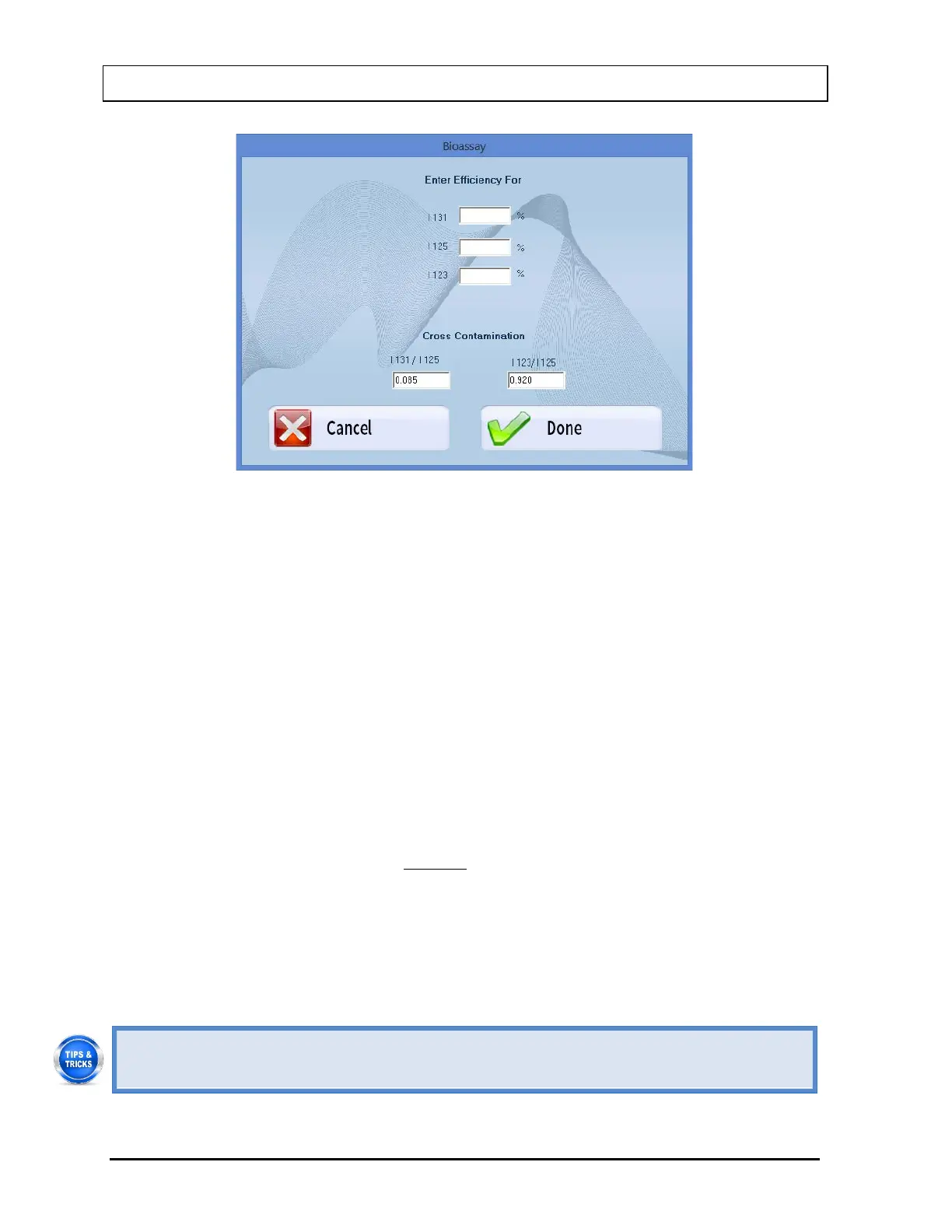
Figure 11-11
ii. To input the Isotope Efficiency, click in the appropriate text box (I 131, I 125 or I
123) and input the known efficiency value (0.001-100%).
iii. To input the I 131/ I 125 or I 123/I 125 Cross Contamination ratios, click in the
appropriate text box and input the known ratio (0.0001-1).
iv. To save the added information and return to the Bioassay Setup screen, select
the Done button or press Alt+D. Otherwise, select the Cancel button or press
Alt+C to return to the Bioassay Setup screen without saving the changes.
Note: Input for Cross Contamination ratios is required. If these boxes are left
blank, the Done button is disabled.
c. To save the information on the Bioassay Setup screen and return to the main
Bioassay screen, select the Done button or press Alt+D. Otherwise, select the
Cancel button or press Alt+C to return to the main Bioassay screen without saving
the changes.
Note: The following fields are required before the Done button is enabled:
Investigation Level for each selected isotope, Counting Time and Probe
Distance.
Efficiency for all selected isotopes must be set in the Setup so that Bioassay
report results will be in units of activity. If Efficiency fields are left blank,
Bioassay results will appear as counts per minute (cpm) only.
• To return to the CAPTUS
®
4000e Main screen from the main Bioassay screen, select
the Exit button or press the ESC key.



 To Next Page