CAPINTEC, INC. CAPTUS
®
4000e
11-14 BIOASSAY August 15
Figure 11-20
Beginning from here, the program guides you through a sequence of measurements.
Simply follow the on-screen instructions as explained below.
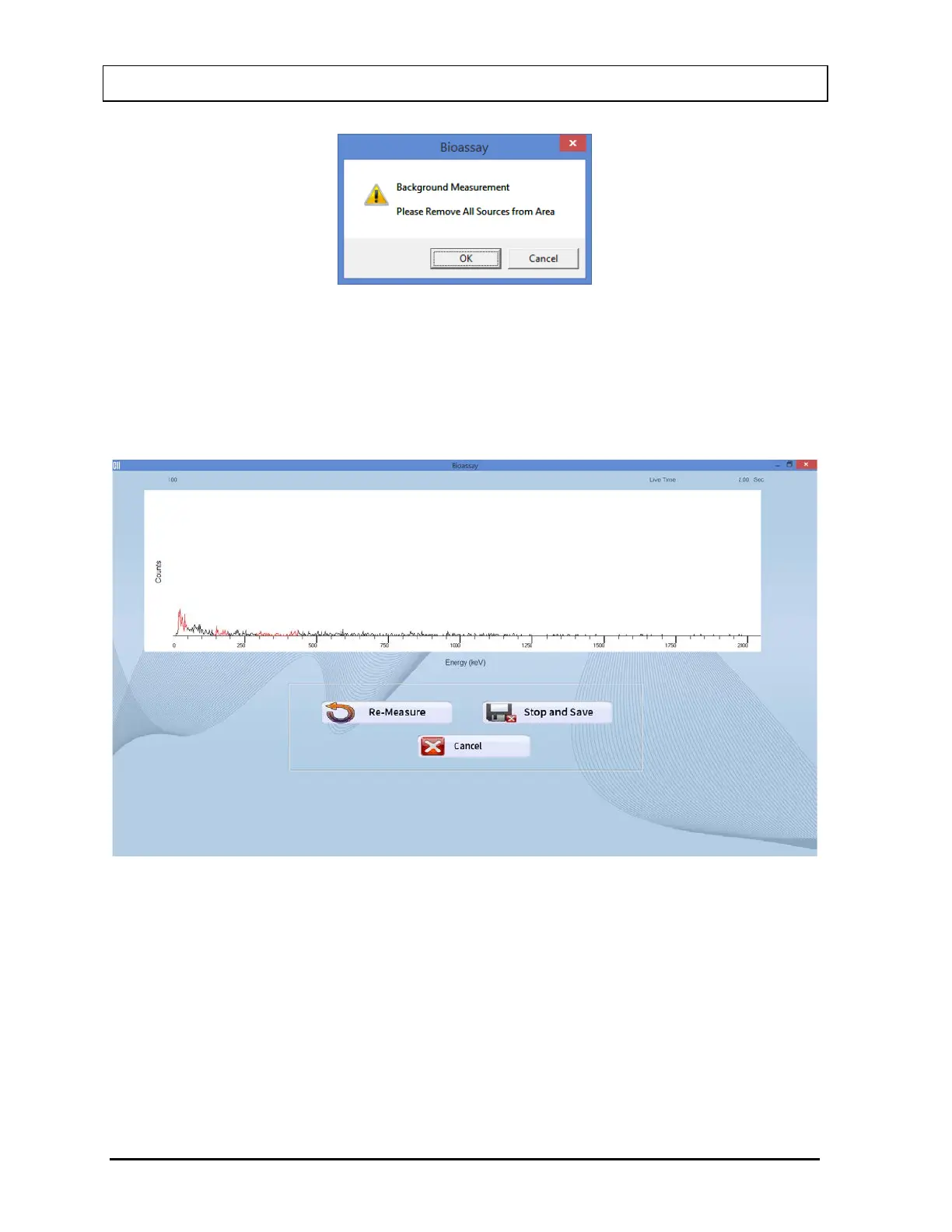
a. Verify that there are no radioactive sources in the area and select the OK button to
measure background counts. The screen appears as shown in Figure 11-21.
Figure 11-21
Note: Background counts must be measured every day at least once, before
measuring any Staff Member. The background may be re-measured as often
as required. The last set of background data will be used to calculate net
activity.
b. The screen shown in Figure 11-22 appears next, prompting you to measure the Staff
Member.



 To Next Page