CAPINTEC, INC. CAPTUS
®
4000e
August 15 BIOASSAY 11-17
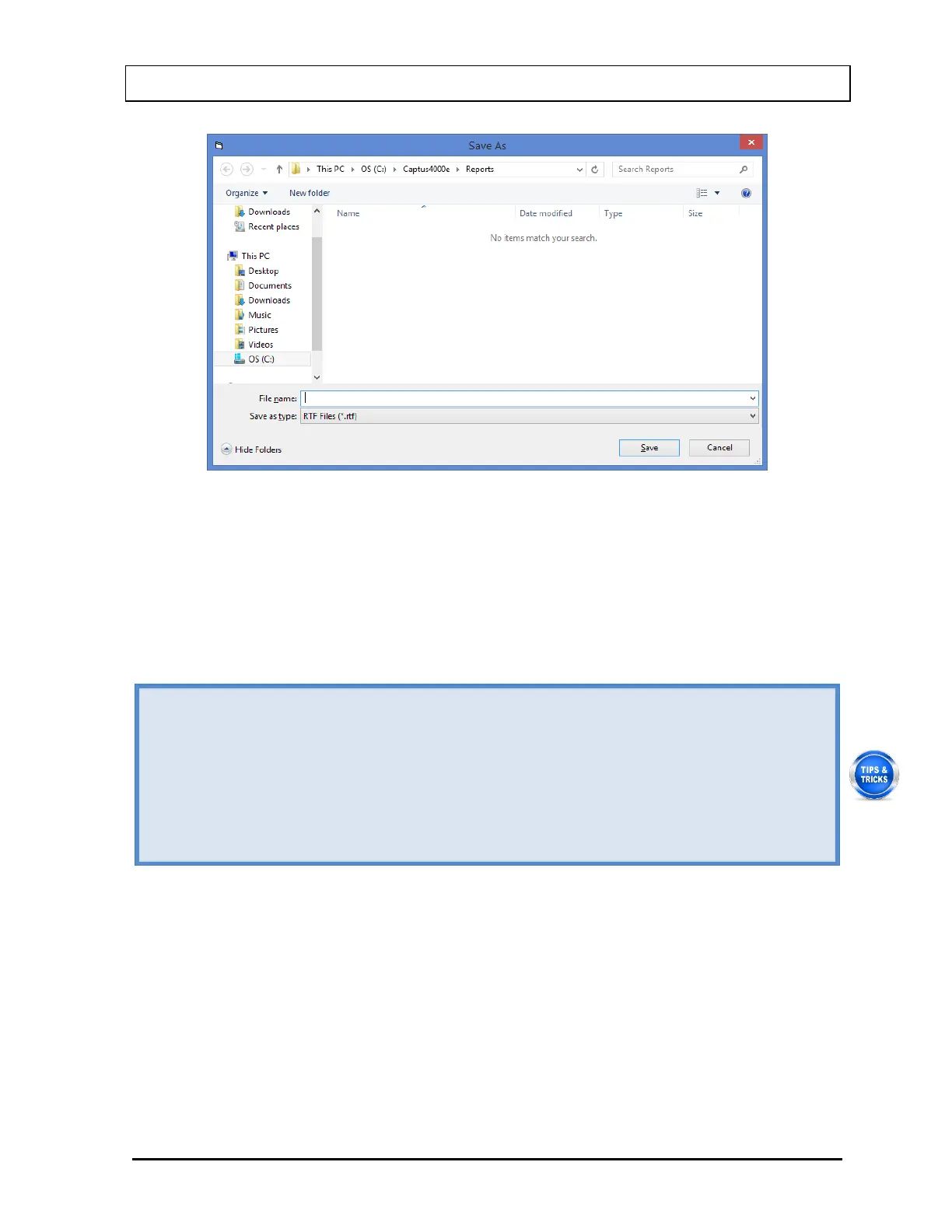
Figure 11-25
5. To print the report displayed on the screen, select the Print Staff Member button or
press Alt+P.
6. To print reports for all the staff members, select the Print All button or press Alt+A.
7. To exit to the main Bioassay screen, select the Exit button or press Alt+E.
• To view another Staff Member’s report, click on that staff member in the upper section
of Report screen (Figure 11-24).
• To print results for only the latest test for a Staff Member, go to the Main Bioassay
screen, click on the Staff Member in Staff Member Directory box and select the Print
Latest Results button or press Alt+P.
• To add comments to the latest results for a Staff Member, go to the Main Bioassay
screen, click on the Staff Member in Staff Member Directory box and select the
Add/Edit Comment button or press Alt+A.



 To Next Page