CAPINTEC, INC. CAPTUS
®
4000e
November 16 DICOM 17-3
The license key must be entered in one the boxes in the Figure 17-2 Module Licenses
window. If a valid license key is entered, “CapDICOM” is displayed next to the license key
box. If the license key entered is invalid “Invalid License” is displayed next to the license key
box.
Select Done button after entering valid license key in the Figure 17-2 Module Licenses
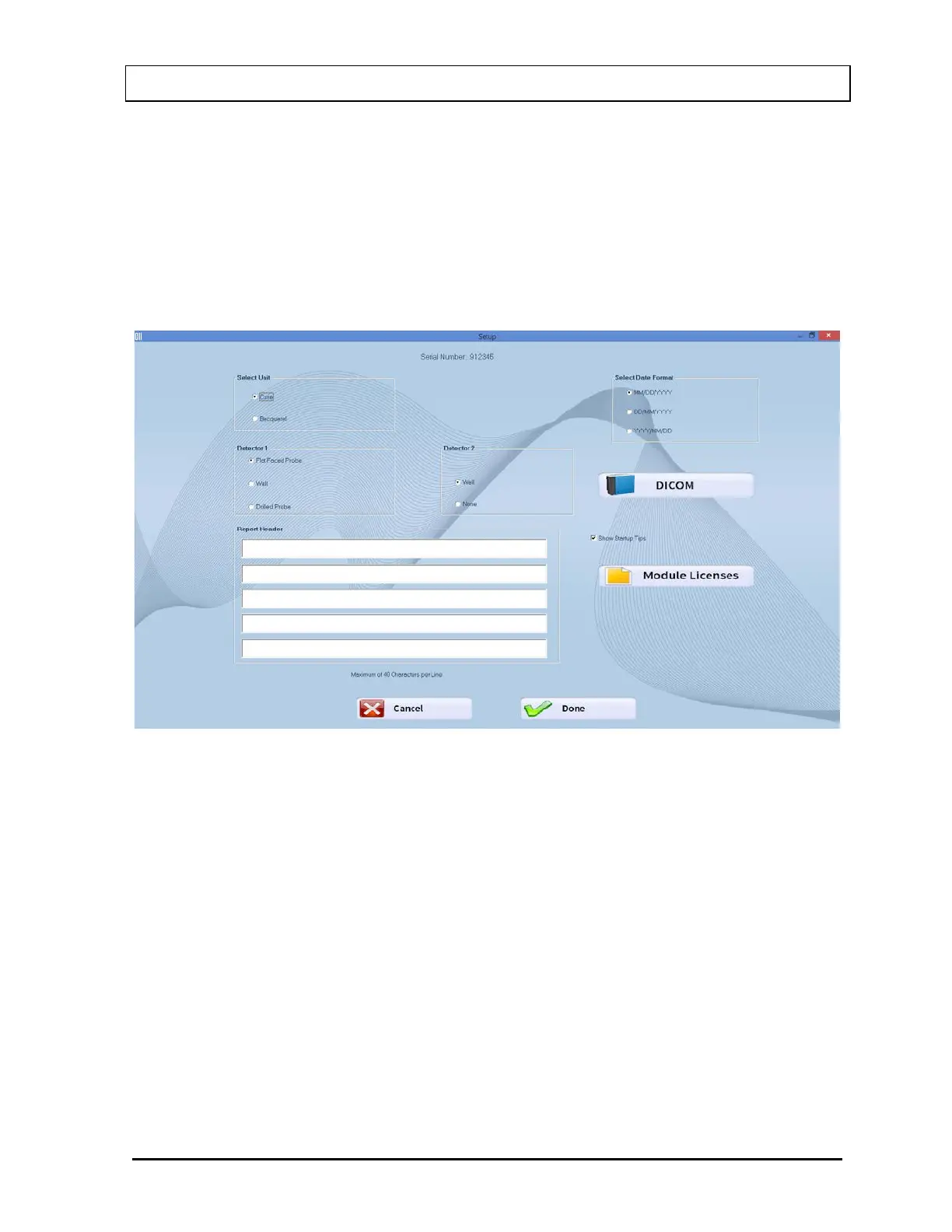
window. The DICOM button would appear on the Figure 17-3 Setup window with DICOM
button.
Figure 17-3 Setup window with DICOM button
To allow the transfer of information, the WORKLIST/DICOM connection must be set up.
Select the DICOM button. Figure 17-4 DICOM Setup Window will appear.



 To Next Page