Web Manager for Administrators
80
Wizard Mode
The Wizard mode is designed to simplify the setup and configuration process
by guiding the administrator through six configuration steps.
When you log in to ACS as an administrator or as a user with administrative
privileges, by default the system point to Expert Mode>Ports>Ports Status
form. To change to the Wizard Mode, click on the “Wizard” button located in
the left bottom corner of the menu panel.
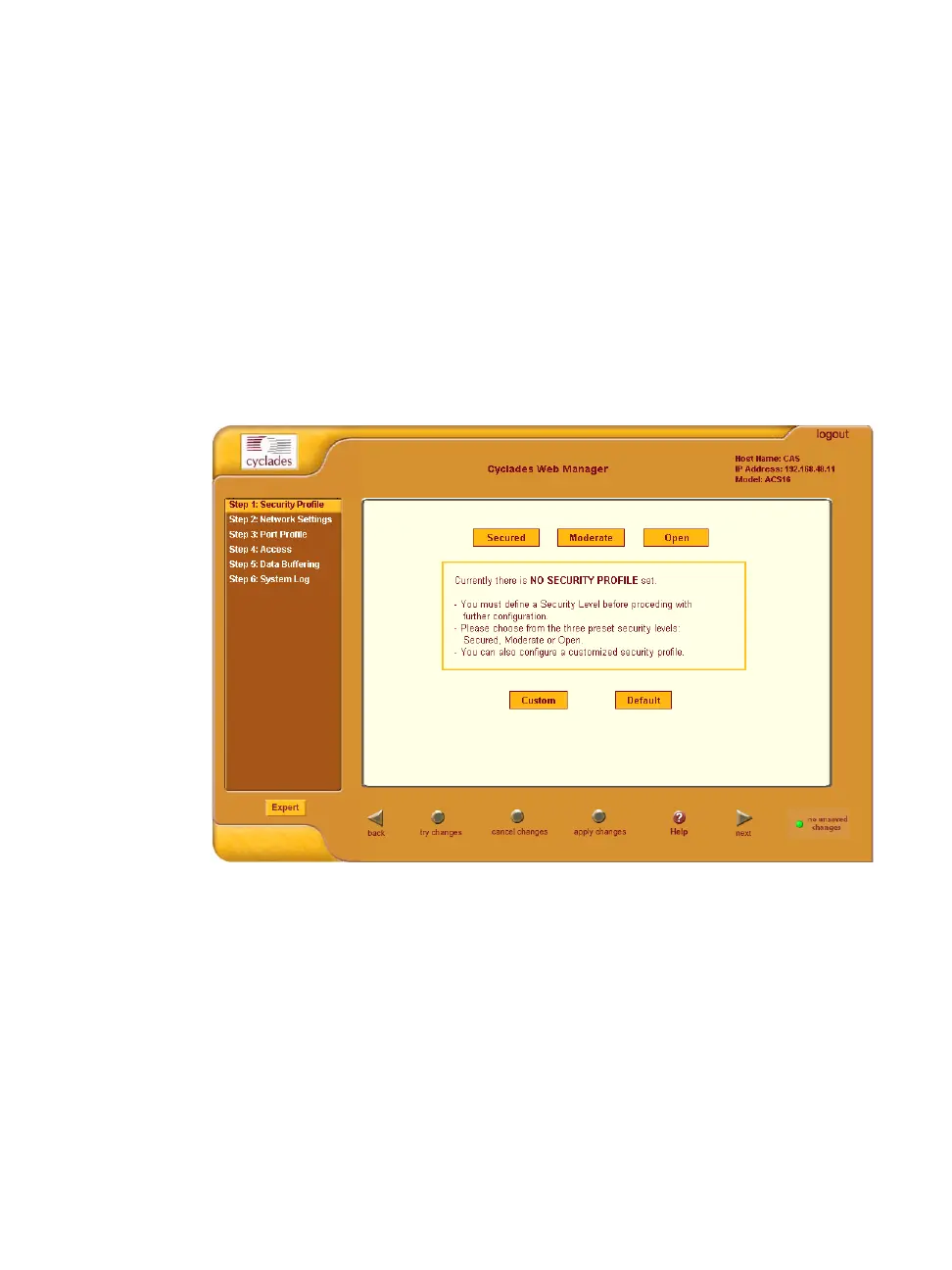
Shown below is a typical form of the ACS web interface in Wizard Mode. The
user entry form varies depending on the selected menu item.
Figure 4-5: Example of Web Manager Form in Wizard Mode
Expert Mode
Designed for advanced users, this is the default mode when you log in to the
ACS. If you are in the “Wizard” mode, you can change to “Expert” mode by
clicking on the “Expert' button at the left bottom corner of the menu panel.
Shown below is a typical ACS screen in Expert Mode. The main difference in
the interface when you switch between the two modes, is the addition of a top



 To Next Page