Network Menu & Forms
172
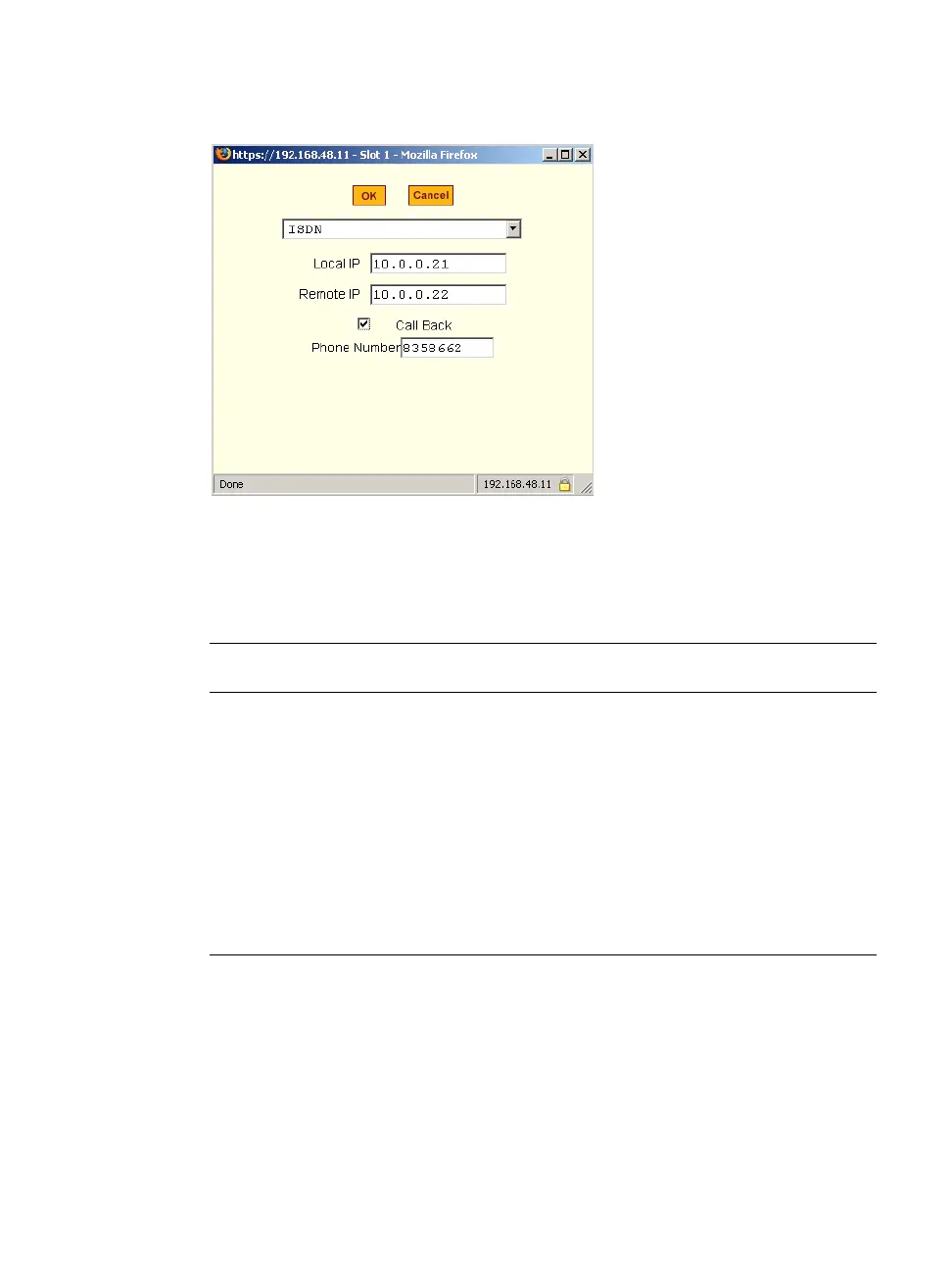
Figure 8-8: Expert > ISDN PCMCIA Card Configuration Dialog Box
The following table provides a brief description of the fields available in the
ISDN dialog box.
T To Configure an ISDN PCMCIA Card
1. Install the ISDN card and select “ISDN” from the pull-down menu on the
PCMCIA Management form.
The “Local IP” and “Remote IP” fields and the “Call Back” check box
appear on the Slot dialog box.
Table 8-4: Expert > Form Fields for an ISDN Card
Field Name Definition
[PCMCIA Card]
Select ISDN from the pull-down menu.
Local IP
The local IP address of the PCMCIA card.
Remote IP
The remote IP address of the PCMCIA card.
Call Back
Check box to enable the callback security
feature.
Phone Number
The phone number that ACS uses to call back.



 To Next Page