Ports Menu & Forms
248
The Ports section of ACS configuration in Expert Mode provides the
following menu choices:
• Physical Ports – Allows you to view and modify the physical port settings.
• Virtual Ports – Allows you to view and modify the slave port settings.
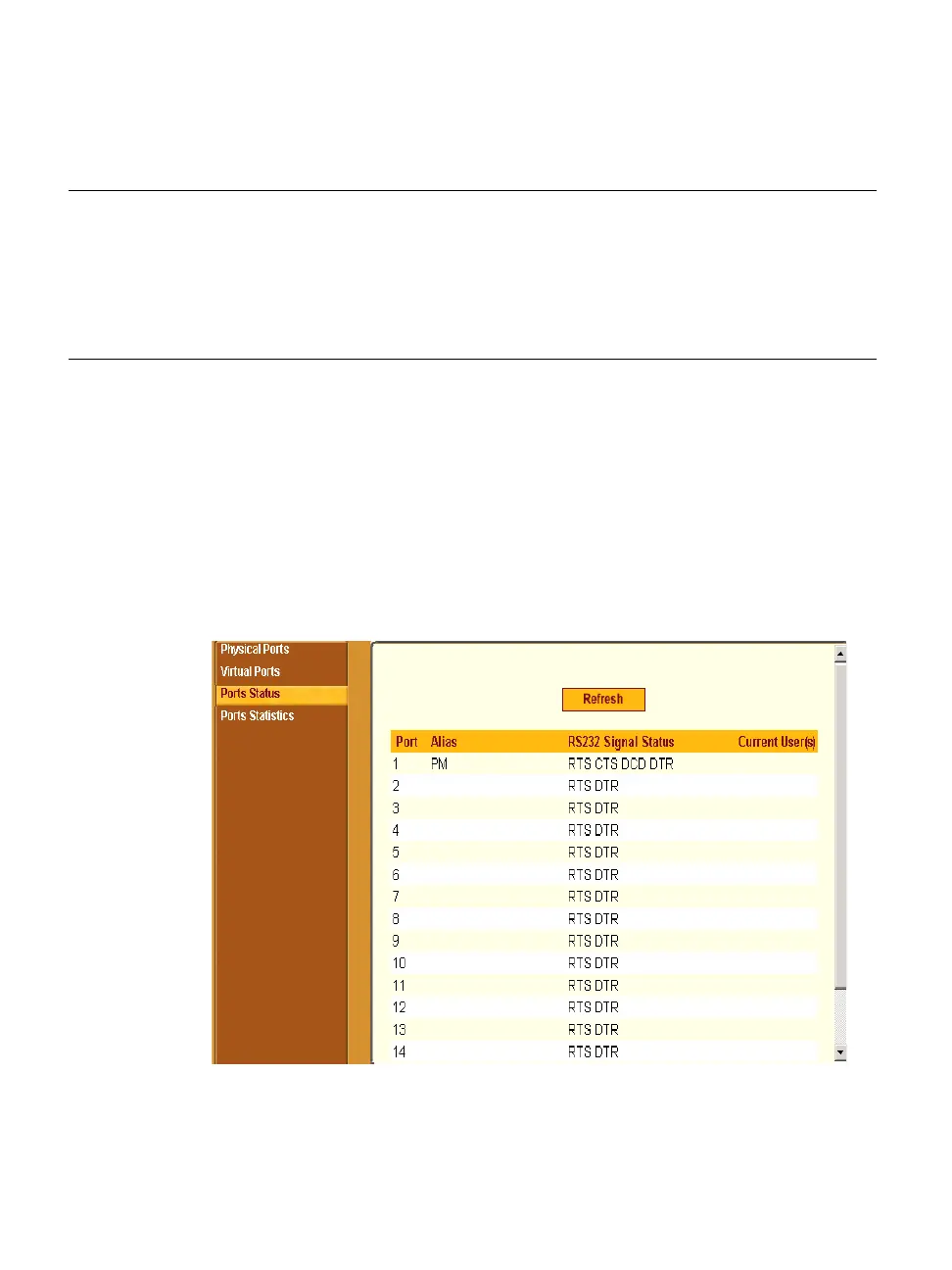
• Ports Status – Allows you to view ports connection status.
• Ports Statistics – Allows you to view serial ports connection statistics.
Selecting Ports in Expert mode brings up the form shown in the following
figure.
Figure 10-1: Expert > Ports
Ports Statistics
View information on the data
reception (Rx bytes) and
transmission (Tx bytes) on each
physical port. View current CAS
user(s), Baud rate, frame, parity,
break, and overruns.
Page 299
Menu Selection Use this menu to: Where Documented



 To Next Page