Applications Menu & Forms
126
Note: If your security profile is set to “Moderate” or “Open” you receive a “login”
prompt, otherwise, an authentication form appears. You cannot authenticate
unless you change the security profile to “Custom” and enable “allow root
access”.
T To Connect to a Device Through a Serial Port
1. Go to Applications > Connect in Expert mode.
2. Click the “Serial” radio button.
3. Select a port number or alias from the “Serial” pull-down menu.
4. Click “Connect.”
A Java applet viewer appears. If authentication is specified for the
selected port you are prompted to log in. If not, you are automatically
logged in.
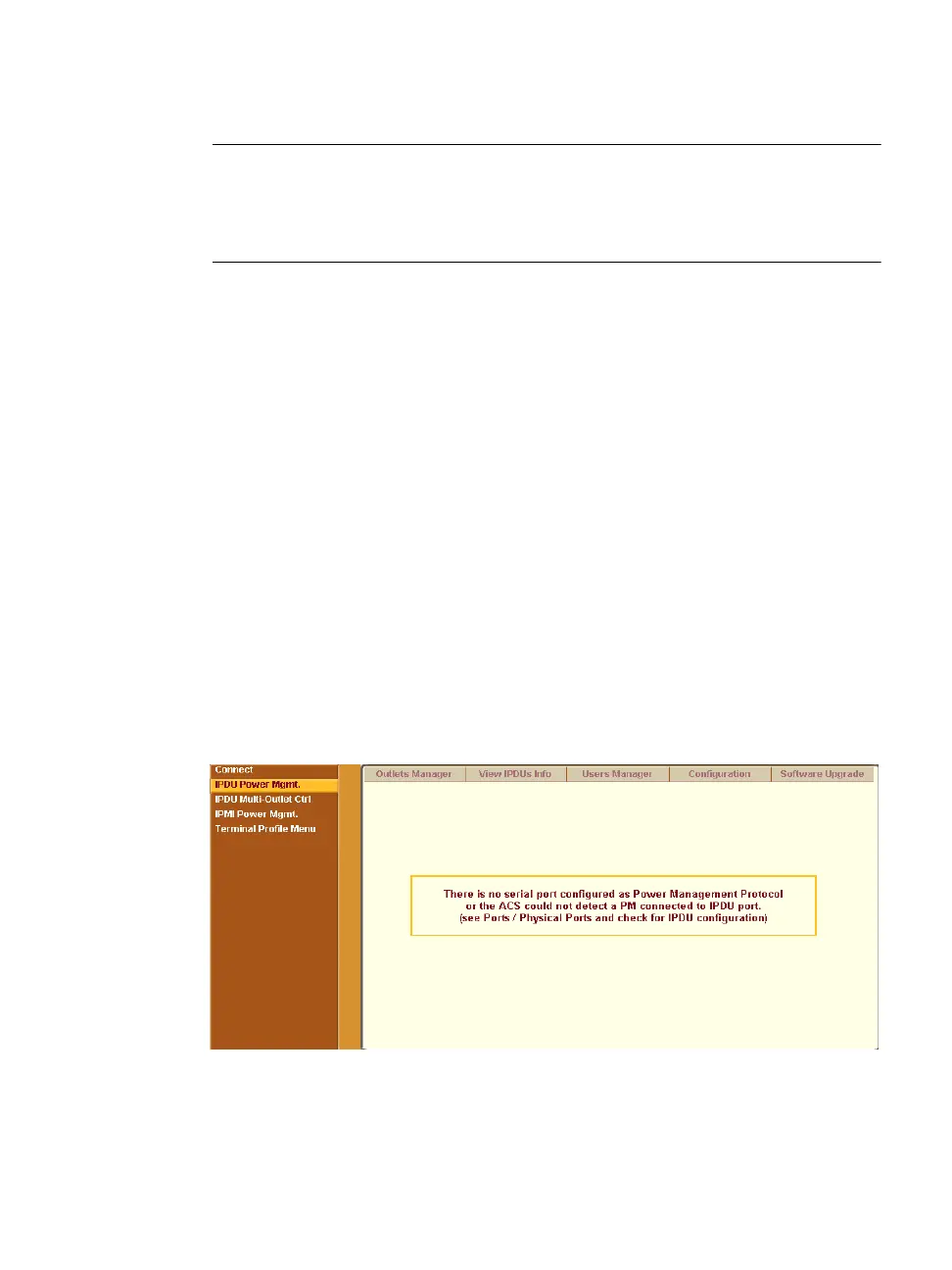
IPDU Power Mgmt.
Selecting the “IPDU Power Mgmt.” brings up the five tabs shown in the
following figure. Using the IPDU power management forms you can manage
the power to the connected devices only if a serial port is configured for
power management.
Figure 7-5: Expert > IPDU Power Mgmt. Tab Options



 To Next Page