Ports Menu & Forms
282
b. Enter a hot key in the “Menu Hotkey” field to display the sniffer
menu on the monitor. The default shown is [^z]. The caret stands for
the Ctrl key.
c. Enable the “Notify Users” field, if desired.
6. Click “Done.”
7. Click “apply changes.”
Power Management
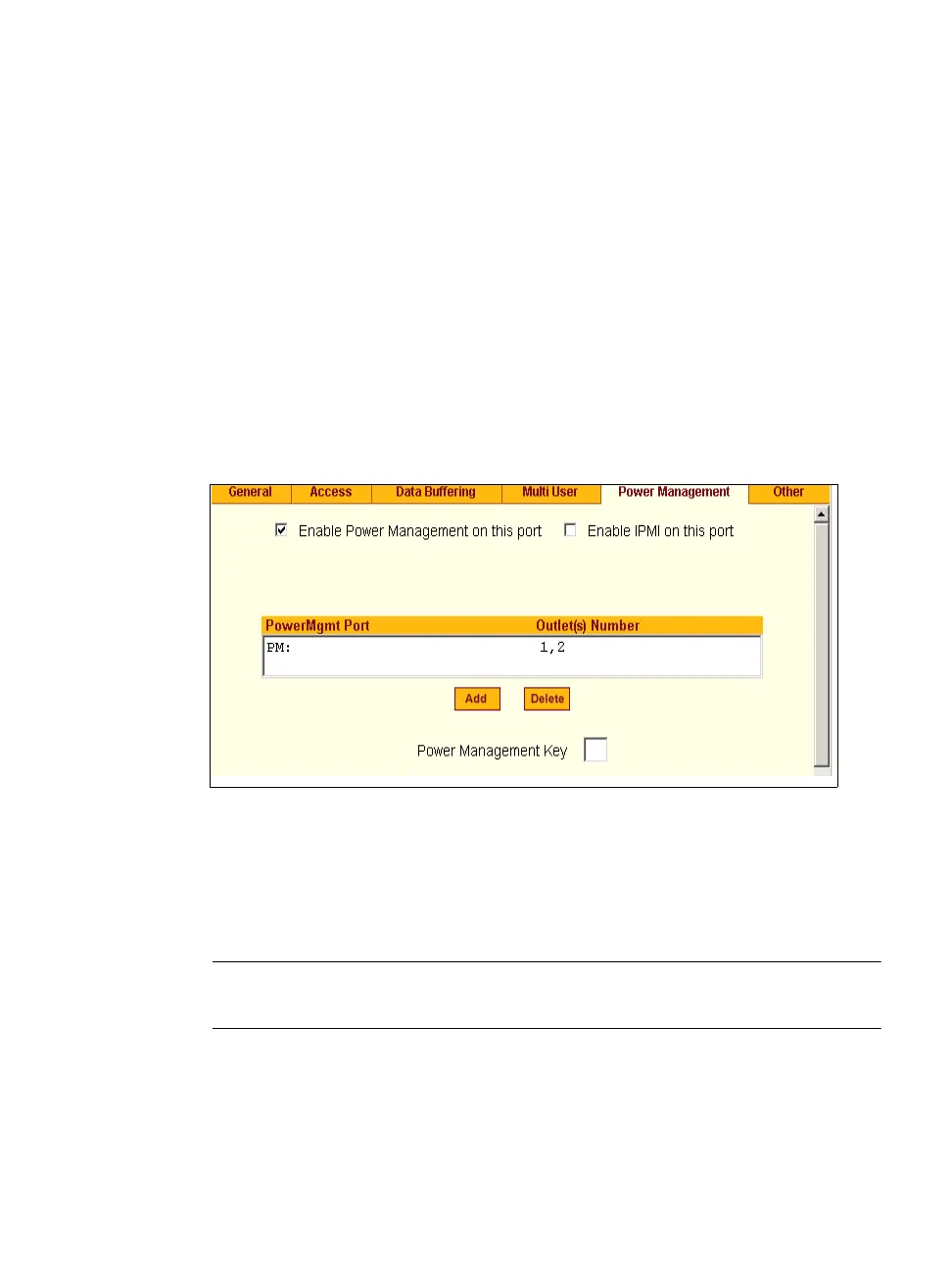
Under Ports > Physical Ports in Expert Mode, after you select one or more
serial ports, and click the Modify Port(s), you can select the Power
Management form from the tabbed menu. The following form appears.
Figure 10-26:Expert > Ports > Physical Ports > Power Management
You can use this form to make it possible for a user who is connected to a
device through the selected serial port to perform power management. While
connected to the device, the user brings up a power management menu or
dialog box by entering a hot key.
Note: “Enable power management” on this form refers to IPDU power management,
Applications > IPDU Power Mgmt.
Additional fields appear on the form if “Enable Power management on this
port” and “Enable IPMI on this port” are checked, as shown in the following
figure.



 To Next Page