Administration Menu & Forms
312
6. Enter or change the Short Message Services (SMS) user name, the SMS
server’s IP address or name, and the SMS port number in the “SMS User
Name,” “SMS Server,” and “SMS Port” fields respectively.
7. Click “OK.”
8. Click “apply changes.”
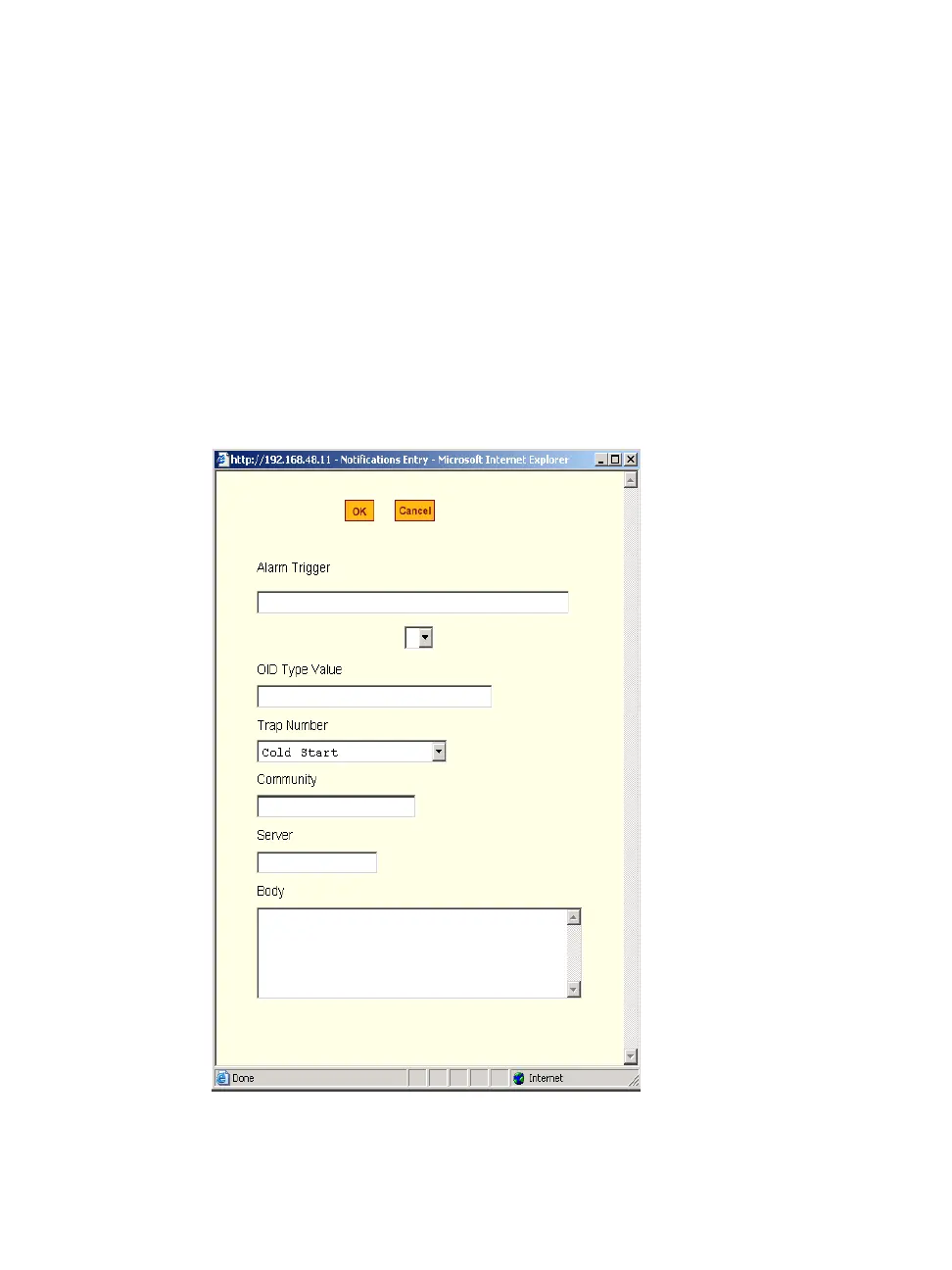
SNMP Trap Notifications Entry
When you go to Administration > Notifications, select “SNMP Trap” from the
pull-down menu, and click on “Add” or “Edit” button the following dialog
box appears.



 To Next Page