AlterPath ACS Installation, Administration, and User’s Guide 245
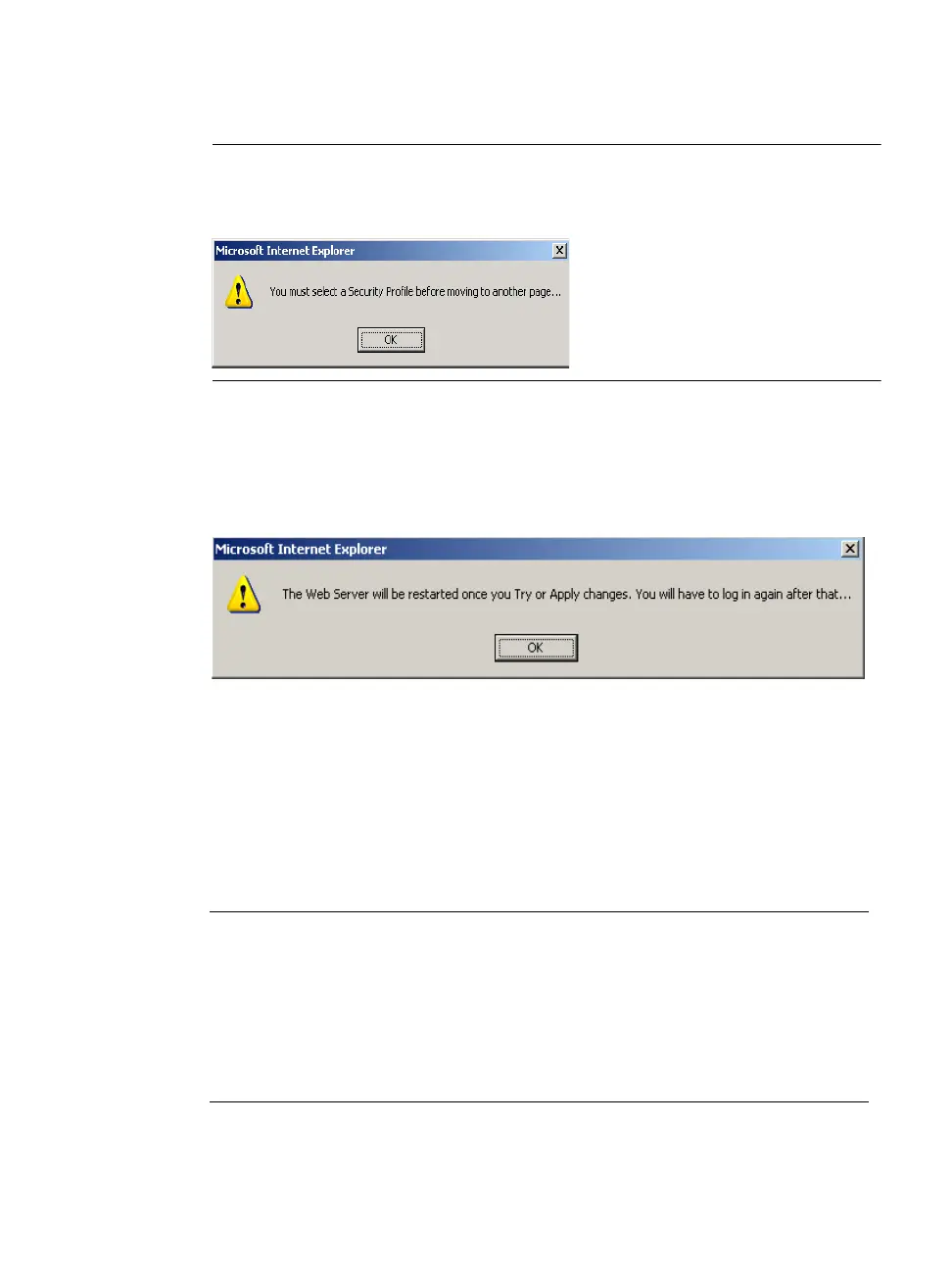
Note: It is not possible to continue working in the Web Manager without selecting a
Security Profile. The following dialog box appears if you try to navigate to
other sections of the Web Manager.
5. Once you select a security profile or configure a custom profile and apply
the changes, the ACS Web Manager restarts in order for the changes to
take effect.
The following dialog box appears.
6. Select “apply changes” to save the configuration to Flash.
ACS Web Manager restarts.
7. Login after Web Manager restarts.
8. The Web Manager defaults to Ports > Ports Status page.
Proceed to the desired forms and the related tasks outlined in the table below.
Table 9-8: Configuring ACS in Expert Model
Configure Users and Groups “Users and Groups” on page 218
Configure Serial Ports “Physical Ports” on page 249
Configure Network Settings “Host Settings” on page 158
Configure IPDU Power Management “IPDU Power Mgmt.” on page
126



 To Next Page