AlterPath ACS Installation, Administration, and User’s Guide 59
Connect
Connect to ACS
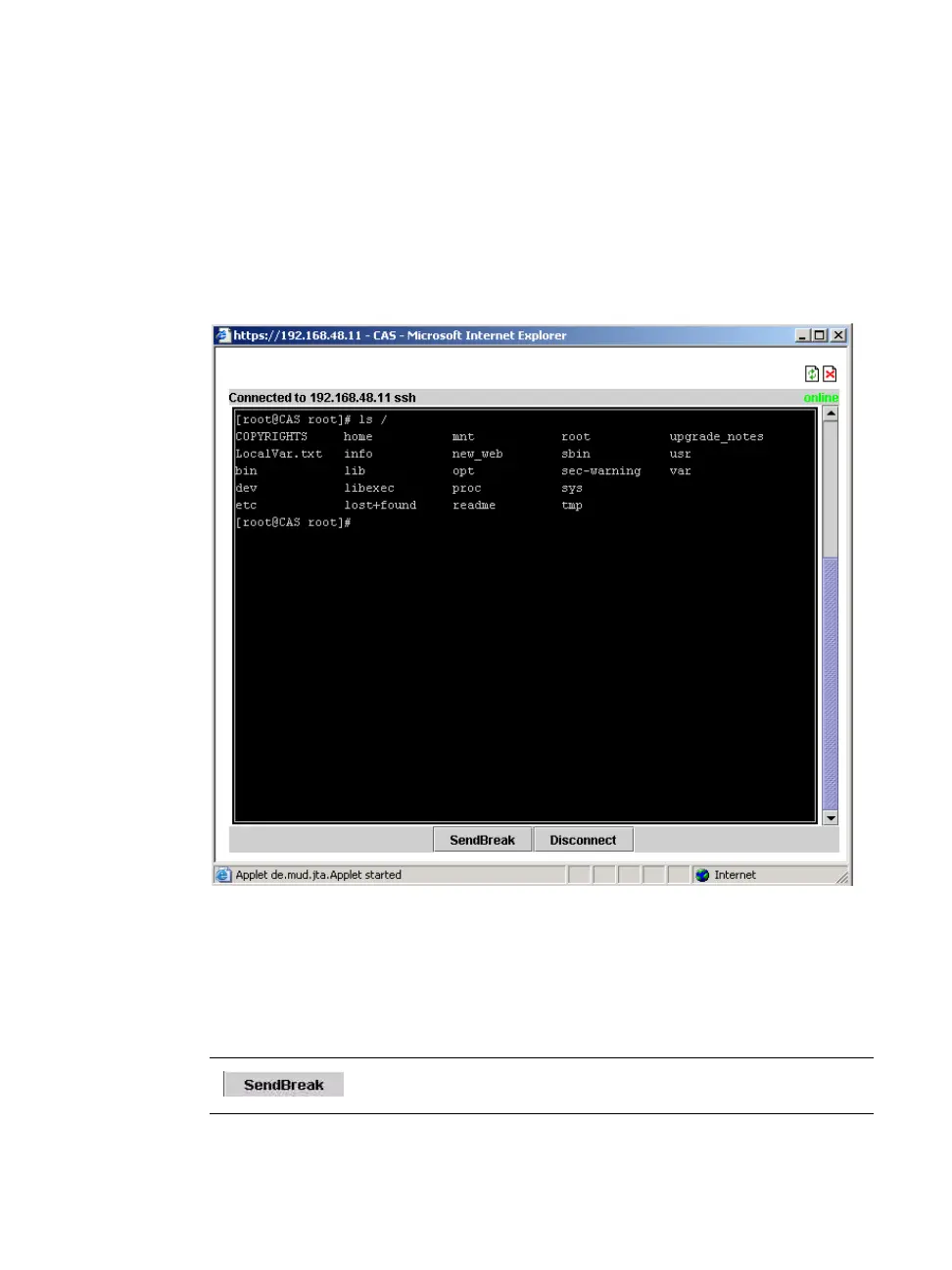
When you click the “Connect to ACS” radio button on the “Connect” form, a
Java applet viewer appears running an SSH session on the ACS. The
following figure shows the Java applet when you connect to the ACS. Note in
the “Connected to” message in the below figure at the top of the screen the IP
address of the ACS followed by the session type, in this case “ssh”.
Figure 3-4: Java Applet
The following table describes the available buttons in the Java applet:
Table 3-2: Java Applet Buttons
Button Purpose
To send a break to the terminal



 To Next Page