Administration Menu & Forms
326
The Cyclades ftp server accepts any password for “anonymous” login.
6. Enter the pathname of the file on the ftp server in the “Path and Filename”
field.
On the Cyclades ftp server, the directory is under pub/cyclades/
alterpath/acs/released/version_number/
7. Click.the “Upgrade Now” button.
8. Click “cancel changes” if you need to restore the backed up configuration
files.
Reboot
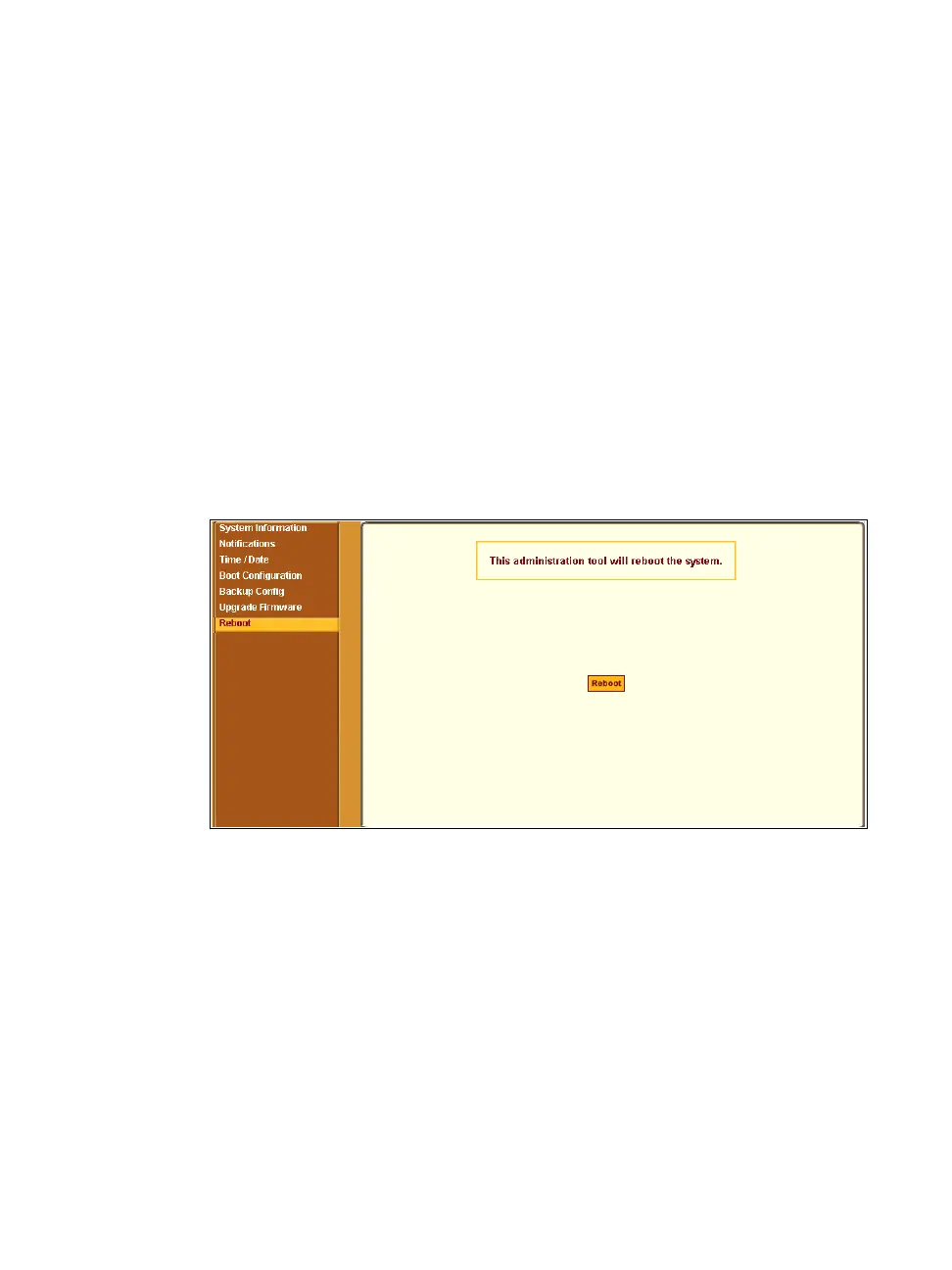
Selecting Administration > Reboot in Expert mode brings up the form shown
in the following figure.
Figure 11-12: Expert > Administration > Reboot
Clicking the “Reboot” button reboots the ACS.
T To Reboot the ACS
1. Go to Administration > Reboot in Expert mode.
2. Click the “Reboot” button.
A confirmation dialog box appears.



 To Next Page