Configuring ACS in Wizard Mode
106
Note: You can perform advanced configuration in Expert mode including the option
of setting up data buffering separately for individual or groups of serial ports.
T To Configure Data Buffering
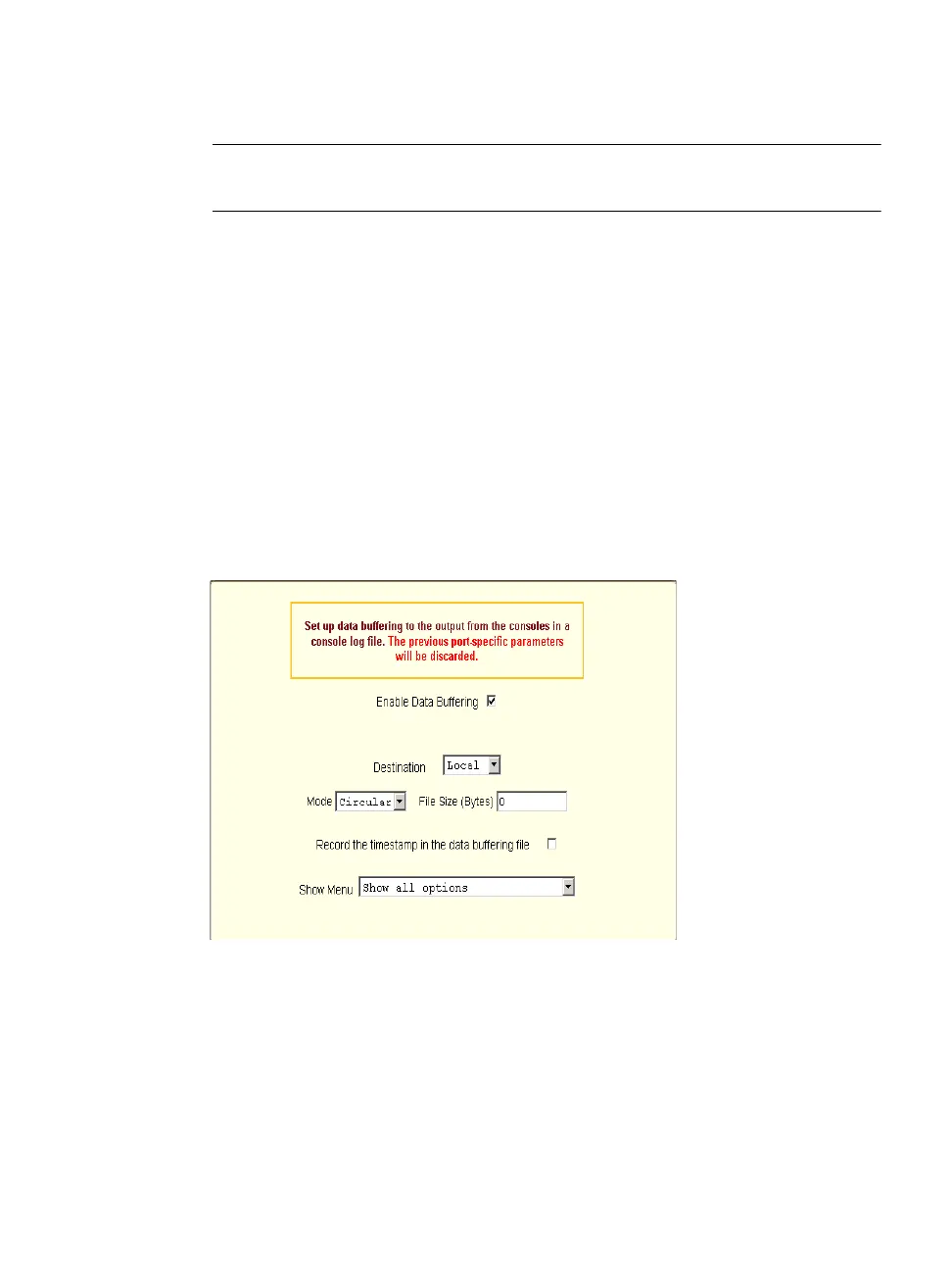
1. Select “Step 4: Data Buffering”
2. Click the “Enable Data Buffering” checkbox.
The “Destination” pull-down menu appears.
3. Select a location for the data files from the “Destination” pull-down menu
(either “Local” or “Remote”).
Additional pull-down menus and fields appear, depending on which
destination is selected.
4. When the destination is local, perform the following steps.
a. From the “Mode” pull-down menu, select “Circular” or “Linear” data
buffering.
b. Type a file size in bytes into the “File Size (Bytes)” field.
The file size should be greater than zero.
5. When the destination is remote, perform the following steps.



 To Next Page