Installation and Configuration
40
Mounting the ACS
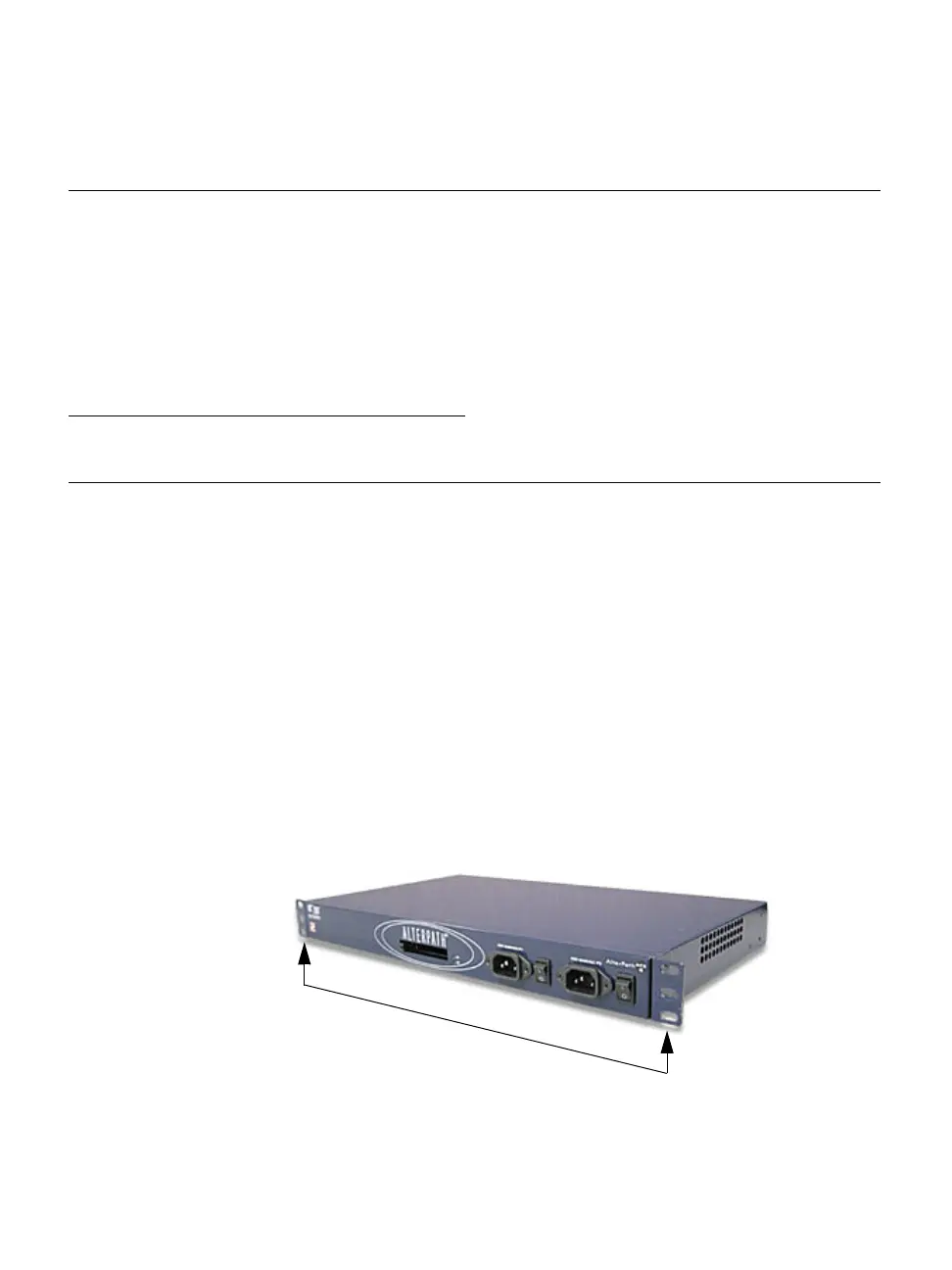
You can mount the ACS on a wall, rack, or cabinet, or place it on a desktop or
other flat surface. Two brackets are supplied with six hex screws for attaching
the brackets to ACS for mounting. See item 14 in the shipping content section.
• If you are not mounting the ACS, place the unit on a desk or table.
• If you are rack-mounting the ACS, obtain a hex screwdriver and
appropriate nuts and bolts before starting the following procedure.
T To rack-mount ACS, perform the following steps:
1. Install the brackets on to the front or back edges of the box using a screw
driver and the screws provided with the mounting kit.
2. Mount the ACS box in a secure position.
Make a direct (terminal) connection to
prepare ACS for basic network
configuration
“Making a Direct Connection to Configure the
Network Parameters.” on page 42
Power on the ACS and the connected
devices
“Powering on the ACS and the Connected
Devices” on page 43
Perform basic network configuration “Performing Basic Network Configuration
Using the wiz Command” on page 44
Select a security profile using the web
manager
“Selecting A Security Profile Using the Web
Manager” on page 48
Task Where Documented
brackets



 To Next Page