Web Manager for Regular Users
62
T
To Use SSH to Connect to a Device Through a Serial Port
For this procedure, you need the username configured to access the serial port,
the TCP port number, and the hostname of the ACS or its IP address.
•To use ssh in a shell, enter the following command:
T To Close an SSH Session
Enter the hotkey defined for the SSH client followed by a dot “.”. The default
is “~.”
Note: Make sure you enter the escape character followed by a “.” at the beginning of
a line to close the SSH session.
IPDU Power Mgmt.
IPDU or “Intelligent Power Distribution Units” management allows you to
manage the power outlets on the AlterPath PM products. When you select the
“IPDU Power Mgmt.” option, if you have permission to manage outlets on an
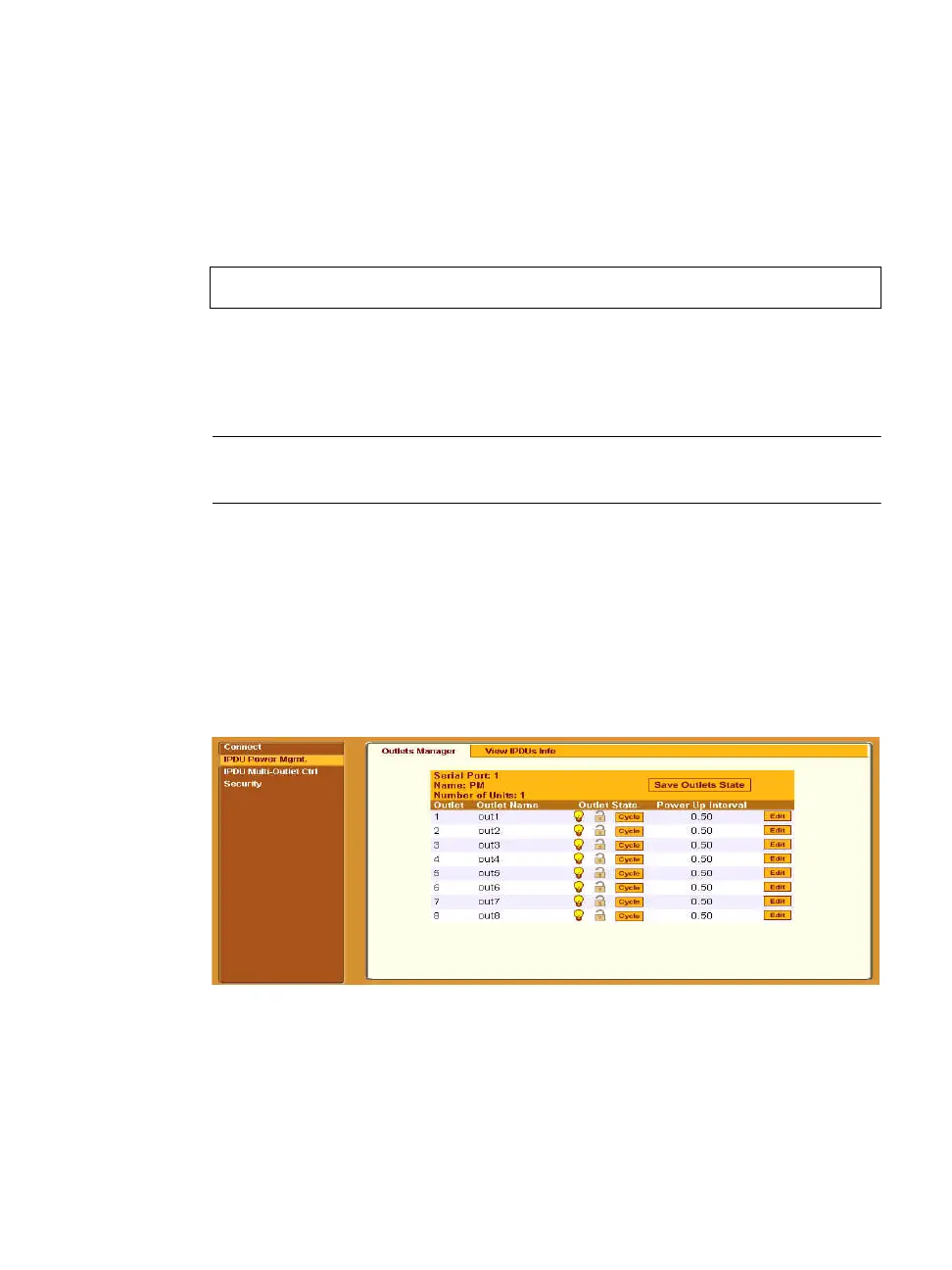
AlterPath PM, two tabs appear at the top of the form, as shown in the
following figure, “Outlets Manager” and “View IPDUs Info”.
Figure 3-5: Regular User > IPDU Power Mgmt. Forms
You can access the forms under IPDU Power Mgmt. menu to manage outlets,
or view IPDUs information:
ssh -l username:TCP_port_number ACS_IP_address



 To Next Page