Network Menu & Forms
176
b. Enter a number for the ACS to use to call back the GSM phone.
6. Click OK.
7. Click “apply changes.”
Configuring an Ethernet PCMCIA Card
You can use the “PCMCIA Management” form under “Network” to configure
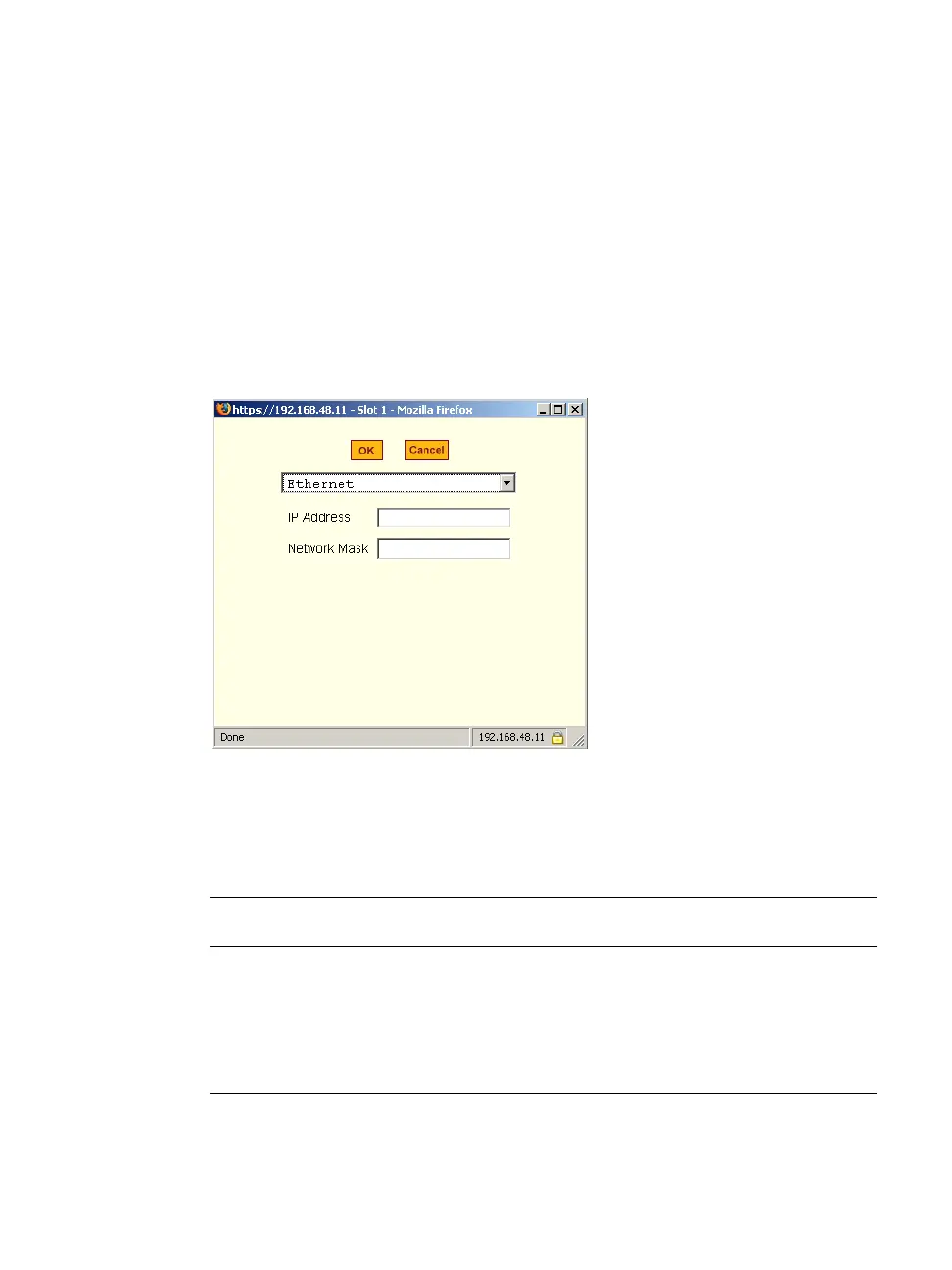
an Ethernet PCMCIA card. When you select Ethernet from the pull-down
menu, the dialog box shown in the following figure appears.
Figure 8-11: Expert > Ethernet PCMCIA Card Configuration Dialog Box
The following table provides a brief description of the fields available in the
Ethernet dialog box
Table 8-6: Expert >
Form Fields for an Ethernet Card.
Field Name Definition
[PCMCIA Card]
Select Ethernet from the Pull-down menu.
IP Address
The local IP address of the Ethernet.
Network Address
The network address of the Ethernet.



 To Next Page