AlterPath ACS Installation, Administration, and User’s Guide 89
2. Review the Security Advisory and click the “Close” button.
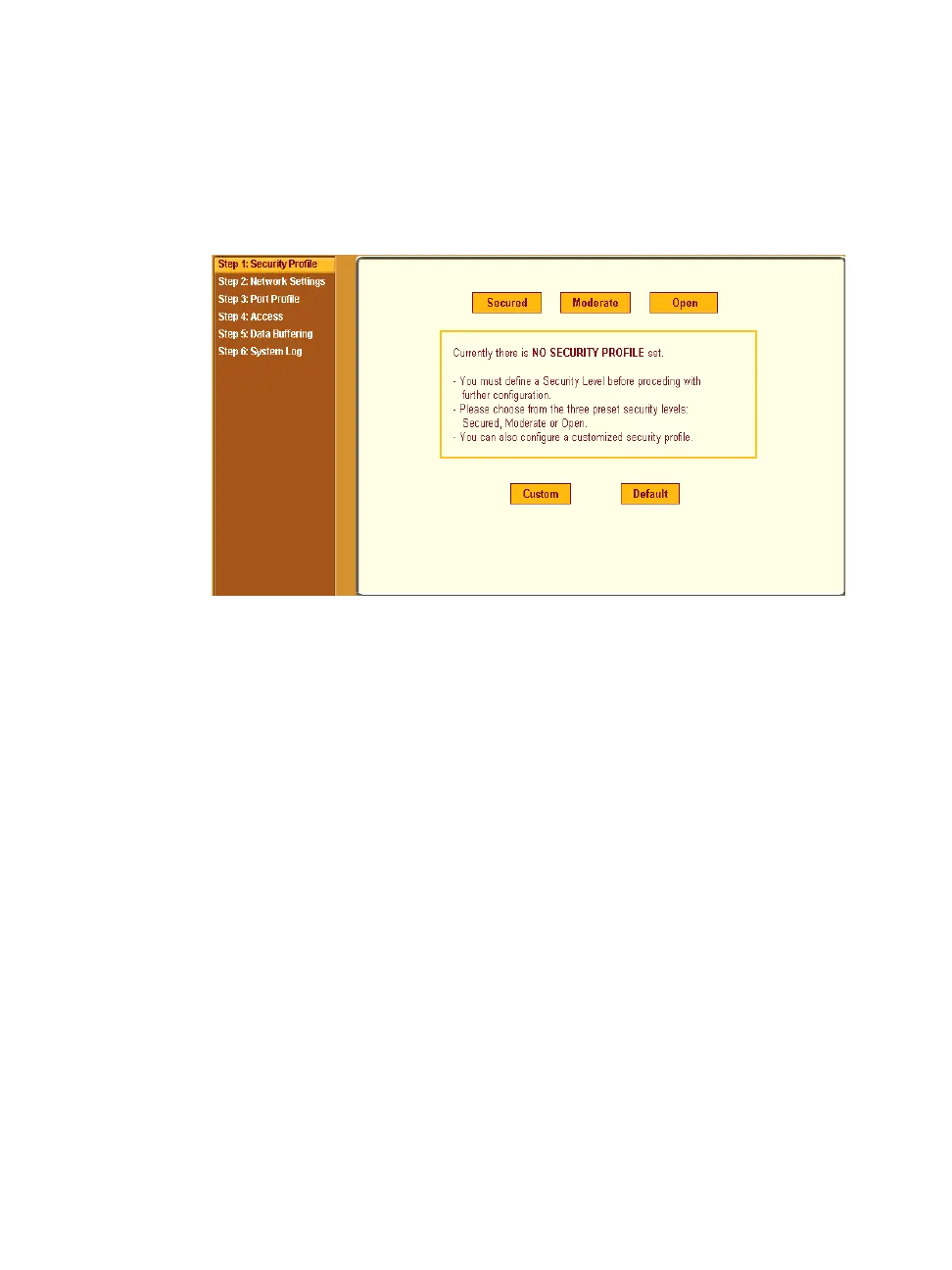
3. The Web Manager is redirected to Wizard > Step 1: Security Profile.
The following form is displayed.
Figure 5-4: Wizard > Step 1: Security Profile Form
4. Select a pre-defined Security Profile by pressing one of the “Secure”,
“Moderate”, “Open”, or “Default” profiles, or create a “Custom” profile.
The following dialog box appears when you select the “Custom” profile.



 To Next Page