Installation and Configuration
52
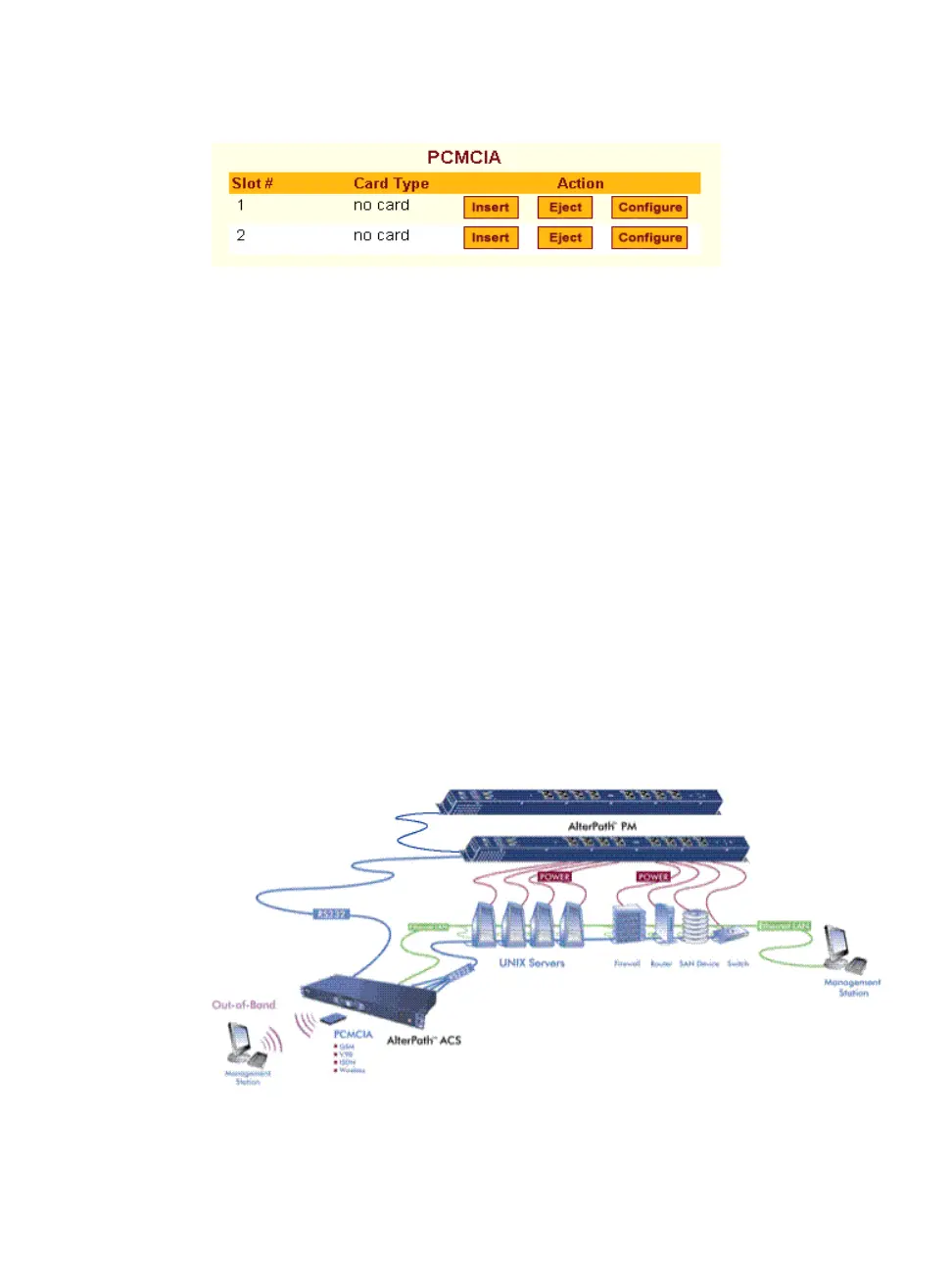
Figure 2-4: PCMCIA Eject Button in Web Manager
2. Physically remove the card from the slot.
T To Configure a PCMCIA Card
See Chapter 8, “To Configure a PCMCIA Card”, and the sections related to
the type of card you need to configure.
Connecting AlterPath PM IPDUs
You can connect AlterPath Power Management (PM) intelligent power
distribution units (IPDUs) to the serial ports on the ACS using an RJ-45 to RJ-
45 UTP cable. AlterPath PM includes two RS-232 outlets for serial
management and daisy-chaining. Any combination of Alter PM models up to
128 outlets can be daisy-chained into a single virtual power distribution unit.
The following figure shows an ACS and two AlterPath PM8 IPDUs daisy-
chained. One PM is connected to a serial port on ACS configured for power
management, and a second PM is daisy-chained from the first PM.
Figure 2-5: AlterPath PMs Connected to the ACS



 To Next Page