AlterPath ACS Installation, Administration, and User’s Guide 249
Using the forms described in the following sections, you can perform custom
configuration of serial ports.
Physical Ports
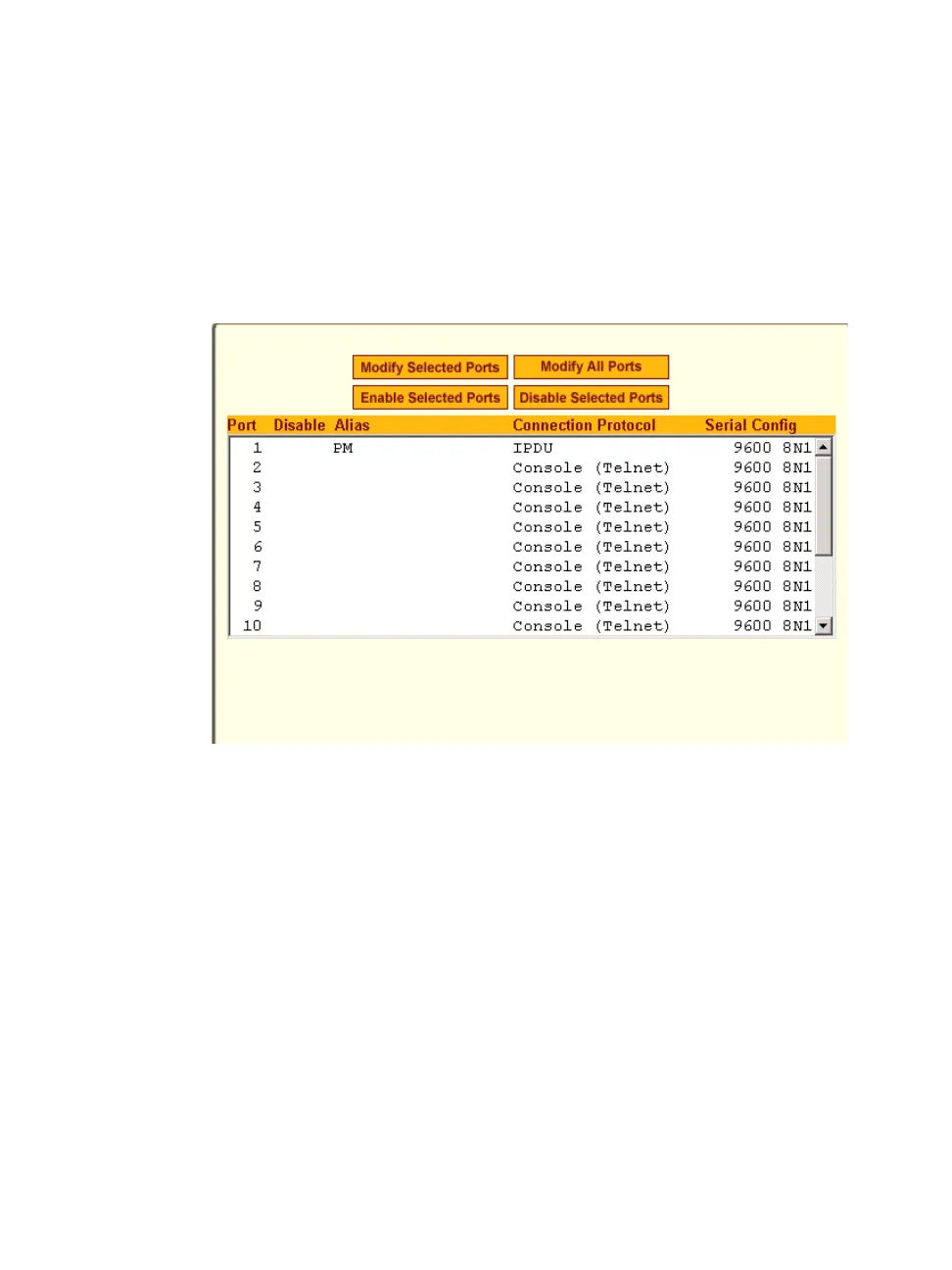
When Physical Ports is selected under Ports > Physical Ports in Expert mode,
the following form appears.
Figure 10-2: Expert > Ports > Physical Ports
Using this form you can enable or disable ports, and configure parameters for
individual or a group of serial ports.
You can select contiguous serial ports on the form by using the [Shift] key, or
non-contiguous ports by using the [Ctrl] key on your keyboard. You can
“Enable Selected Ports” or “Disable Selected Ports” by pressing the
corresponding button.
You can select the “Modify All Ports” button to specify the same parameters
for all the serial ports, or you can select “Modify Selected Ports” button, and
set values for an individual or a group of ports.
Selecting “Modify Selected Ports” or “Modify All Ports” option brings up a
form with the following six



 To Next Page