Applications Menu & Forms
122
Applications
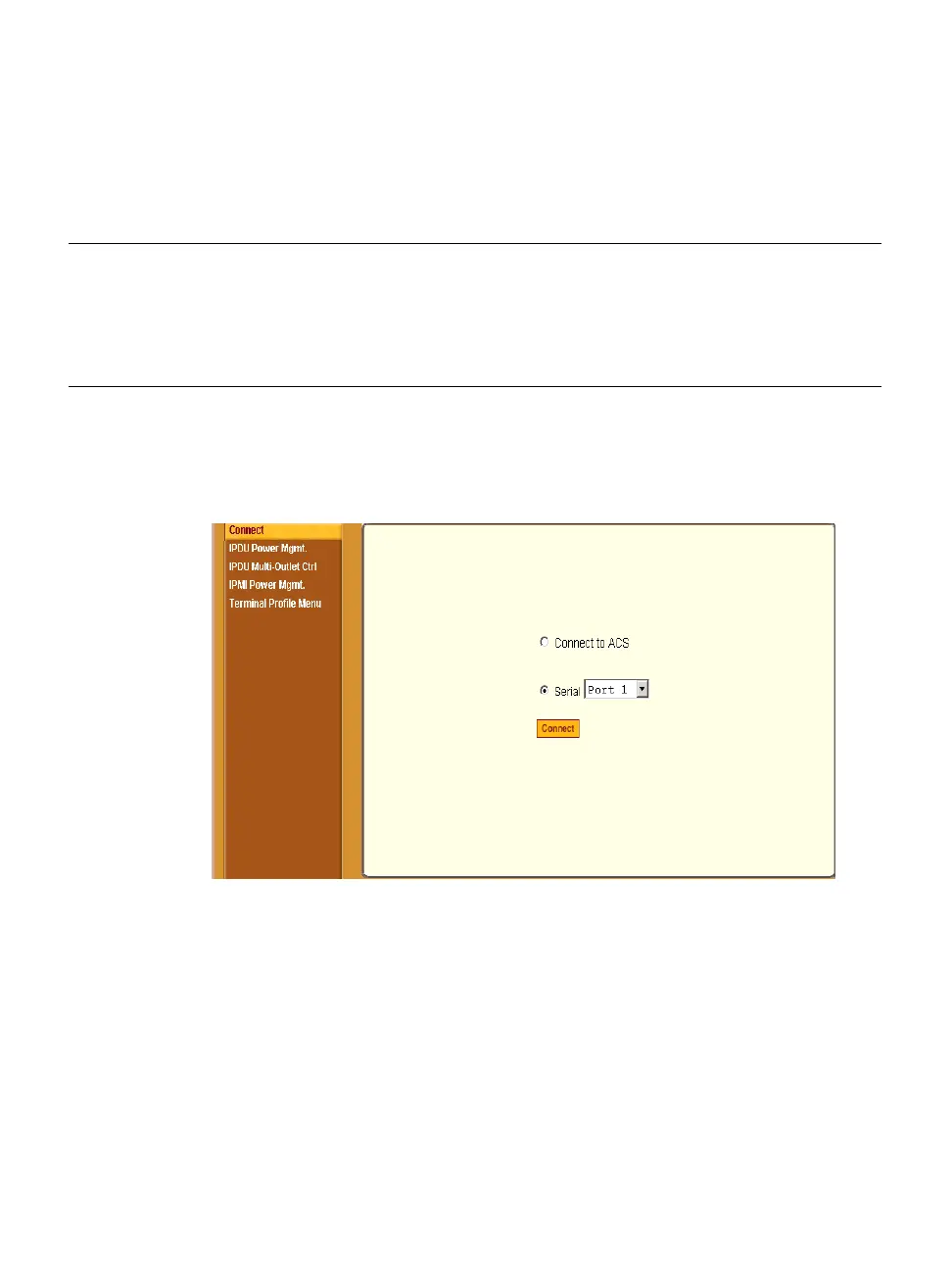
Under “Applications” in Expert mode, five options appear in the left menu
panel as shown in the following figure.
Figure 7-1: Expert > Applications Menu Options
Connect
Selecting the “Connect” form under “Applications” brings up the form shown
in the following figure.
Terminal Profile
Menu
Configure a menu of commands that will be
presented to the user when they power on their
computer terminal and login to the ACS. This is
a special application used only when the ACS is
being used as server with terminals attached.
Page 152
Table 7-1: Expert > Applications Menu
Menu Selection Use this menu to: Where
Documented



 To Next Page