AlterPath ACS Installation, Administration, and User’s Guide 129
Applications
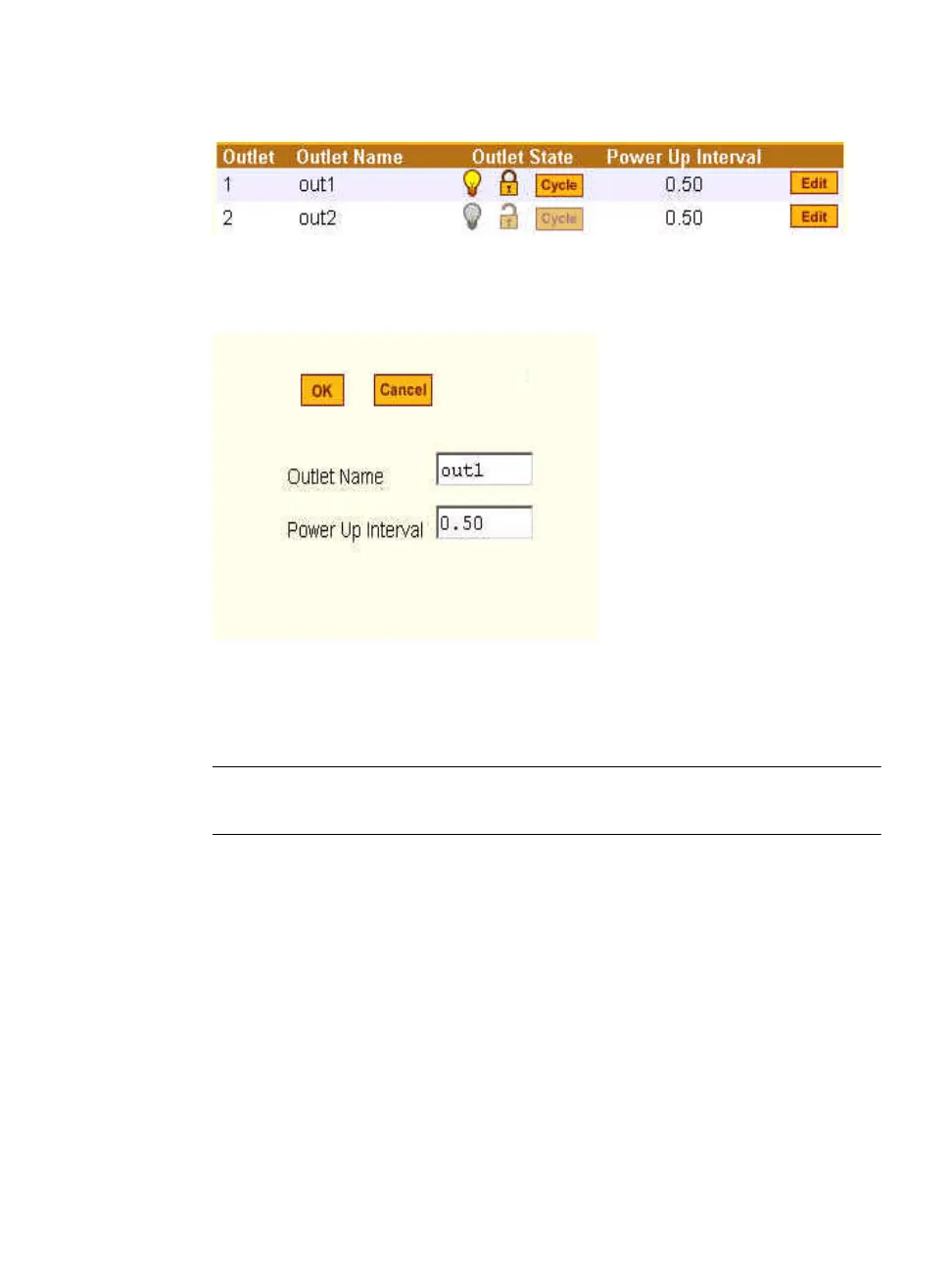
Figure 7-7: Expert > Outlets Manager Icons
Clicking the Edit button brings up the following dialog box.
Figure 7-8: Expert > Edit Outlets Dialog Box
You can specify a name for the outlet, for example, the server or device name,
and change the power up interval.
Note: The power up interval is the amount of time (in seconds) that elapses after the
selected outlet is turned on before another outlet can be turned on.
T To View Status, Lock, Unlock, Rename, or Cycle
Power Outlets
1. Go to Applications > IPDU Power Mgmt. > Outlets Manager
The “Outlets Manager” form appears.
2. To switch an outlet on or off, click the adjacent light bulb.
3. To lock or unlock an outlet, click the adjacent padlock.



 To Next Page