Configuring ACS in Wizard Mode
94
5. Select the “Next” button, or proceed to “Step 3: Port Profile”.
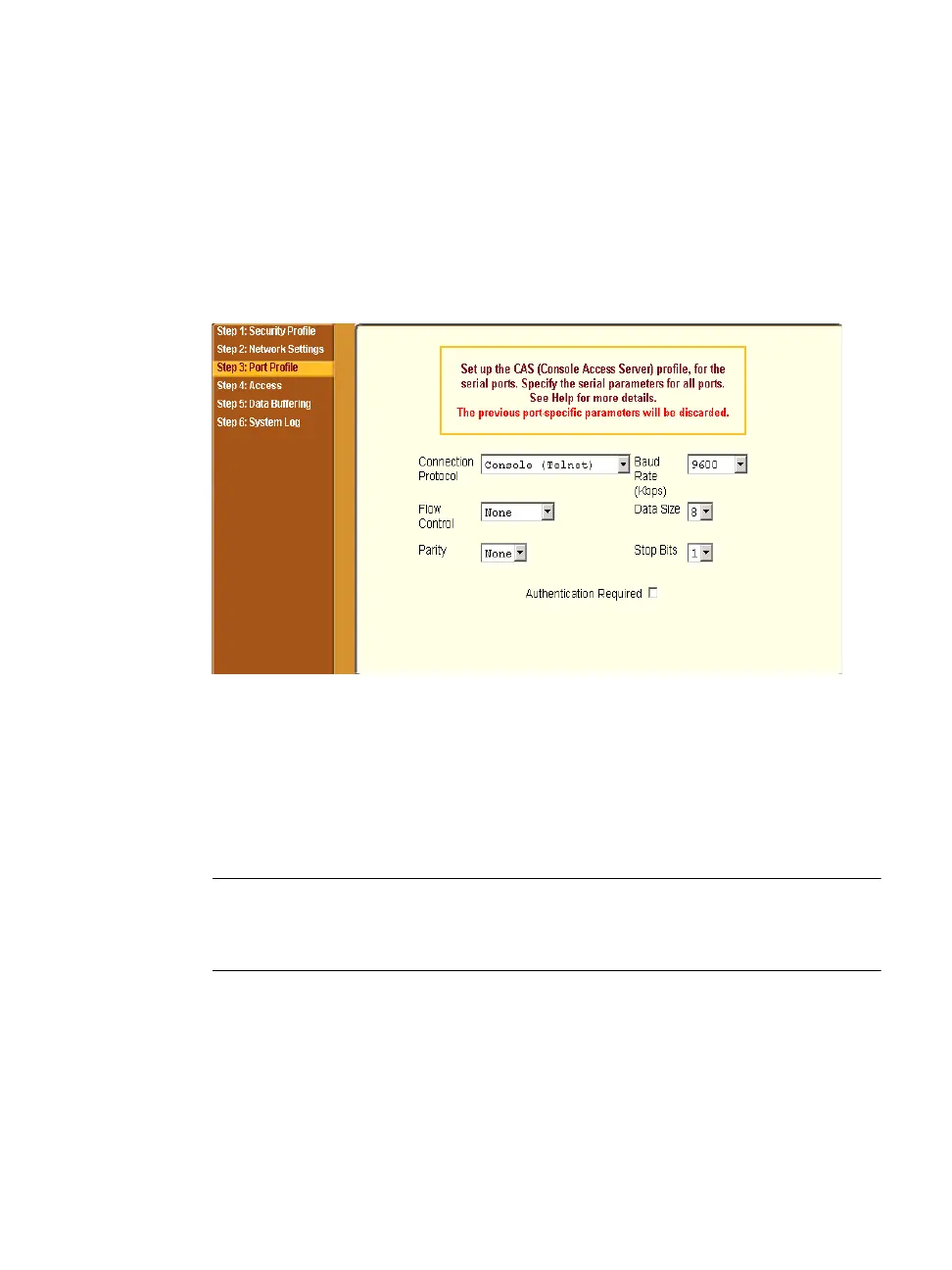
Step 3: Port Profile
Selecting “Step 3: Port Profile” brings up a form for configuring the Console
Access Profile (CAS). The protocol used to access the serial ports can be
configured in this form.
Figure 5-8: Wizard > Step 3: Port Profile
In “Wizard” mode the system assumes that all devices will be connected to the
serial ports with the same parameter values. If you need to assign different
parameters to the serial ports that each server or device is connected to, use
the “Expert” mode, Ports > Physical Ports to assign individual port
parameters.
Note: From the factory by default, all Serial Ports are disabled. The administrator
can enable ports and assign specific users to individual ports through the
“Expert” mode.



 To Next Page