Configuring ACS in Wizard Mode
108
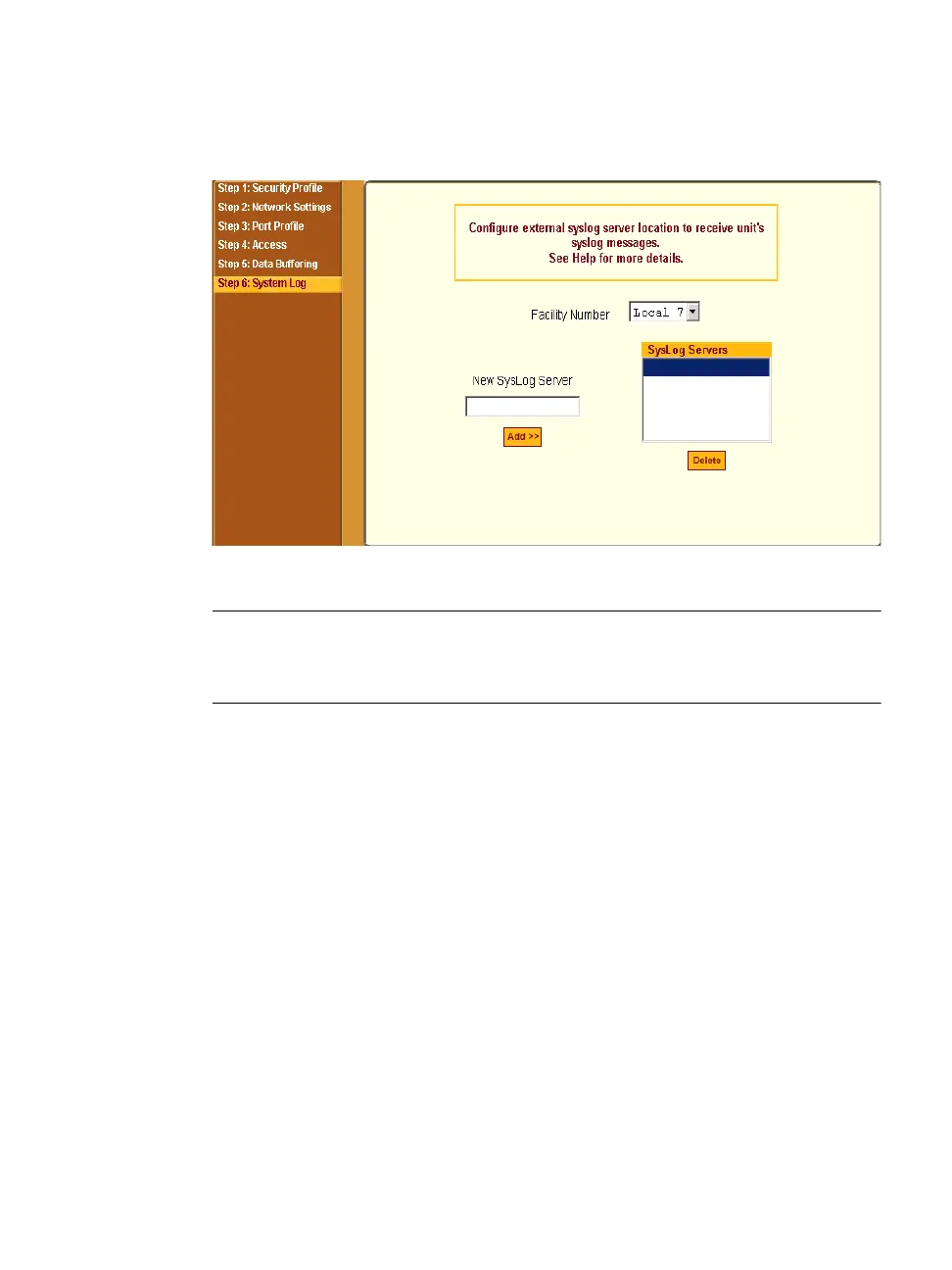
The form appears as shown in the following figure.
Figure 5-15:Wizard > Step 6: System Log
Note: To configure syslog with data buffering features for specific ports, switch to
the Expert Mode, Ports > Physical Ports > Modify Selected Ports > Data
Buffering.
Before setting up syslogging, make sure an pre-configured syslog server is
available on the same network as the ACS. Obtain the following information
from the syslog server’s administrator.
• The IP address of the syslog server.
• The facility number for messages coming from the ACS.
See Chapter 1, “Syslog Servers” on how facility numbers are used.
T To Add a Syslog Server
This procedure assumes you have the following information:
• The IP address of the syslog server
• The facility number for messages coming from the ACS
1. Select “Step 6: System Log.”



 To Next Page