AlterPath ACS Installation, Administration, and User’s Guide 263
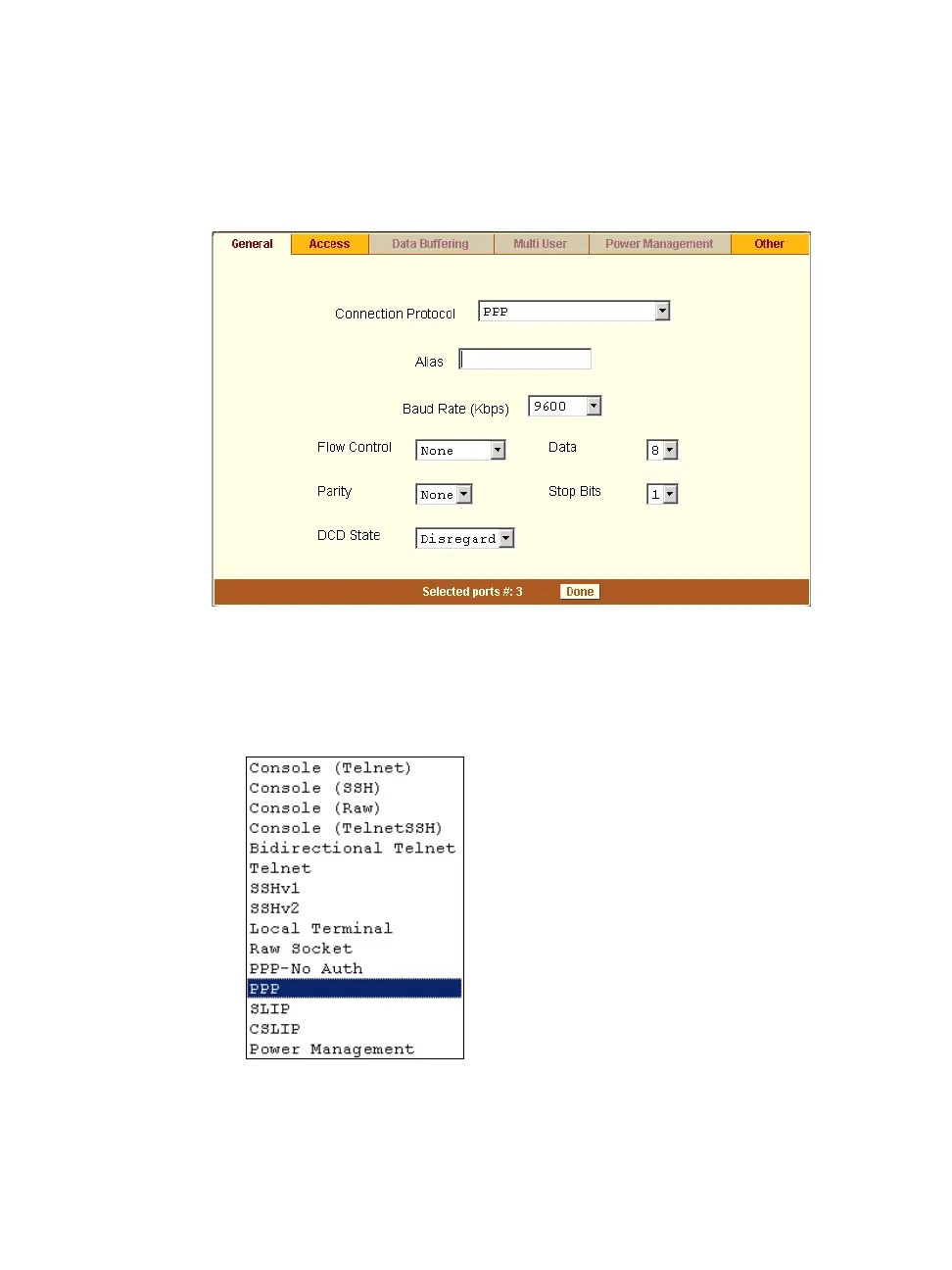
The General form appears with the number(s) of the selected port(s) next
to the Done button at the bottom of the form, and the active tabs
highlighted in yellow.
Figure 10-15: Expert > Ports > Physical Ports > Modem Connection
3. To change the connection protocol, select one of the options from the
“Connection Protocol” pull-down menu: “PPP-No Auth.”, “PPP”,
“SLIP”, or “CSLIP”.
Figure 10-16: Connection Protocols > Modem



 To Next Page