AlterPath ACS Installation, Administration, and User’s Guide 195
Network
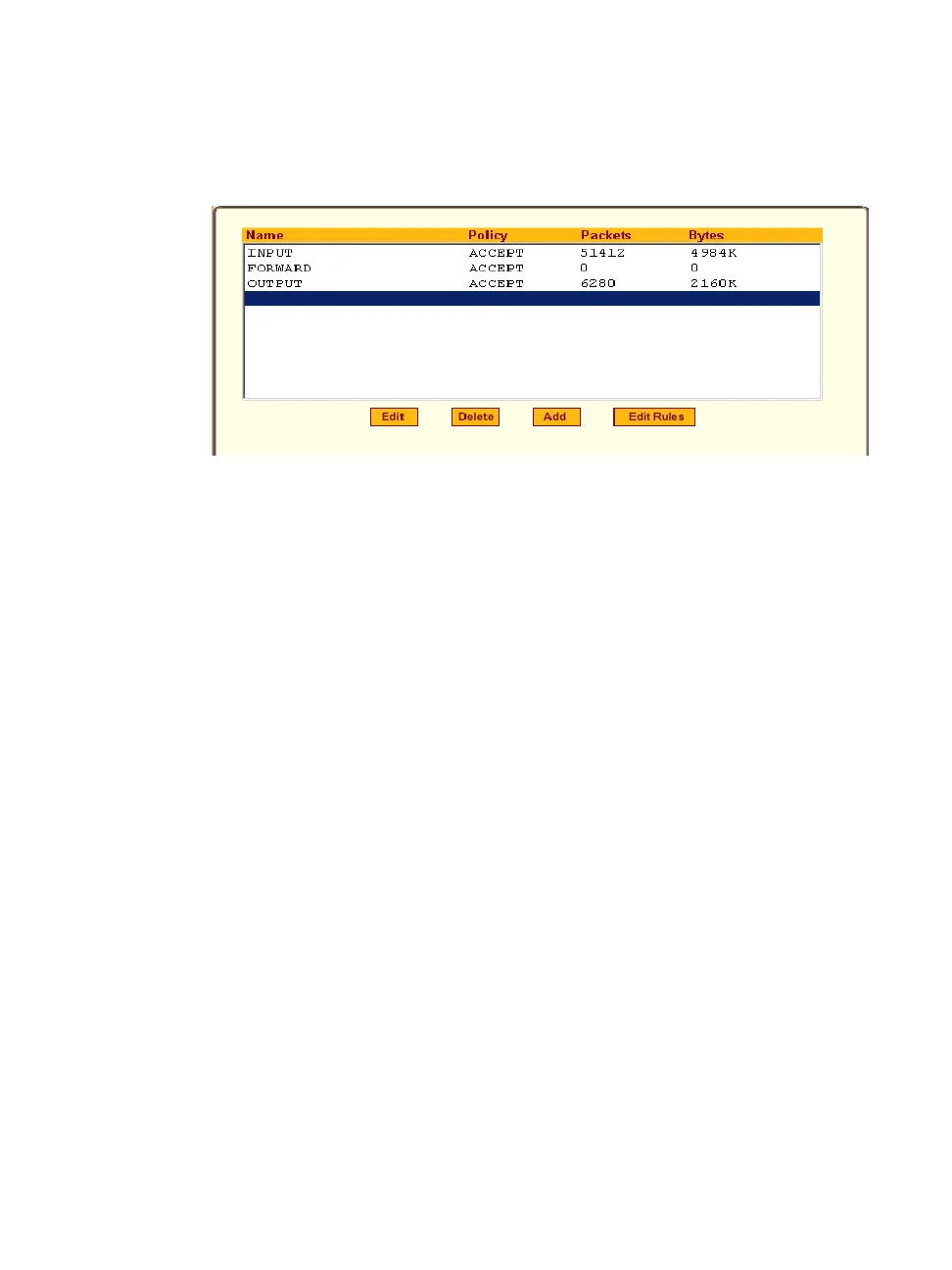
Selecting Network > Firewall Configuration brings up the form shown in the
following figure.
Figure 8-21: Expert > Network > Firewall Configuration
You can use the Firewall Configuration form to enable firewall on ACS. You
can define rules to allow or disallow packets, and configure filtering of
packets that are sent and received through ACS.
Packet filtering relies on defined chains and rules. See “Packet Filtering on
ACS” on page 16 for details.
Each entry in the list on the Firewall Configuration form represents a chain
with a set of rules.
The list by default has three built-in chains, as shown in the previous figure.
The chains accept all INPUT, FORWARD, and OUTPUT packets. You can
use the “Edit,” “Delete,” “Add,” and “Edit Rules” buttons on the form to do
the following to configure packet filtering:
• Edit default chains
• Delete user-added chains
• Add new chains
• Edit rules for chains
“Edit” Button
Selecting one of the default chains and pressing the “Edit” button, the “Edit
Chain” dialog box shown in the following figure appears.



 To Next Page