Web Manager for Regular Users
64
The form shows separate entries for each serial port configured for power
management, a name for the configured serial port if one is defined by the
administrator, and the number of IPDUs connected. The matrix displays a line
item for each outlet you are authorized to manage.
The authorized user can do the following for any listed outlet:
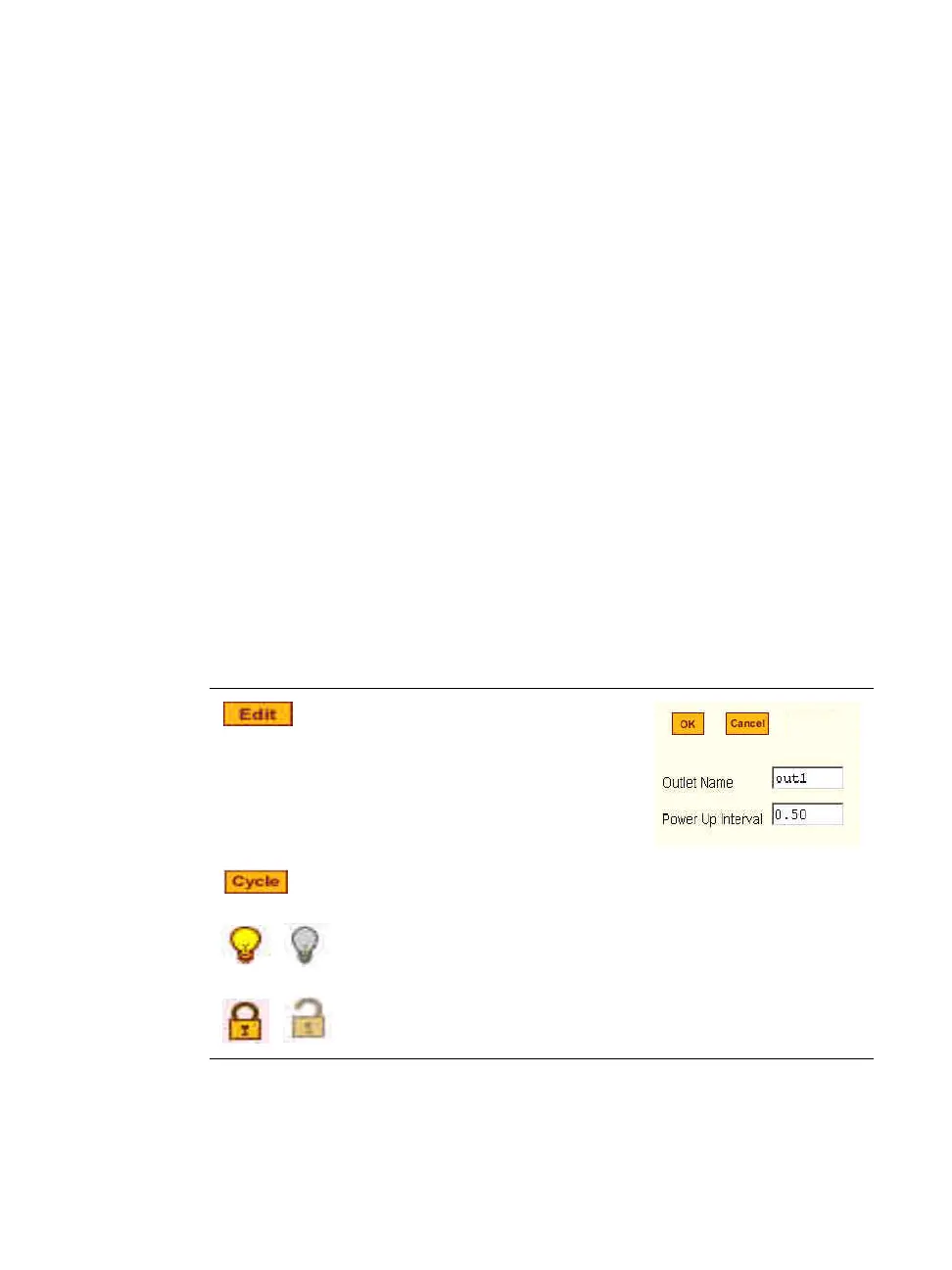
• Edit the outlet name.
Enter a name to identify the server or device plugged into the outlet.
• Edit the power up interval.
The power up interval is the time interval (in seconds) that the system
waits between turning on the currently-selected outlet and the next outlet.
The default is set at 30 seconds.
• Cycle - Turn power briefly off and on again.
• Turn the power On/Off to the outlet.
• Lock or unlock the outlet to prevent accidental changes to the power state.
The following table describe the corresponding buttons to do the above
operations:
Table 3-4: Regular User > Outlet Management Buttons
Button Purpose
Opens a dialog box to
Edit an Outlet name, and the
Power Up Interval.
Turn power briefly off and then on again.
Turn power On/Off.
Lock or unlock the outlet.



 To Next Page