AlterPath ACS Installation, Administration, and User’s Guide 199
Network
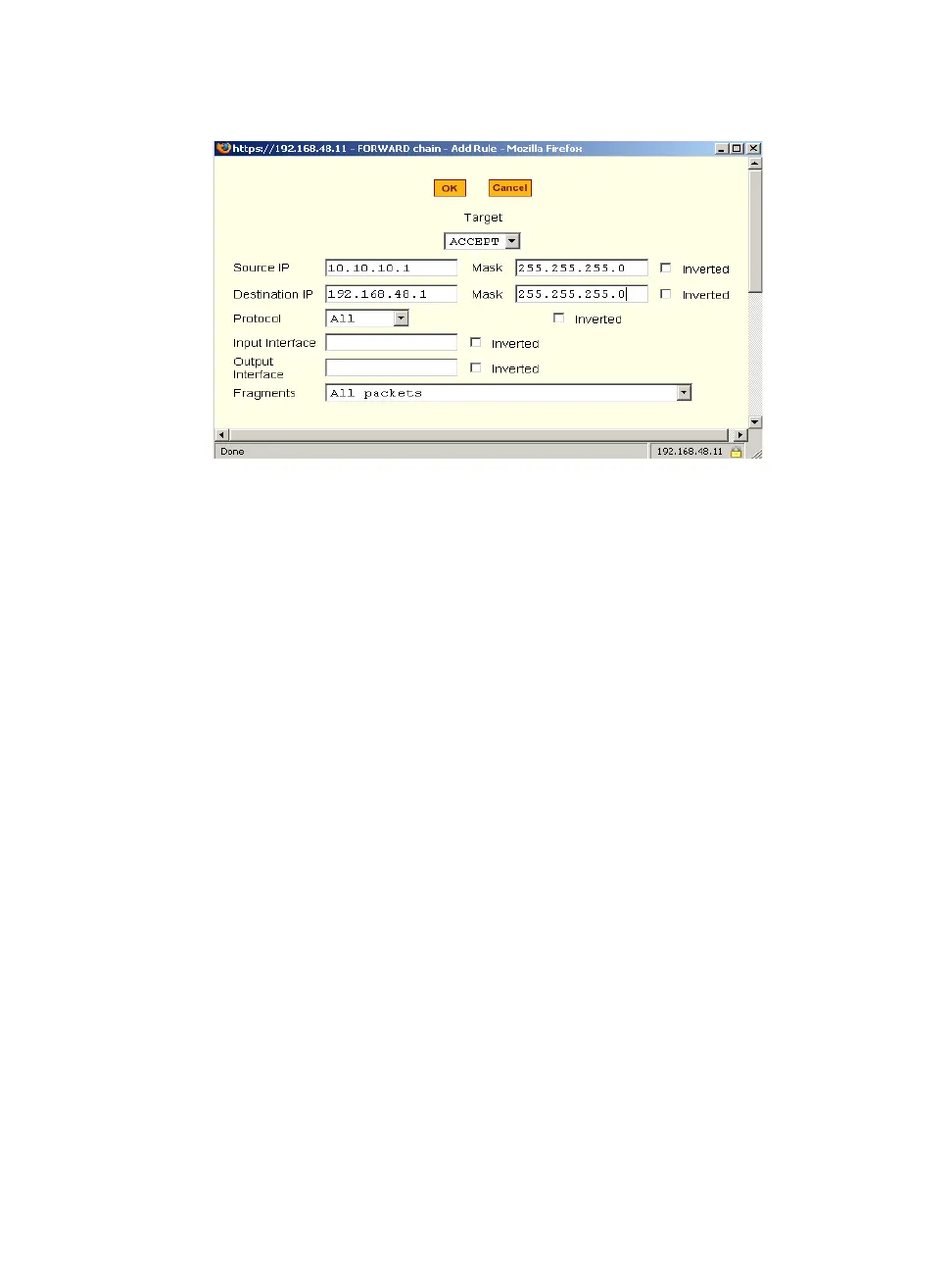
Figure 8-28:Expert > Firewall Configuration “Add Rule” and “Edit Rule”
Dialog Boxes
Inverted Checkboxes
If the “Inverted” checkbox is enabled for the corresponding option, the target
action is performed on packets that do not match any of the criteria specified
in that line.
For example, you select “DROP” as the target action from the “Target” drop-
down list, check “Inverted” on the line with the “Source IP”, and do not
specify any other criteria in the rule, any packets arriving from any other
source IP address than the one specified are dropped.
Target Pull-down Menu Options
The “Target” pull-down menu shows the action to be performed on an IP
packet that matches all the criteria specified in a rule. The kernel can be
configured to ACCEPT, DROP, RETURN, LOG or REJECT the packet by
sending a message, translating the source or the destination IP address, or
sending the packet to another user-defined chain. The default target pull-down
menu is shown in the following figure.



 To Next Page