AlterPath ACS Installation, Administration, and User’s Guide 317
4. Type the IP address of the NTP server in the “NTP Server” field.
5. Click “OK.”
6. Click “apply changes.”
Boot Configuration
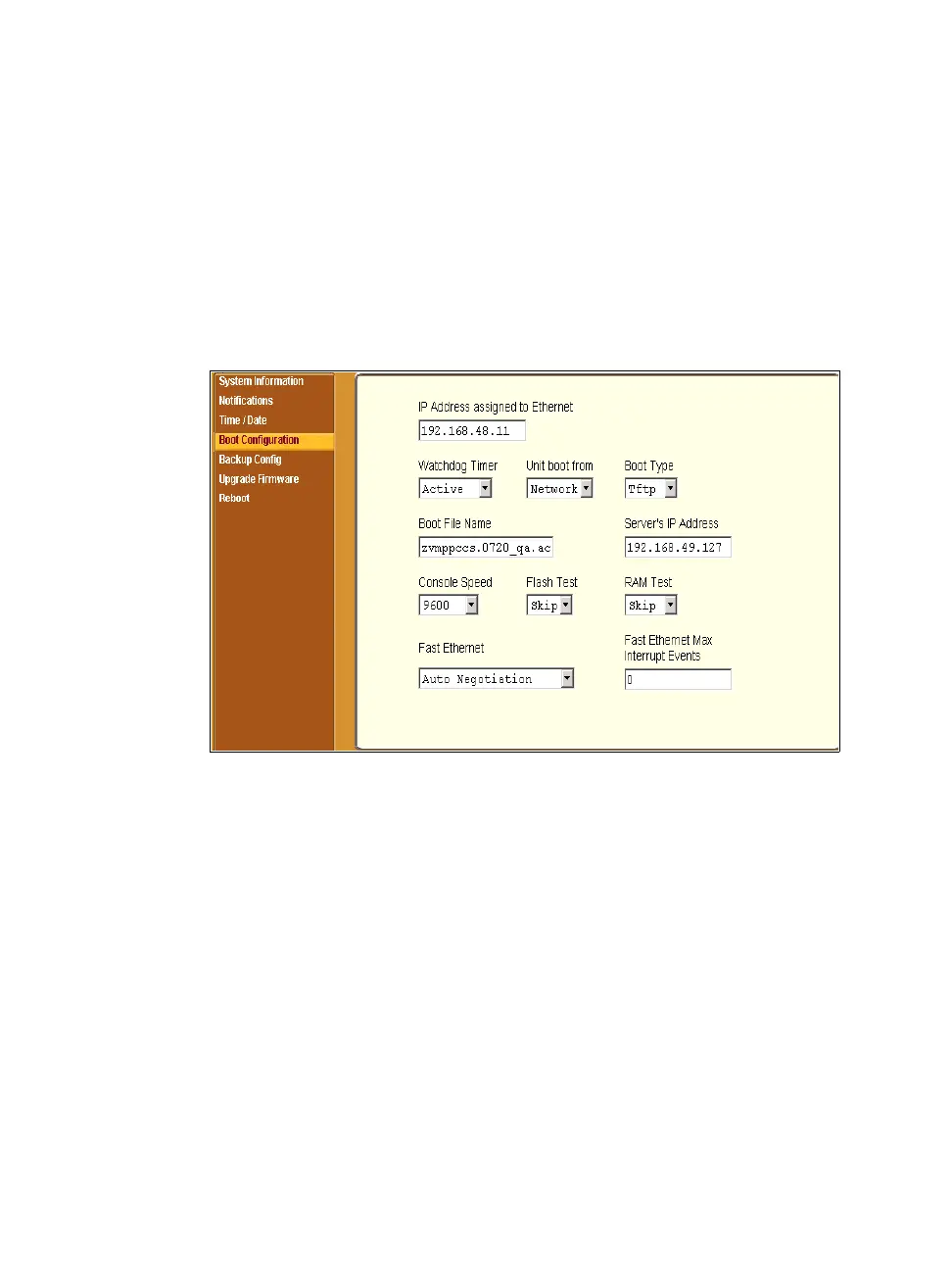
Selecting Administration > Boot Configuration in Expert mode brings up the
form shown in the following figure.
Figure 11-8: Expert > Administration > Boot Configuration
Boot configuration defines the location from where ACS loads the operating
system. The ACS can boot from its internal firmware or from the network. By
default, ACS boots from flash memory.
If you need to boot from the network, you need to make sure the following
prerequisites are met.
• A TFTP or BOOTP server must be available on the network.
• An upgraded ACS boot image file must be downloaded from Cyclades
and available on the TFTP or BOOTP server.
• ACS must be configured with a fixed IP address.
• The boot filename and the IP address of the TFTP or BOOTP server is
known.



 To Next Page