AlterPath ACS Installation, Administration, and User’s Guide 185
Network
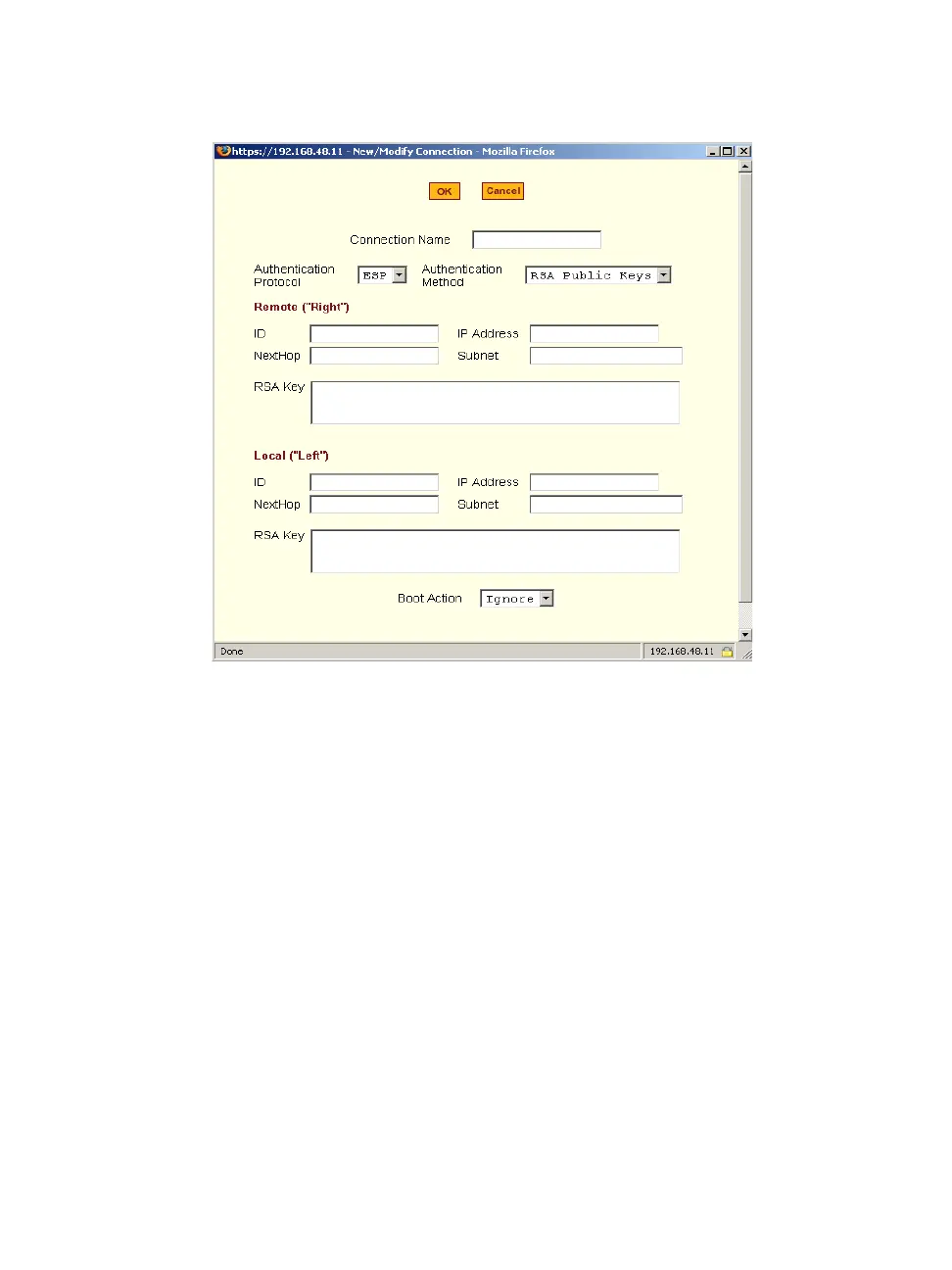
Figure 8-16: Expert > VPN “New/Modify Connection” Dialog Box
The remote gateway is referred to as the Remote or “Right” host, and the ACS
is referred to as the Local or “Left” host. If left and right are not directly
connected, then you must also specify a “NextHop” IP address.
The next hop for the remote or right host is the IP address of the router to
which the remote host or gateway running IPSec sends packets when
delivering them to the left host. The next hop for the left host is the IP address
of the router to which the ACS sends packets to for delivery to the right host.
A Fully Qualified Domain Name in the “ID” fields for both the “Local
(‘Left’)” host and the “Remote (‘Right’) host where the IPSec negotiation
takes place should be indicated.
The following table describes the fields and options on the form. Check with
your system administrator who defined and configured the security protocols,
if needed. The information must match exactly on both ends, local and
remote.



 To Next Page