AlterPath ACS Installation, Administration, and User’s Guide 183
Network
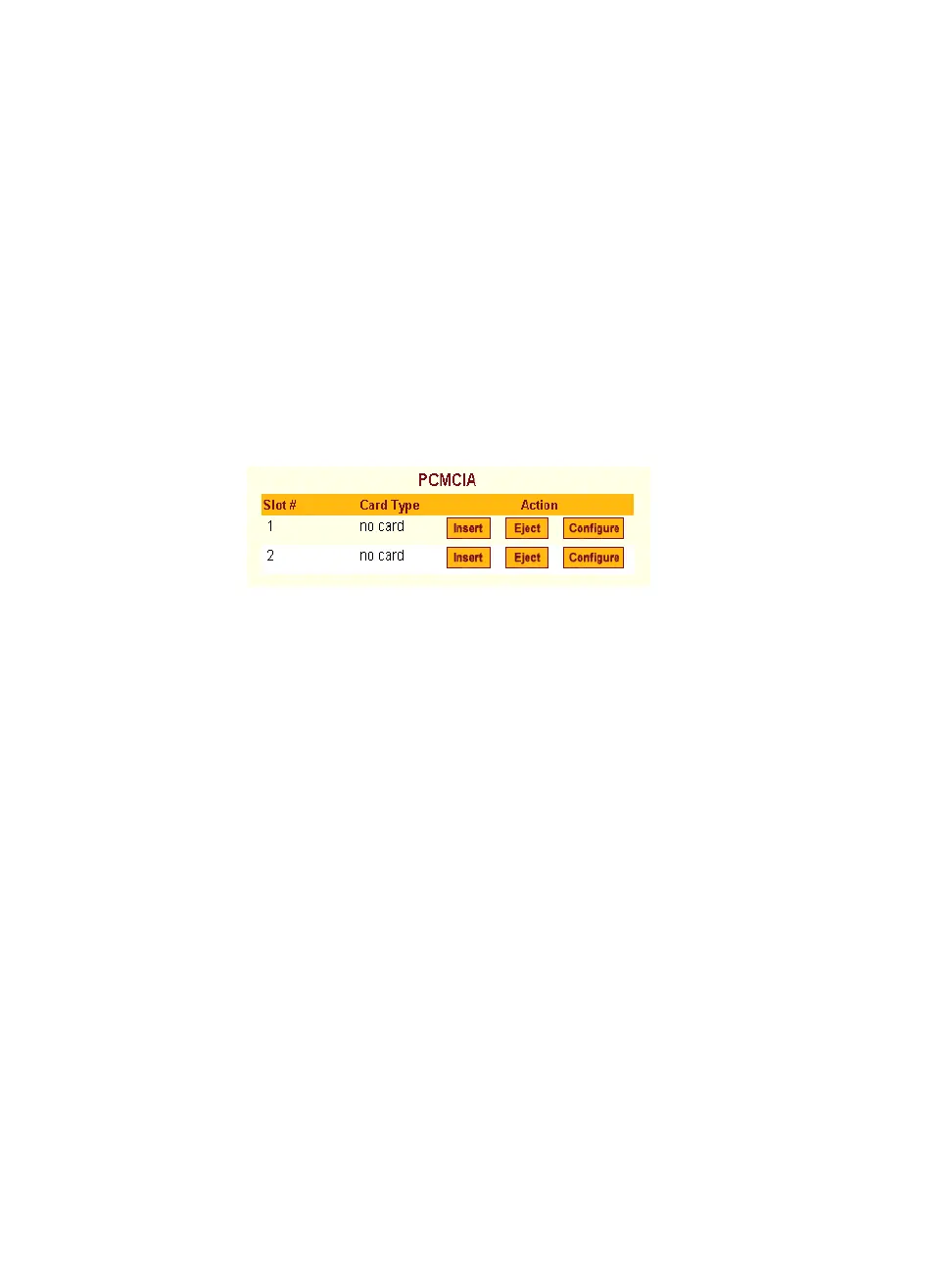
Ejecting a PCMCIA Card
Use the “Eject” button on the PCMCIA management form to eject any
PCMCIA card before physically ejecting it. Any other method can cause a
kernel panic.
T To Eject a PCMCIA Card From the Card Slot
1. Go to Network > PCMCIA Management.
The PCMCIA Management form appears.
2. Click the Eject button adjacent to the card you want to remove.
The card type clears under the Card Type column.
3. Click “apply changes.”
4. Physically remove the card from the PCMCIA slot on the front of the
ACS.
VPN Connections
VPN, or Virtual Private Network enables a secured communication between
ACS and a remote network by utilizing a gateway, and creating a secured
tunnel between ACS and the gateway. IPSec is the protocol used to construct
the secure tunnel. IPSec provides encryption and authentication services at the
IP level of the protocol stack.
When “VPN Connections” is selected under “Network”, the form shown in
the following figure appears.



 To Next Page